Chapter 3 Functions for Master Making
72
1
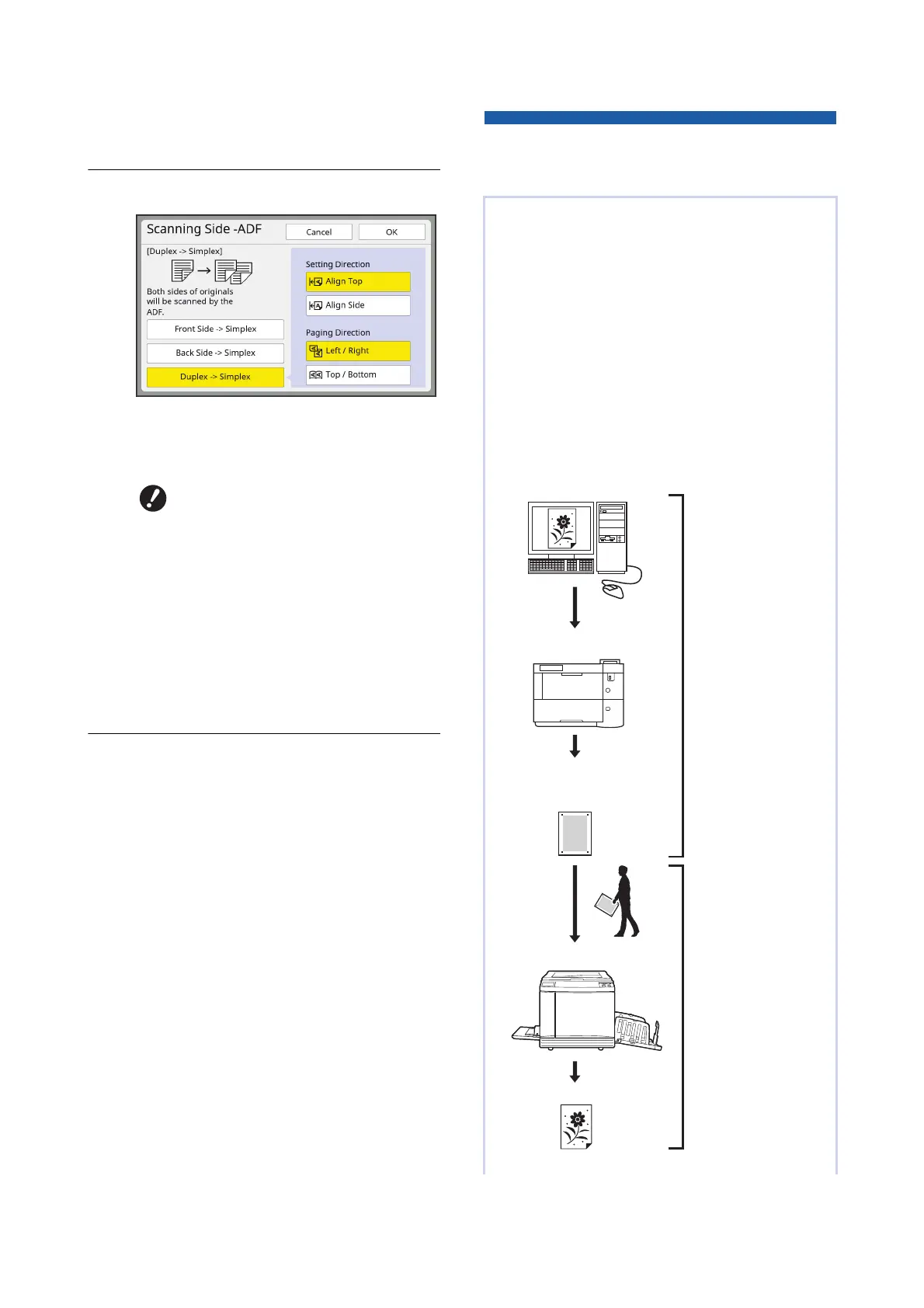
Touch [Scanning Side -ADF] in the
[Functions] tab screen.
2
Touch a target setting button.
■ [Front Side -> Simplex]
Only the front side (top side) of the original is
scanned.
■ [Back Side -> Simplex]
Only the back side (bottom side) of the original
is scanned.
■ [Duplex -> Simplex]
Both sides of the original are scanned.
Specify [Setting Direction] and [Paging Direc-
tion] in accordance with the original.
3
Touch [OK].
Using Paper Memory Original
[Paper Memory Print]
BBe sure to select [Front Side ->
Simplex] when you use the fol-
lowing function:
C[Top Margin Adj.] (A 67)
Even if this machine cannot be connected to a com-
puter, you can still perform high-resolution printing
similar to printing that is performed directly from a
computer.
Using the RISO Printer Driver function, you can
convert original data created on a computer into a
digital pattern, and then print it with a laser printer
*
.
The paper is called a “Paper Memory Original”. You
can use the [Paper Memory Print] function of this
machine to reproduce and print the source original
data from the Paper Memory Original.
*
A laser printer of 600 dpi or more is required to create a
Paper Memory Original. However, this machine may
not be able to scan it properly depending on the model
and print quality of the laser printer.
Laser printer
*
Original data
Create a Paper Mem-
ory Original.
(See the “RISO Printer
Driver User’s Guide”
(DVD-ROM).)
Scan and print the
Paper Memory Original
with this machine.
(Described in this docu-
ment.)
Paper Memory Original
(Digital pattern converted from
the original data)
This machine
Printed paper



 To Next Page