Chapter 7 Setting the Operation Conditions
135
7
1
Touch [Reset Counter] in the [User
Management] screen.
To display the [User Management] screen, per-
form steps 1 to 3 in [Recognized by] (A 130).
2
Touch [OK].
Erasing the authentication setting
To disable the authentication function, erase all of the
authentication settings including the registered admin-
istrator.
1
Touch [Recognized by] in the
[User Management] screen.
To display the [User Management] screen, per-
form steps 1 to 3 in [Recognized by] (A 130).
2
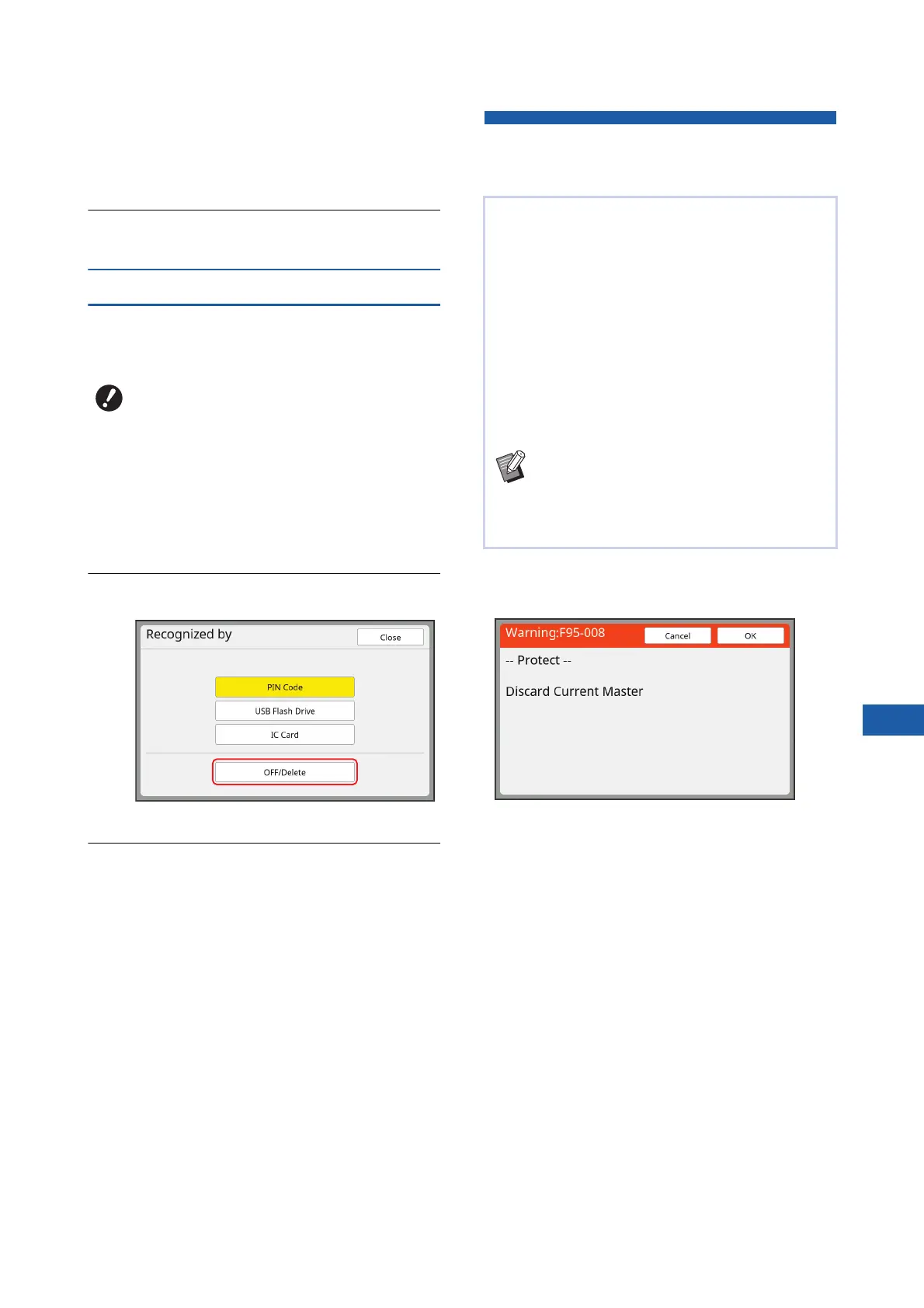
Touch [OFF/Delete].
A confirmation screen is displayed.
3
Touch [OK].
All of the user authentication settings are
erased and the authentication function is dis-
abled.
Managing the Used Master
[Protect]
■ Operation when [Protect] is set to on
• After printing is complete, a confirmation screen that
prompts you to execute [Confidential] is displayed.
[OK]: Touch this button to discard the already made
masters.
[Cancel]: Touch this button if you do not need to dis-
card the master or you want to print further copies.
The confirmation screen is displayed in the following
cases:
– When the [RESET] key is pressed.
– When the time that is set in [Auto Clear] (A 121)
elapses.
– After restored from sleep mode.
– When the power is turned on.
BOnce you have erased the authentica-
tion settings, it is not possible to return
to the status before the settings were
erased.
After printing, the master that has been made is still
loaded on the print drum (cylinder) in the print ready
status.
When [Confidential] (A 99) is turned on, the master
that has been made is discarded. Therefore, you
can prevent improper printing of confidential docu-
ments.
However, as the discarded masters are accumu-
lated in the master disposal box, there is a risk that
the box could be removed by a third party with mali-
cious intent.
In order to avoid such a risk, this machine features
the [Protect] function.
BWhen [Protect] is set to [ON], the time that
is required for switching to [Auto Sleep]
(A 121) is fixed to one minute.
BWhen [Protect] is set to [ON], you cannot
use [Renew Page] (A 81).



 To Next Page