Chapter 3 Functions for Master Making
58
2 [Standard ratio]: You can select one of the
typical rates to enlarge or reduce originals
from a standard size to another standard
size.
3 [Margin+]: In addition to the selected magni-
fication rate, a reduction rate is applied to
create margins around the original.
3
Touch [OK].
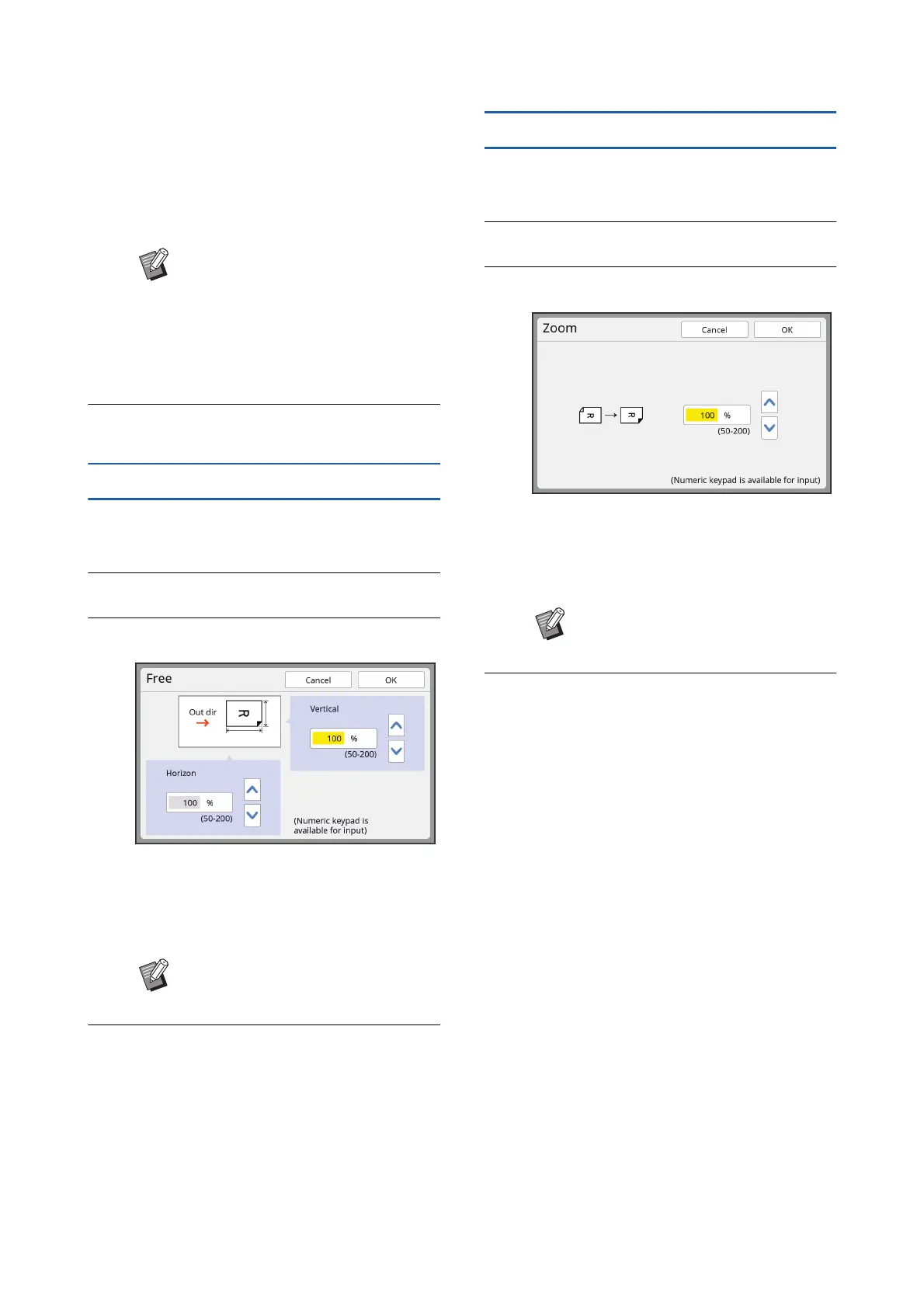
[Free]
1
Touch [Size] in the [Basic] tab
screen.
2
Touch [Free].
3
Change the magnification rate.
You can change the magnification rate using
either of the following methods.
• Entering a numeric value using the numeric
keys.
• Touching [F] or [G].
4
Touch [OK].
[Zoom]
1
Touch [Size] in the [Basic] tab
screen.
2
Touch [Zoom].
3
Change the magnification rate.
You can change the magnification rate using
either of the following methods.
• Entering a numeric value using the numeric
keys.
• Touching [F] or [G].
4
Touch [OK].
B[Margin+] cannot be selected when
you have selected [Auto], [Free], or
[Zoom].
B[Auto] under [Size] cannot be used
when you have set [Layout] (A 60),
[Multi-Up Print] (A 62) or [2 Up]
(A 66).
BPressing the [C] key returns the
magnification rate to [100%].
BPressing the [C] key returns the
magnification rate to [100%].



 To Next Page