Chapter 2 Basic Operations
37
2
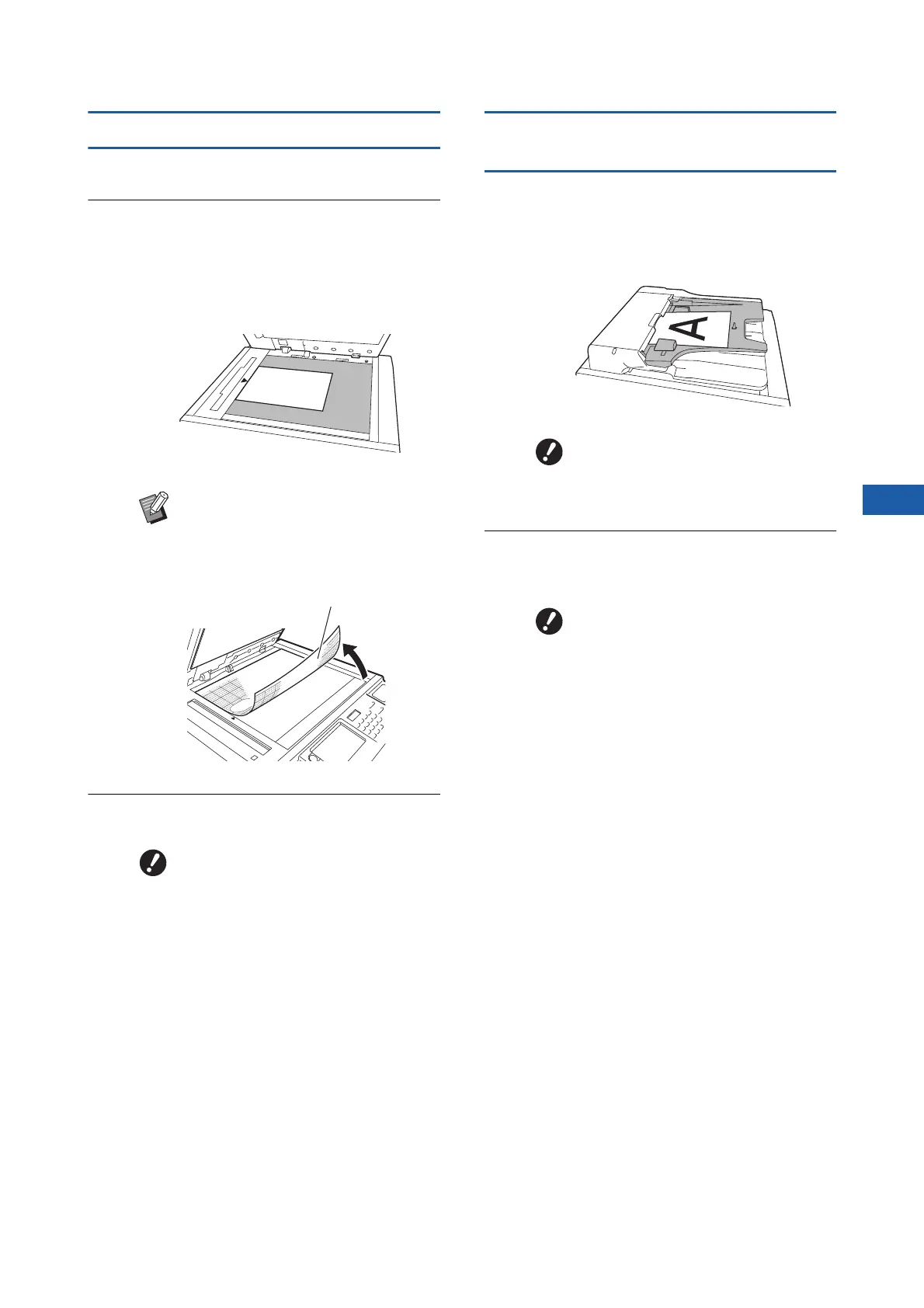
When using the glass platen
1
Open the platen cover.
2
Place an original on the glass
platen.
Place the original with the scanning side facing
down and align the center of the original with
the [H] mark.
3
Close the platen cover.
When using the auto document
feeder
1
Place originals on the auto docu-
ment feeder.
Place the originals with the scanning side fac-
ing up.
2
Adjust the ADF original guides to
the width of the original.
BWhen a gauge cover is attached on
the glass platen, place the original
under the gauge cover.
You can lift the gauge cover from
the lower right.
BClose the platen cover gently.
Forcefully closing the platen
cover will cause damage to the
glass platen or original scanning
errors.
Gauge cover
BFor the auto document feeder, the
size and the number of originals
to be placed are limited.
(A 15 “Originals”)
BThis machine identifies the origi-
nal size by recognizing the posi-
tions of the ADF original guides.
If the ADF original guides do not
fit tightly to the original, the origi-
nal size cannot be identified cor-
rectly.



 To Next Page