Chapter 11 Troubleshooting
160
When a Message Is Displayed
This section describes the troubleshooting procedure when an error message is displayed.
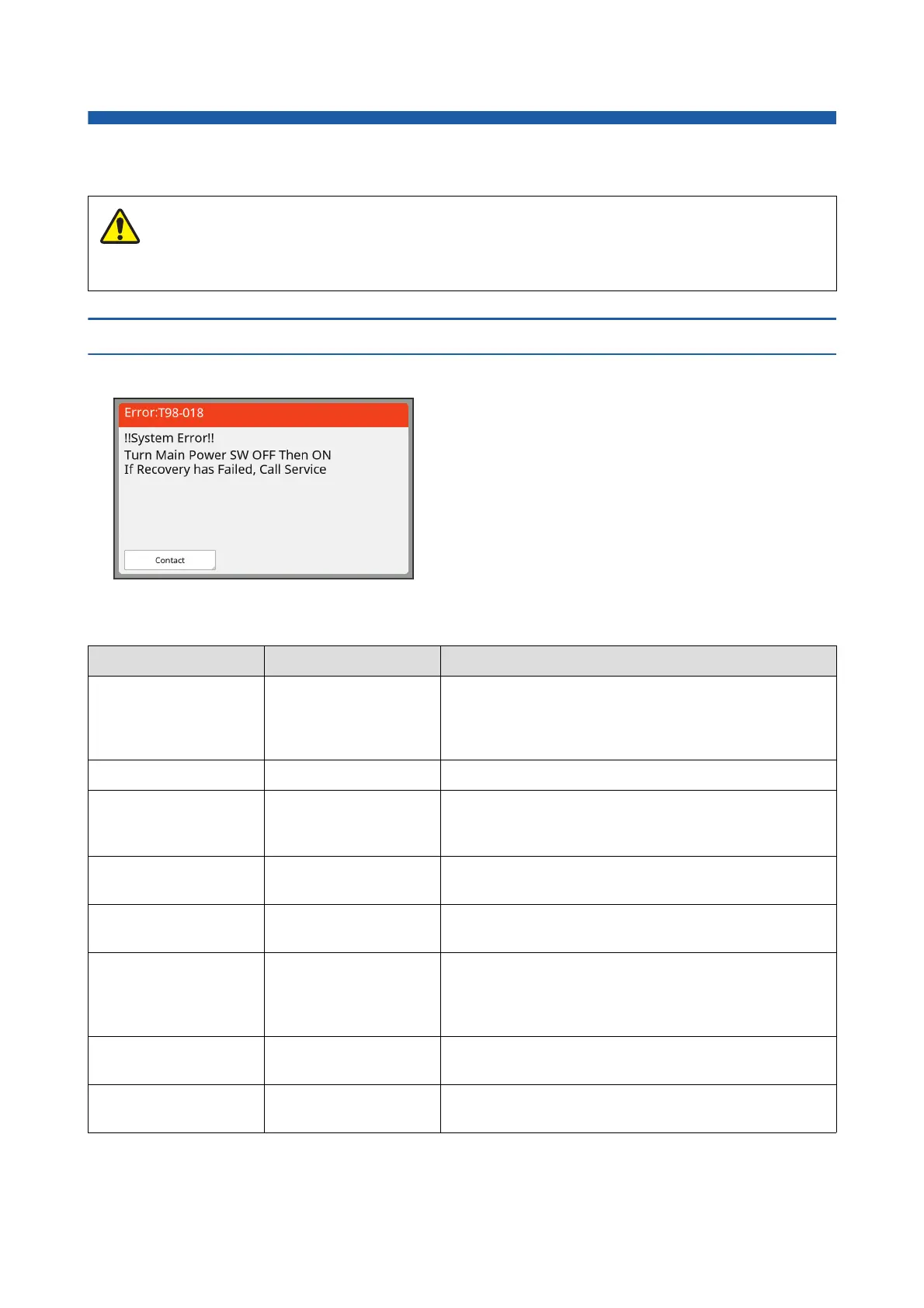
How to view the message
A troubleshooting procedure is displayed in accordance with situation.
*
For “0” of each code in the above list, the specific number is displayed.
When you put your hands inside the main unit, take care not to touch any protrusions or edges of the metal plate.
It may result in injury.
Code
*
Type Description
T00-0000 Service call error This type of error is displayed when an error that requires
inspection and repair by an authorized service representa-
tive has occurred. Report the code of the error to your
dealer or authorized service representative.
A00-0000 Master jam error This type of error is displayed when a master is jammed.
B00-0000 Optional accessory error This type of error is displayed when an error has occurred
in any of the optional accessories that are currently con-
nected.
C00-0000 Consumables error This type of error is displayed when any consumables, such
as ink and master rolls, are depleted.
D00-0000 Installation check error This type of error is displayed when any of the sections is
installed incorrectly.
E00-0000 Maintenance call error This is displayed when battery replacement or periodic
inspection by an authorized service representative is nec-
essary. Report the code of the error to your dealer or autho-
rized service representative.
F00-0000
G00-0000
Warning This is displayed when the setting on the control panel does
not conform to the condition of this machine.
J00 Paper jam error This type of error is displayed when an original or paper is
jammed.
Caution
Code:
The code for the symptom are displayed.
Message:
The description of what is happening and the trouble-
shooting procedure are displayed.
An explanatory drawing may also be displayed.



 To Next Page