Chapter 9 Replacing Consumables
149
9
5
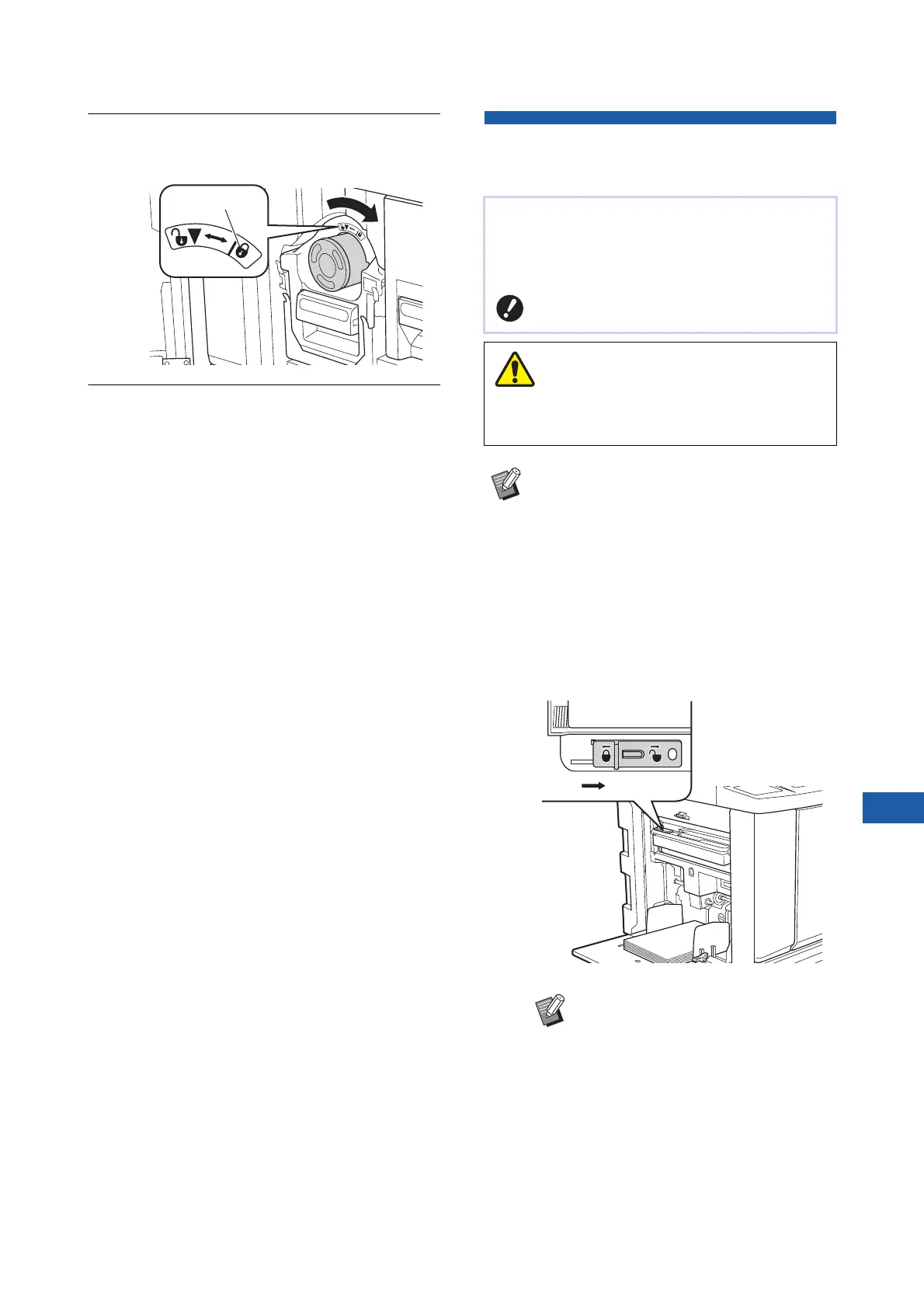
Lock the ink cartridge.
Turn the ink cartridge clockwise to lock it.
6
Close the front door.
Emptying the Master Disposal
Box
1
Unlock the master disposal box.
If the master disposal box is locked, slide the
lock lever to the right to unlock it.
(This operation is not necessary if the lock han-
dle is not attached.)
Lock
Used masters are sent to the master disposal box.
When the master disposal box becomes full, a mes-
sage is displayed and this machine stops.
Dispose of the used masters.
BKeep the power on while emptying the
master disposal box.
Wash immediately with soap if you get ink on your
hands, etc.
BWhen [Protect] (A 135) is set to on, you
can remove the master disposal box only
when the following message is displayed.
C[Master Disposal Box is Full]
C[Master Jammed in Disposal Unit]
BIf a padlock is attached to the mas-
ter disposal box, contact your
administrator and unlock it.
Caution
Unlock



 To Next Page