Chapter 4 Functions for Printing
78
Functions for Printing
■ Functions that are set using hardware
keys
■ Functions that are set using the touch
panel
Adjusting the Print Speed
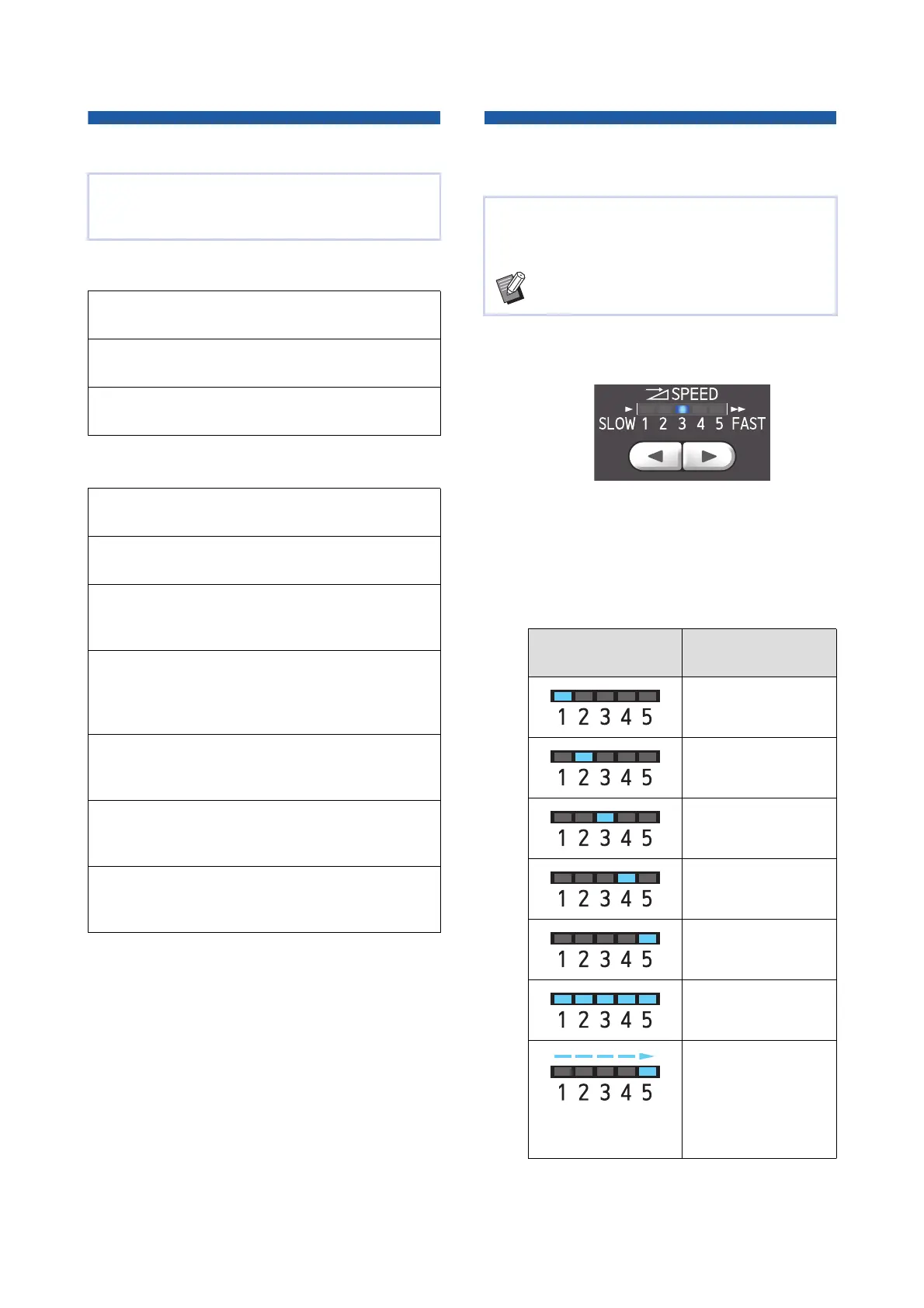
[SPEED]
1
Press the [SPEED] key ([O] or
[N]).
• Each press of the [O] key decreases the print
speed by one level.
• Each press of the [N] key increases the print
speed by one level.
The table below shows the relation between
the print speed lamp status and the print speed.
For the details and setting procedure of each func-
tion, see the pages that are specified as a refer-
ence.
[SPEED] (A 78)
You can adjust the print speed.
[DENSITY] (A 79)
You can adjust the print density.
[PRINT POSITION] (A 80)
You can adjust the print position.
[Paper Size] (A 59)
You can select a custom paper size.
[Interval] (A 81)
You can reduce offsetting of ink on printed paper.
[Renew Page] (A 81)
You can make a master again using the image that
was used for the latest master making.
[Auto Page Renewal] (A 82)
Master making is automatically performed again
each time a specified number of sheets has been
printed.
[Special Paper Ctrl] (A 82)
You can adjust the paper feeding and paper receiv-
ing conditions when using special paper.
[Jump Wing Control] (A 86)
You can adjust the position of the paper jumping
wings to facilitate the receiving of special paper.
[D-Feed Check] (A 87)
You can turn on and off the function to check if over-
lapped sheets of paper are fed.
You can adjust the print speed.
It is possible to adjust the print speed not only
before but also during the printing process.
BYou can change the default setting in [Print
Speed] (A 118) under [Admin.].
Lamp Print speed (sheets /
minute)
Approximately 60
([Silent]
*
)
Approximately 80
Approximately 100
Approximately 120
Approximately 130
Approximately 160
([160ppm])
The light moves in
order.
Approximately 190
([190ppm]
*
)



 To Next Page