Chapter 3 Functions for Master Making
50
Functions for Master Making
■ Functions related to image processing
■ Functions related to layout
For the details and setting procedure of each function,
see the pages that are specified as a reference.
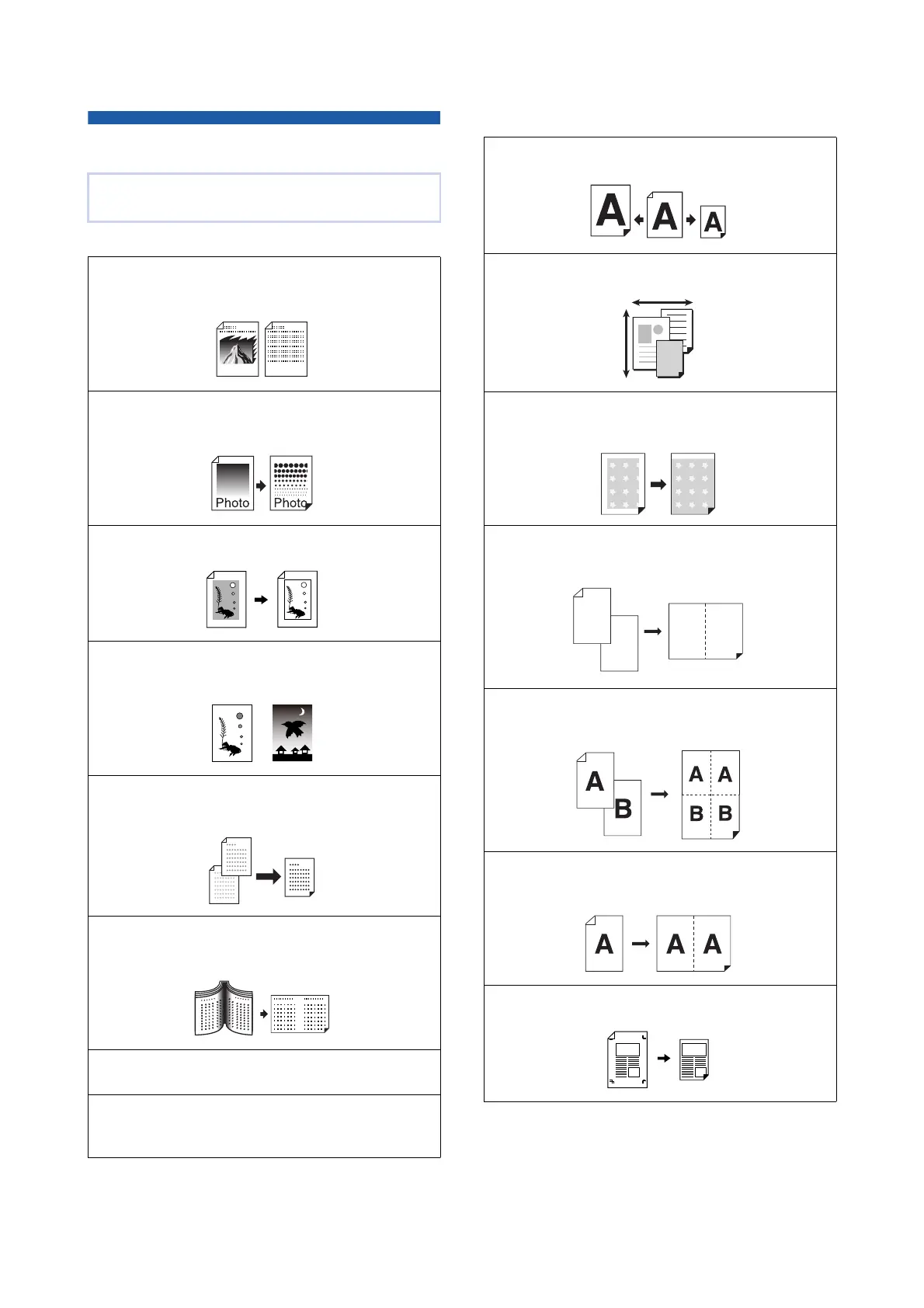
[Image] (A 51)
You can set the processing that is suitable for the
type of original.
[Dot Process] (A 53)
You can set the processing method to express the
gradation of a photo.
[Contrast Adj] (A 53)
You can change a blurry photo to a sharp final output.
[Tone Curve] (A 54)
You can adjust the tone of bright parts and dark parts in
originals such as a photo.
[Contrast] (A 54)
You can adjust the contrast according to the paper color
and the tint of the original.
[Book Shadow] (A 55)
You can erase or reduce the shadow in the binding
section of books.
[Ink Saving] (A 56)
You can reduce the amount of ink consumption.
[Quick Master Making] (A 57)
You can shorten the time required for master mak-
ing.
[Size] (A 57)
You can enlarge or reduce the size of the original.
[Paper Size] (A 59)
You can select a custom paper size.
[Max. Scan] (A 60)
You can make a master using the maximum printing
area.
[Layout] (A 60)
You can lay out multiple pages on a single sheet of
paper.
[Multi-Up Print] (A 62)
You can lay out multiple originals on a single sheet
of paper.
[2 Up] (A 66)
You can lay out two copies of an original side by
side on a single sheet of paper.
[Top Margin Adj.] (A 67)
You can cut (trim) the top section of the original.
1
2
1
2



 To Next Page