Chapter 7 Setting the Operation Conditions
127
7
Changing the paper size
1
Touch [Custom Paper Entry] in the
[Admin.] screen.
2
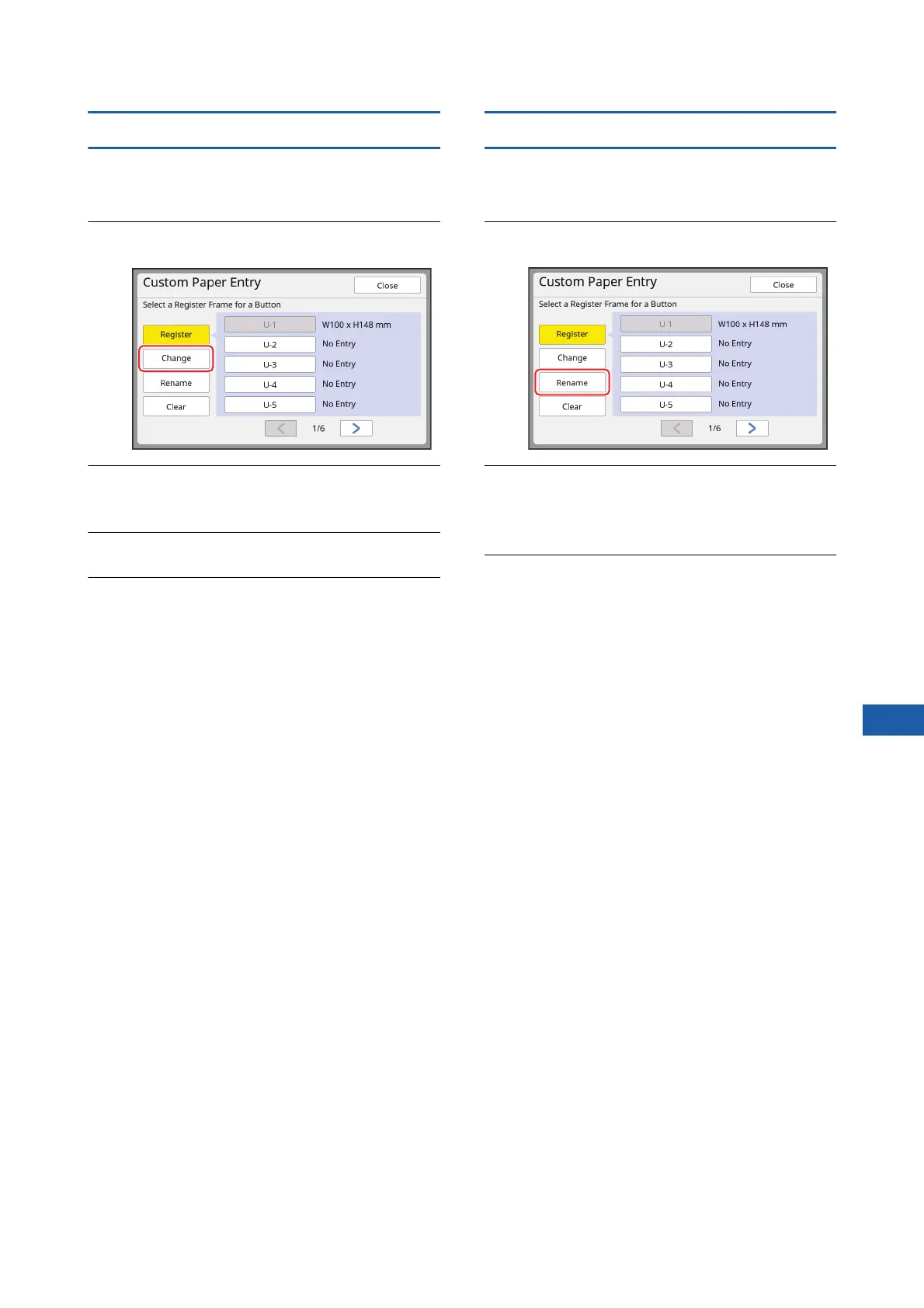
Touch [Change].
3
Touch the button of the paper that
you want to change.
4
Change the paper size.
5
Touch [OK].
The [Custom Paper Entry] screen is displayed.
Changing the name of the paper size
1
Touch [Custom Paper Entry] in the
[Admin.] screen.
2
Touch [Rename].
3
Touch the button whose name you
want to change.
(A 28 “[Rename] screen”)
4
Touch [OK].
The [Custom Paper Entry] screen is displayed.



 To Next Page