Chapter 4 Functions for Printing
81
4
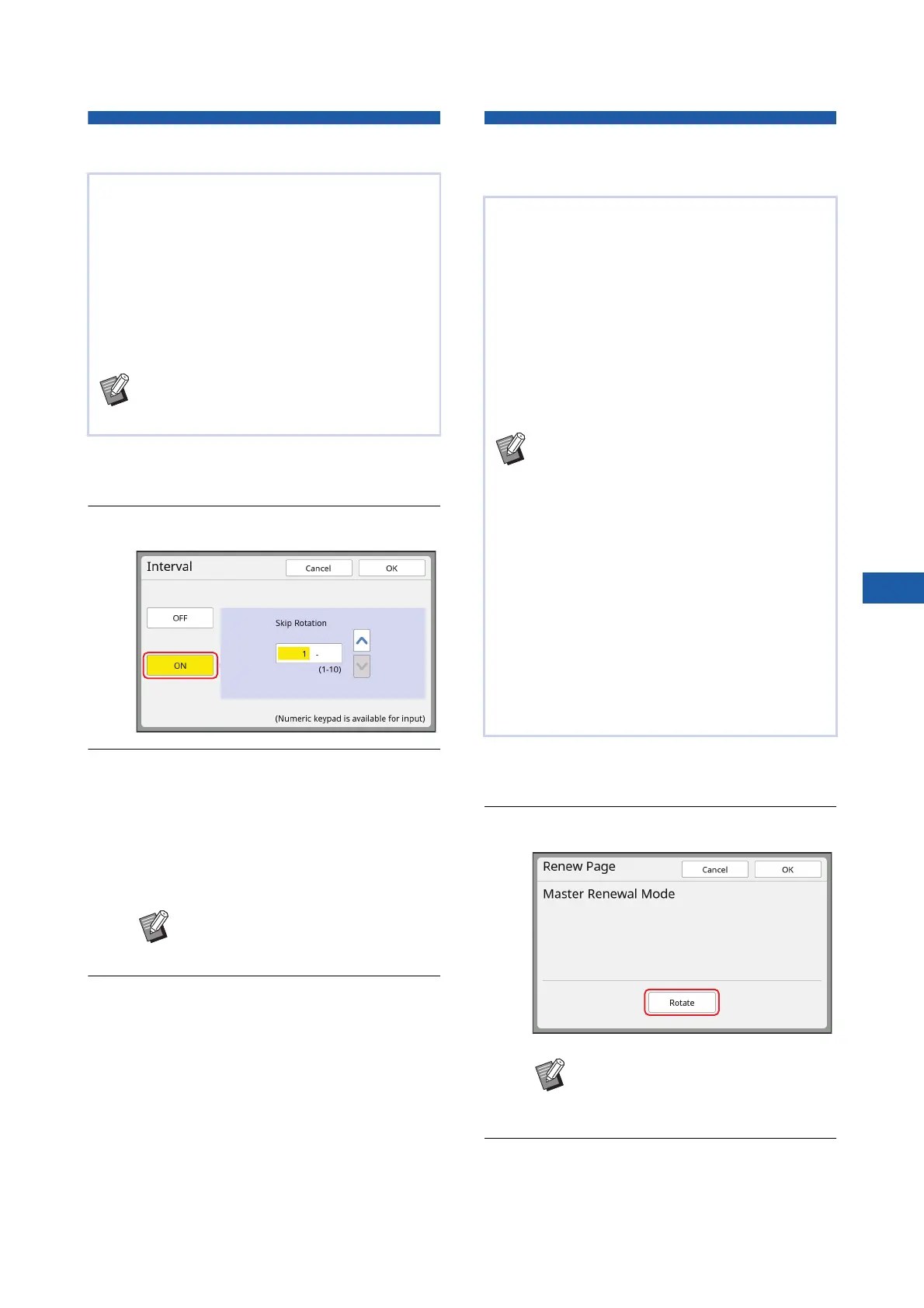
Reducing Offset of Ink [Interval]
1
Touch [Interval] in the [Functions]
tab screen.
2
Touch [ON].
3
Specify the number for [Skip Rota-
tion].
You can specify the number for [Skip Rotation]
using either of the following methods.
• Entering a numeric value using the numeric
keys.
• Touching [F] or [G].
4
Touch [OK].
Making a Master Again
[Renew Page]
1
Touch [Renew Page] in the [Func-
tions] tab screen.
2
Touch [Rotate] as necessary.
3
Touch [OK].
Printed paper is output at a high speed on this
machine. Depending on the paper, ink on a printed
sheet may not be dried sufficiently. This ink may
smear on the back surface of the next printed sheet.
In this case, set a longer interval until the next
printed sheet is output. This helps the ink dry and
prevents an offset.
You can adjust the interval until the next printed
sheet is output using the idle rotations of the print
drum (cylinder).
BYou cannot use this function with the fol-
lowing function.
C[Slip sheet sorting] (A 95)
BPress the [C] key to return the num-
ber to [1].
This machine temporarily stores an image that was
used for the latest master making.
You can perform master making with the image by
using [Renew Page]. This function is useful as you
do not need to place the original and perform set-
tings again.
The master may be deteriorated during the printing
process of a large amount of sheets.
In this case, as the master is replaced with a new
one by selecting [Renew Page] while the current
setting remains as it is, the print quality can be
maintained at a constant level.
BNote that [Renew Page] is not available
under the following conditions.
CMaster making has never been per-
formed after turning on the power switch
of this machine.
CAfter the [RESET] key has been
pressed.
CWhen the time that is set in [Auto Clear]
(A 121) elapses.
CAfter [Confidential] has been performed.
CWhen an error occurred before complet-
ing master making.
CAfter [Idling Action] has been per-
formed.
*
*
[Renew Page] can be performed if any of [Preview],
[Overlay], or [Book Shadow] has been set.
BThe [Rotate] setting that is specified
in this screen is also applied to
[Auto Page Renewal].



 To Next Page