Chapter 4 Functions for Printing
83
4
4
Set each item as necessary.
Touch [Specific] to specify [Clutch ON Timing]
and [Clutch OFF Timing].
5
Touch [OK].
The [Special Paper Ctrl] screen is displayed.
6
Touch [Close].
Paper receiving adjustment for spe-
cial paper
You can adjust the paper receiving conditions depend-
ing on the characteristics of the printed image and the
paper.
1
Touch [Special Paper Ctrl] in the
[Functions] tab screen.
2
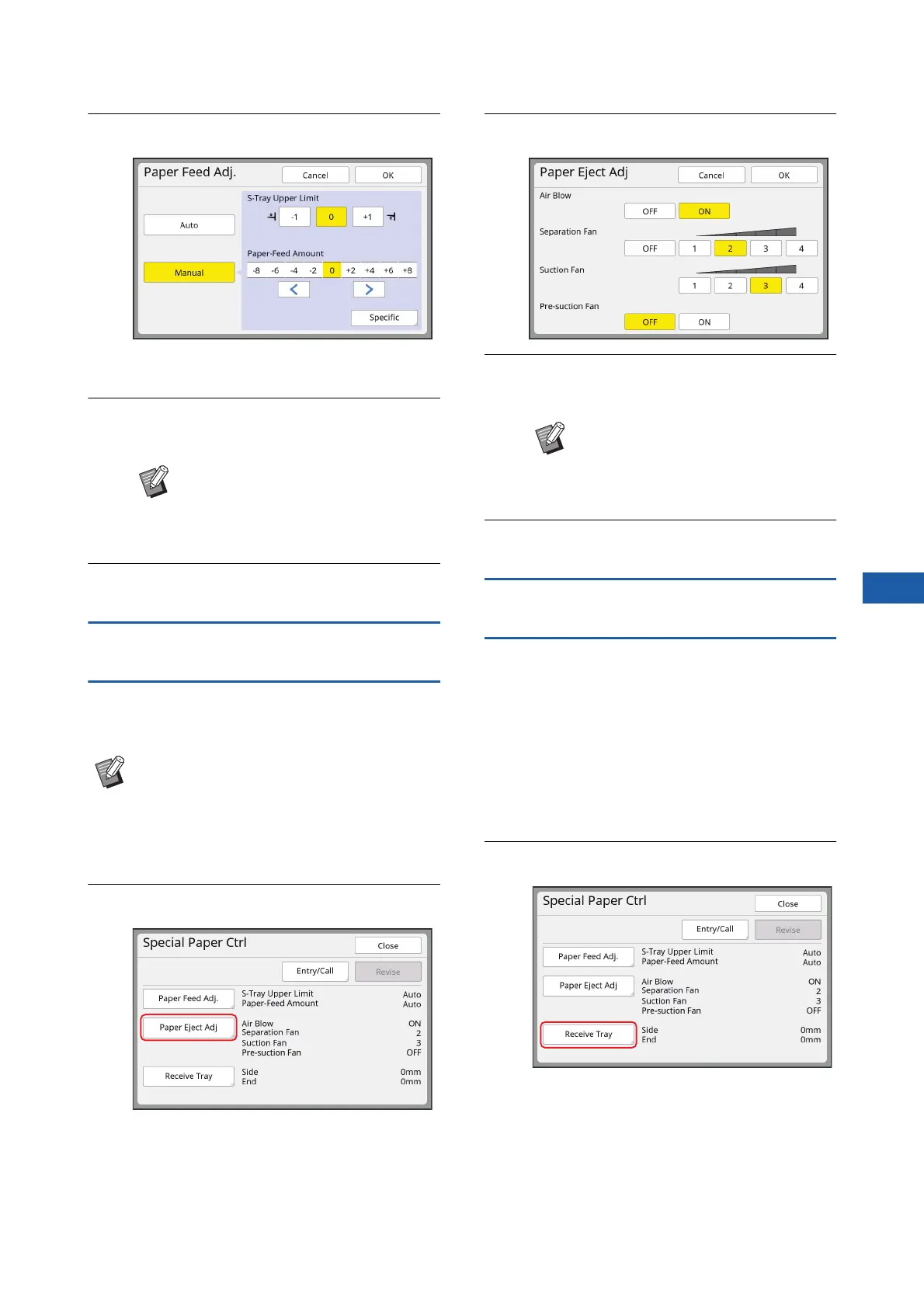
Touch [Paper Eject Adj].
3
Set each item as necessary.
4
Touch [OK].
The [Special Paper Ctrl] screen is displayed.
5
Touch [Close].
Adjusting the optional receiving-tray
paper guides
If this machine is equipped with the optional “auto-
control stacking tray”, [Receive Tray] is displayed in
the [Special Paper Ctrl] screen.
The receiving-tray paper guides and paper stopper of
the “auto-control stacking tray” automatically move to
a position according to the paper size when starting to
make masters or to print. You can adjust this position.
1
Touch [Special Paper Ctrl] in the
[Functions] tab screen.
2
Touch [Receive Tray].
BIt is useful if you register the adjust-
ment values that you have set.
(A 84 “Registering the adjustment
values”)
BYou can change the default setting in
[Paper Ejection Adj] (A 119) under
[Admin.].
BIt is useful if you register the adjust-
ment values that you have set.
(A 84 “Registering the adjustment
values”)



 To Next Page