Chapter 9 Replacing Consumables
145
9
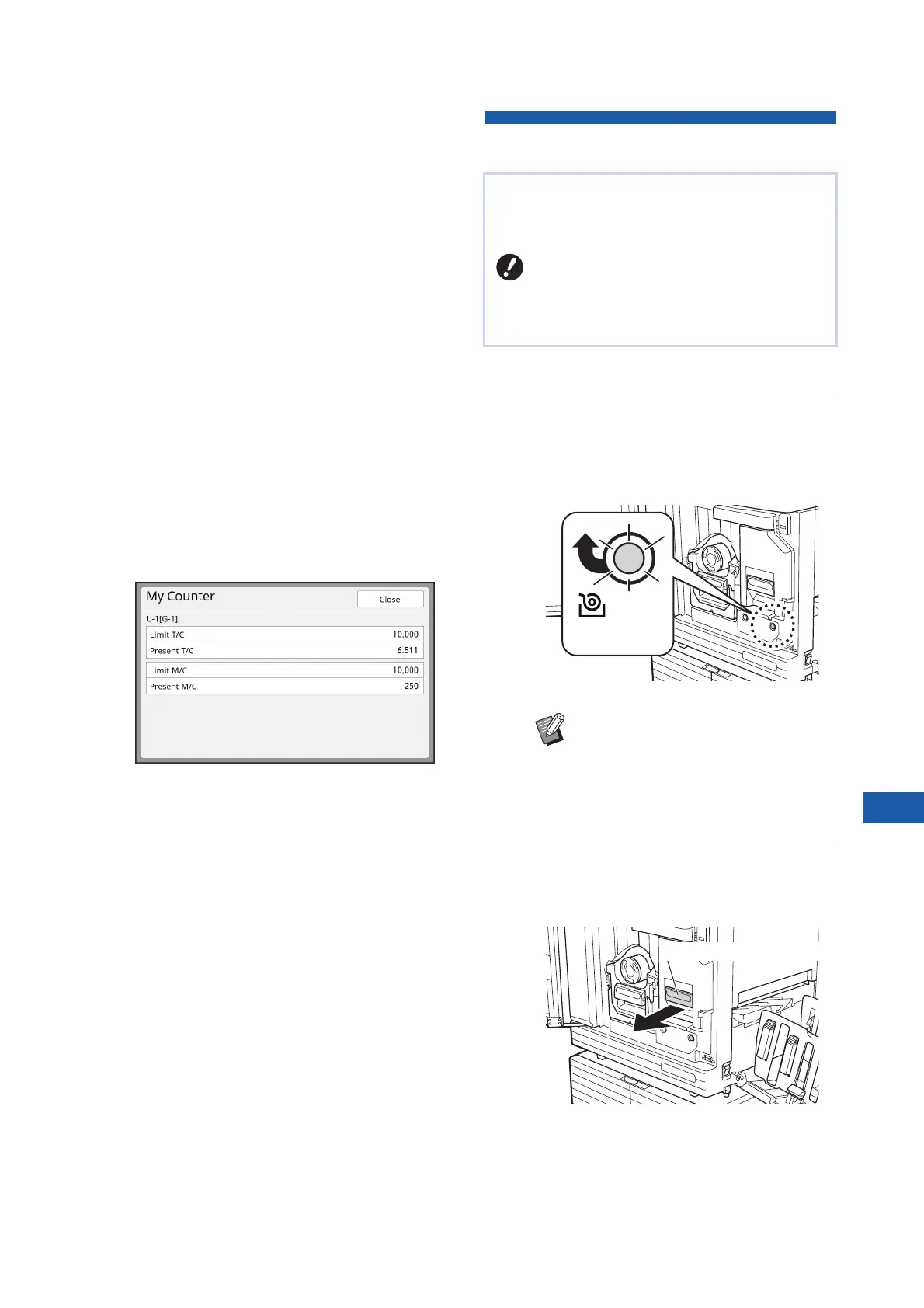
■ [Disposal Box Space]
Shows the remaining amount of space in the
master disposal box with an icon.
■ [Drum Information]
Shows the size and color of the print drum (cyl-
inder) that is set in this machine. When [Ink
Saving] (A 56) is used for making the master
on the print drum (cylinder), [Ink Saving] is dis-
played.
■ Date and Time
Shows the internal clock of this machine.
You can adjust the clock in [Clock/Calendar]
(A 121) under [Admin.].
■ [My Counter]
Shows [My Counter] in the [I Info] screen if
the authentication function (A 129) is set to on.
Touching [My Counter] displays the [My Coun-
ter] screen.
You can check the counter of the currently
authenticated users in the [My Counter] screen.
(A 102 “Calculating the Total Number of Cop-
ies [ID Counter Report]”)
Setting the Master Roll
1
Open the front door.
2
Check that the [Master Making Unit
Release Button] lamp is lit.
If the lamp is off, press [Master Making Unit
Release Button] to light it up.
3
Pull out the master making unit.
1 Grasp the master making unit handle and
pull it to the front.
If a master roll is depleted, a message is displayed
and this machine stops. Set a new master roll in
place.
BIt is recommended to use products
specified by RISO when replacing the
master roll.
BKeep the power on while replacing the
master roll.
BWhen the print drum (cylinder) is
pulled out, you cannot pull out the
master making unit. Return the print
drum (cylinder) to its original posi-
tion, and then press [Master Making
Unit Release Button].
Master Making Unit
Release Button
Master making unit handle



 To Next Page