6. FASTENING SETTING mode (Type M)
6-18
6.8 RS232C SETTING
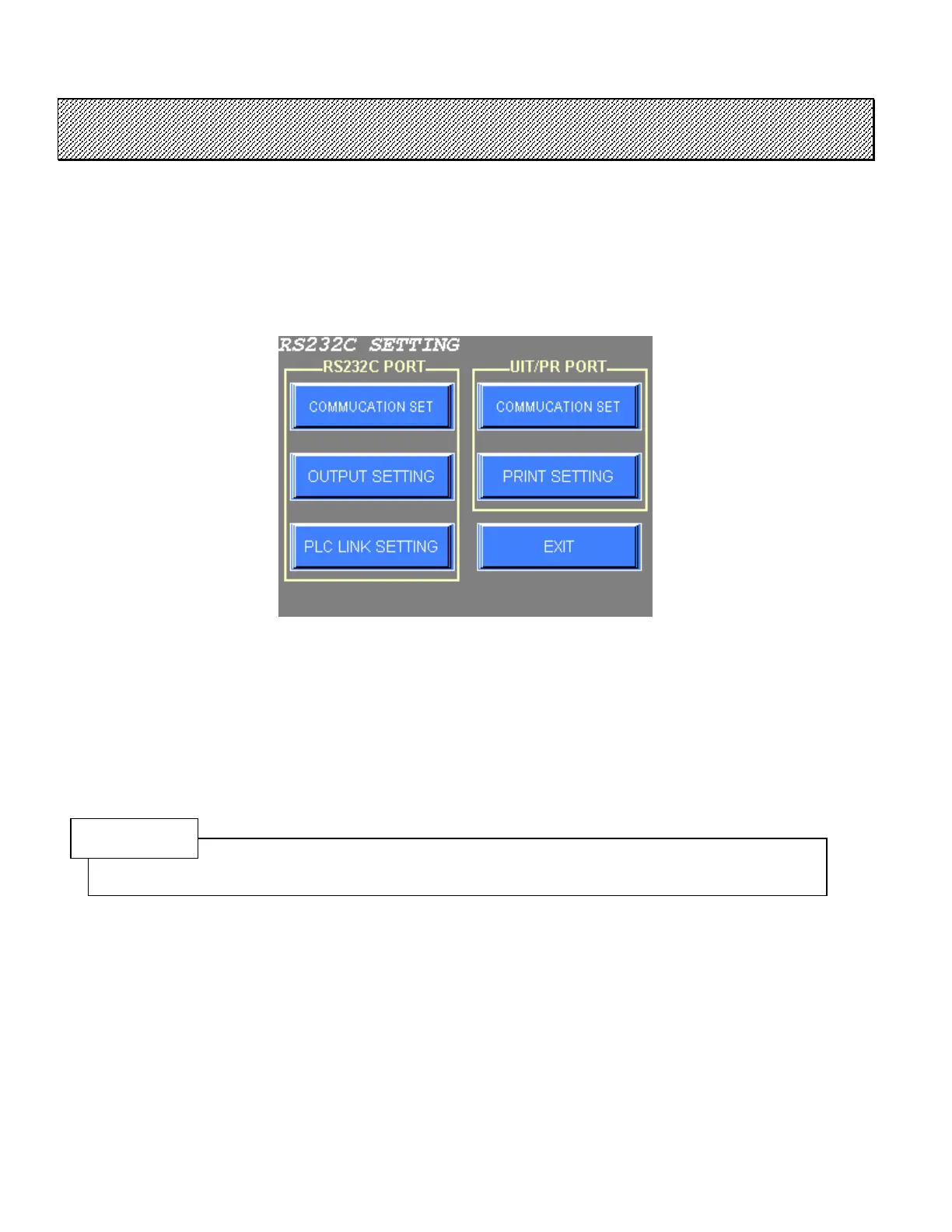
The communication and output settings of RS232C port and UIT/PR port are set.
●RS232C SETTINGS
1) Select the RS232C SETTING from the FASTENING SETTING menu.
Figure 6.8-1 RS232C SETTING menu
2) Choose the desired item from the menu.
3) Press EXIT to return to the FASTENING SETTING menu.
NOTE
Refer to “RS232C LINK FUNCTION USER’ S MANUAL” for the detail of the setting of the RS232C
LINK FUNCTION.



 To Next Page