8. MAINTENANCE mode
8-2
8.1 About the MAINTENANCE mode
The check results of the NUTRUNNER, type of the connected NUTRUNNER, SYSTEM status such as the
ROM version etc, as well as Data and NG reports can be confirmed using the MAINTENANCE mode.
The manual operation of the NUTRUNNER and the check of the touch panel can also be performed.
●Selecting the MAINTENANCE mode menu.
1) Select the MAINTENANCE from the MAIN MENU.
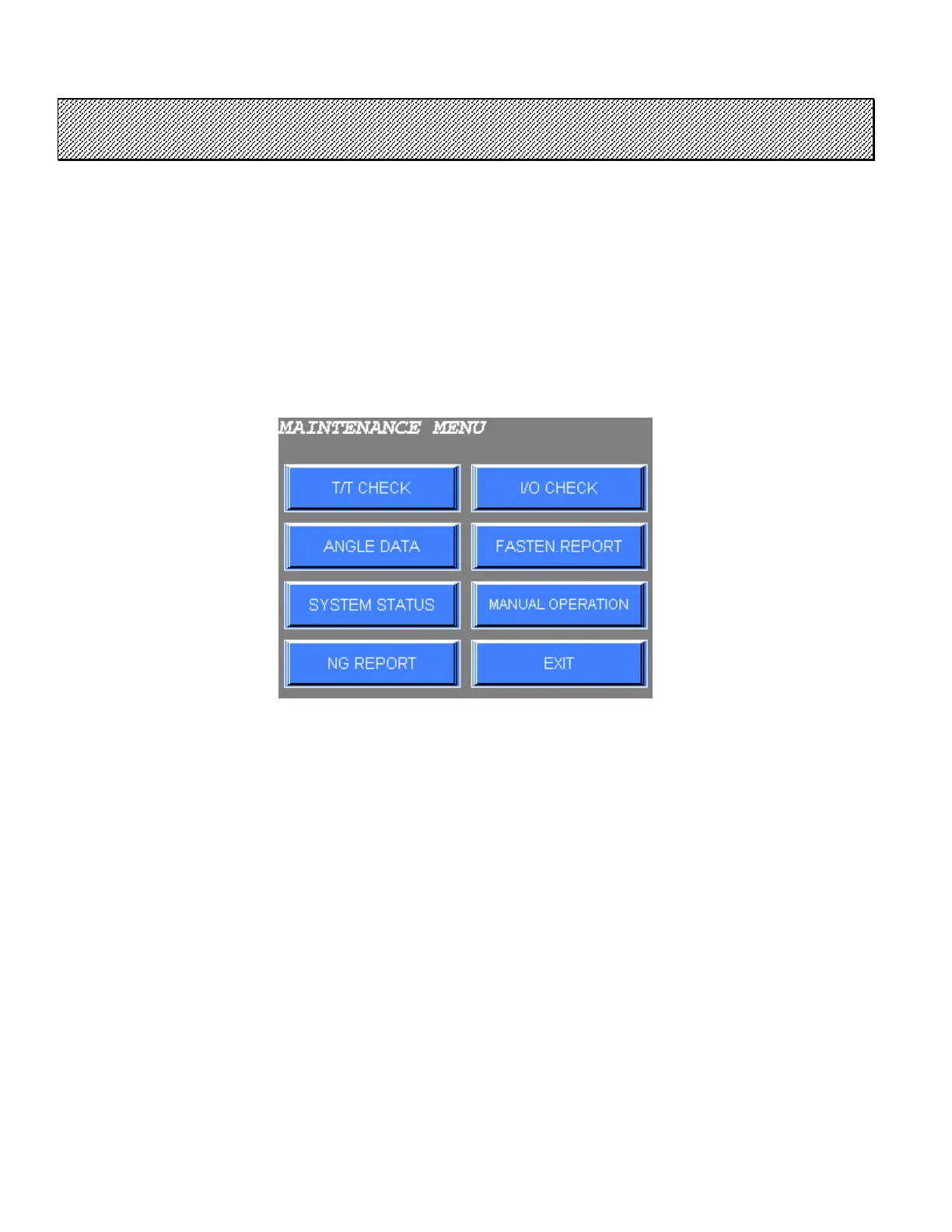
The MAINTENANCE mode menu is shown below.
Figure 8.1-1 MAINTENANCE mode menu
2) Select the desired option from the menu on the screen.
Press EXIT to return to MAIN MENU.



 To Next Page