11. Others
11-4
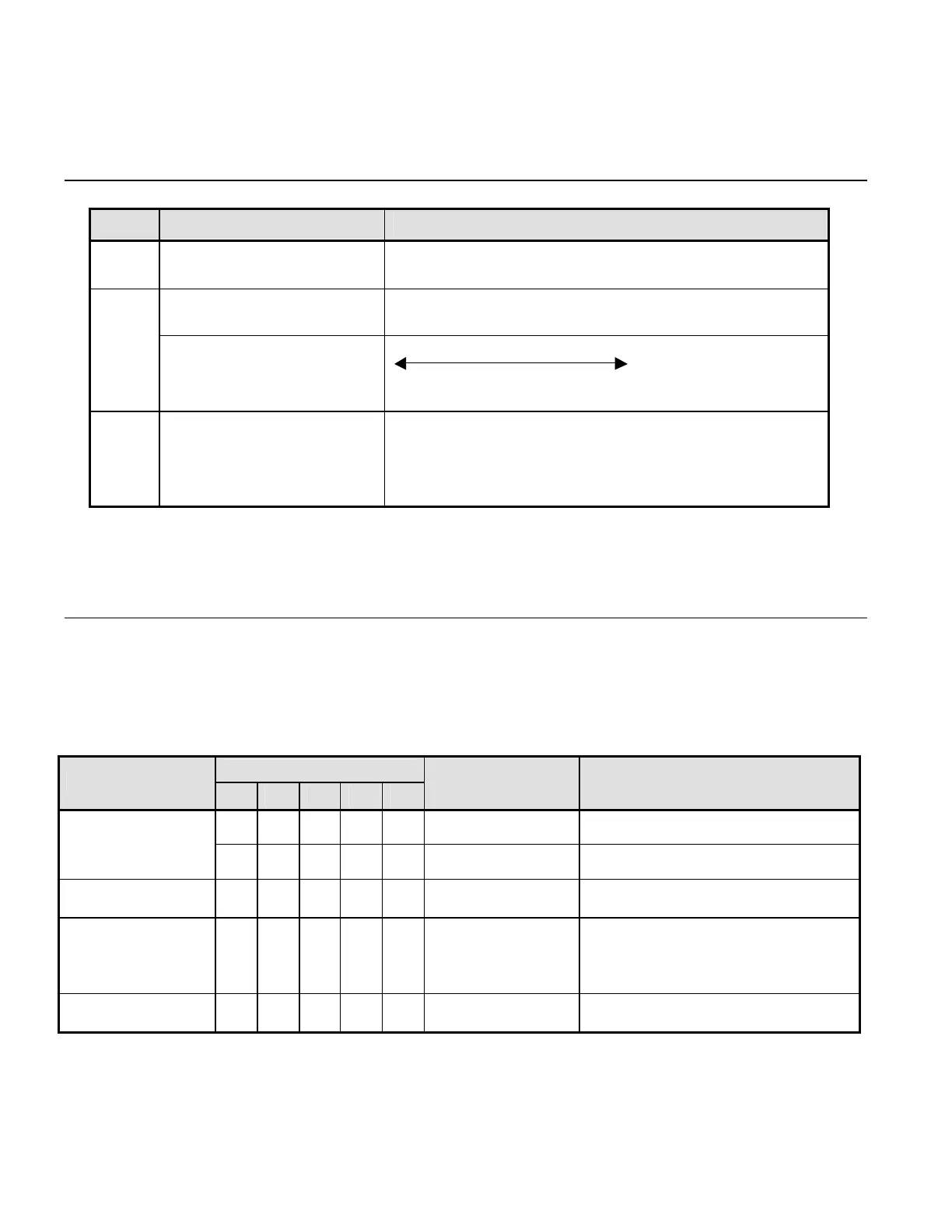
11.1.2 Switch Function with Switch Menu Displayed
FUNCTIONS SPECIFICATIONS
F1 Mode Selection
Selects the operation mode between STOP to RUN.
Change to the SYSTEM MAIN MENU
Brightness
(SDN-DP06T, SDN-DP12T)
Adjusts the screen brightness in three levels.
F2=Bright F3=Medium F4=Dark
F2
F3
F4
Contrast
(SDN-DP06C/06M)
DarkMedium Bright
Holding down the switch for one second or more changes
the contrast rapidly.
F5 Backlight control
Always ON is set in default.
The backlight can be controlled by the setting in the
[Backlight] tab window that is displayed by selecting
[System Setting] → [Unit Setting] → [Backlight] on the
V-SFT-5 editor.
Table 11.1-2 Switch Functions with Switch Menu Displayed
11.1.3 Switch Function with Switch Menu not Displayed
Switch functions with switch menu not displayed are as below.
The function switches can be defined by the user and they are used in each mode of the DISPLAY PANEL.
Refer to ‘Hardware Specifications V806’ ‘Hardware Specifications V8’ for detail about the function switches.
Function switches
Screen No.
F1
F2
F3
F4
F5
Function Note
○
○
Key lock ON/OFF Press F1 with pressing F5.
DATA DISPLAY
No.700〜707
○
To USER mode USER mode SW is displayed.
MAIN MENU
No.601
○
To USER mode USER mode SW is displayed.
SPINDLE
SETTING
No.608
○
○
To MO SPECIAL
SETTING
To DR SPECIAL
SETTING
Forbid
MAINENANCE
No.720
○
○
To Administrator
MENU
Forbid
Table 11.1-3 Switch Functions with Switch Menu not Displayed



 To Next Page