DISPLAY PANEL MANUAL
7-11
7.6 Key lock function
The key lock function may be used to prevent an unintended change of settings in the DATA DISPLAY mode.
●Key lock function
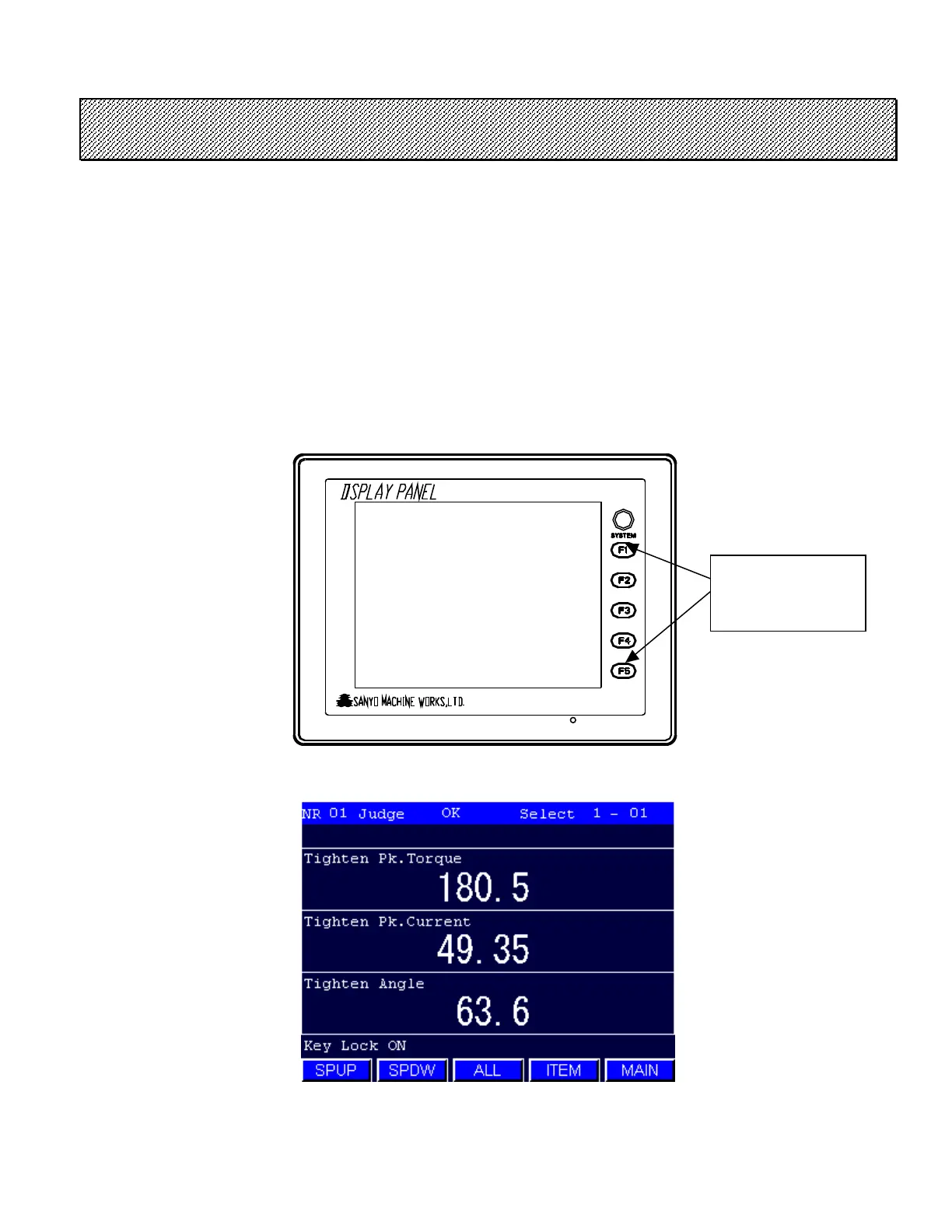
Key lock function can be turned ON/OFF by using FUNCT ION SW located right side of the screen.
Press [F1] key with pressing [F5] key in the SINGLE or MULTIPLE DISPLAY mode.
The message of “Key Lock ON” will be displayed after the key lock is set.
To disable the key lock, repeat the initial procedure.
Figure 7.6-1 Key Lock function
Press F1 key with
pressing F5 key.



 To Next Page