12. Trouble shooting
12-2
12.1 Trouble shooting
Use the following check list when the DISPLAY PANEL does not function properly or when an error message
is displayed.
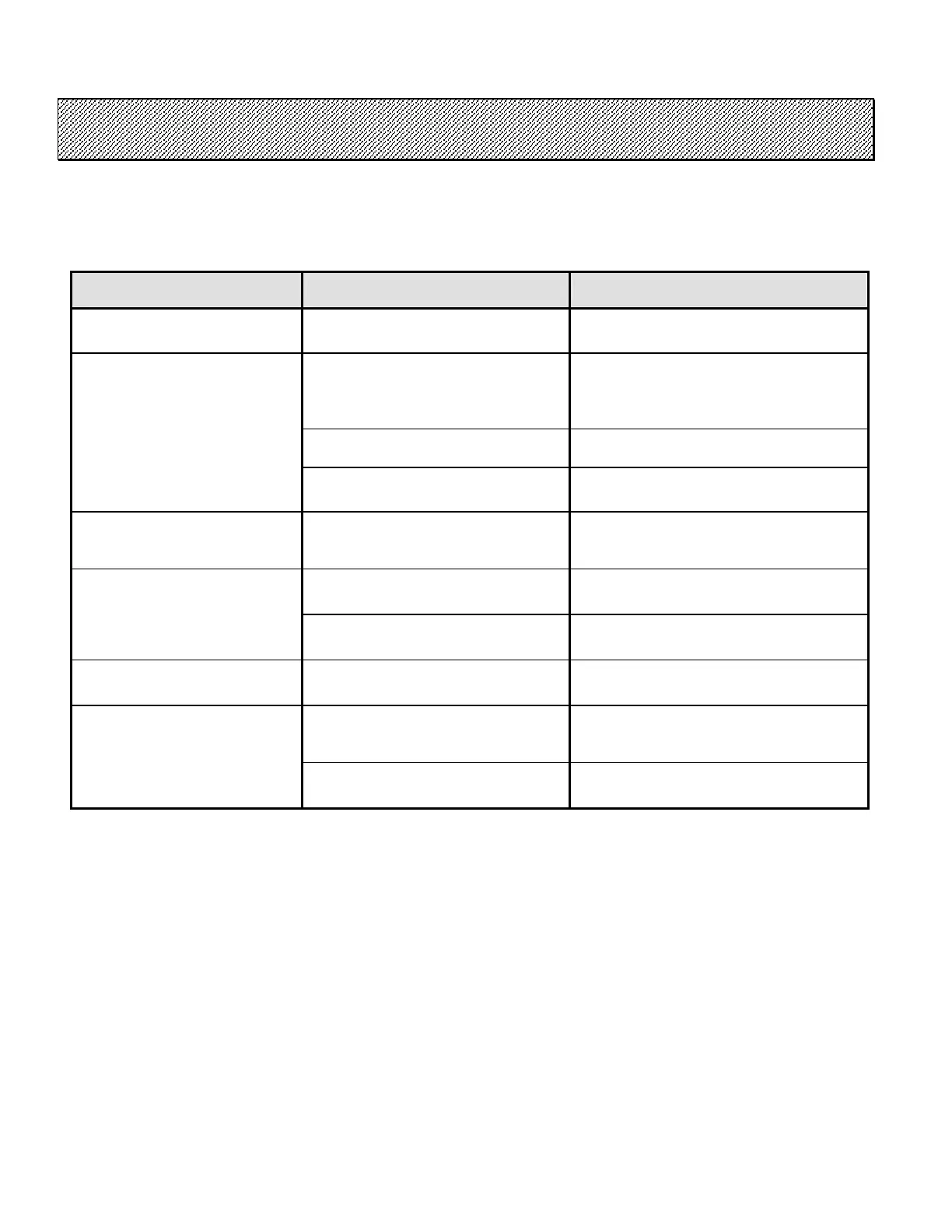
PROBLEM CAUSE REMEDY
No image on the LCD monitor
The power is not supplied. Check the power source (DC24V).
Mismatch of the
baud rate.
Check the communication baud rate of
the Display Panel and the Driver.
It can be confirmed and changed. Refer
to chapter 10 10.2.
RS485 cable is disconnected.
Check the RS485 cable is connected
firmly.
“Waiting for NR POWER ON”
RS485 cable is defective. Replace the RS485 cable.
“Type (S or M) Error”
Different types of t
connected.
Confirm the Dip SW2-8 of the Driver.
Confirm setting of the Com
Configuration.
Connection of the Multi Controller
can not be confirmed.
Confirm the connection of the Multi
Controller.
“MC not connected”
Unit Type of the Com Co
is set to Type S
Confirm setting of the Com
Configuration.
“MC ID Error”
The unit except for the Multi
Controller are connected.
Confirm the connecting unit.
Wrong Unit Type of the Driver is
connected.
Confirm the Dip SW2-8 of the Driver.
Confirm setting of the Com
Configuration.
“DR ID Error”
The unit except for the Driver are
connected.
Confirm the connecting unit.
Table 12.1-1 Troubleshooting



 To Next Page