4. Operation outline
4-10
4.7 Change to User Mode
DISPLAY PANEL can also communicate with external device such as PLC and etc. Setting area are reserved
for user to use for them.
It is possible to change to User Mode by following timing.
1) From specific screen
2) At power ON
You can also to change screen number by writing to Read Area indirectly.
4.7.1 Change from specific screen
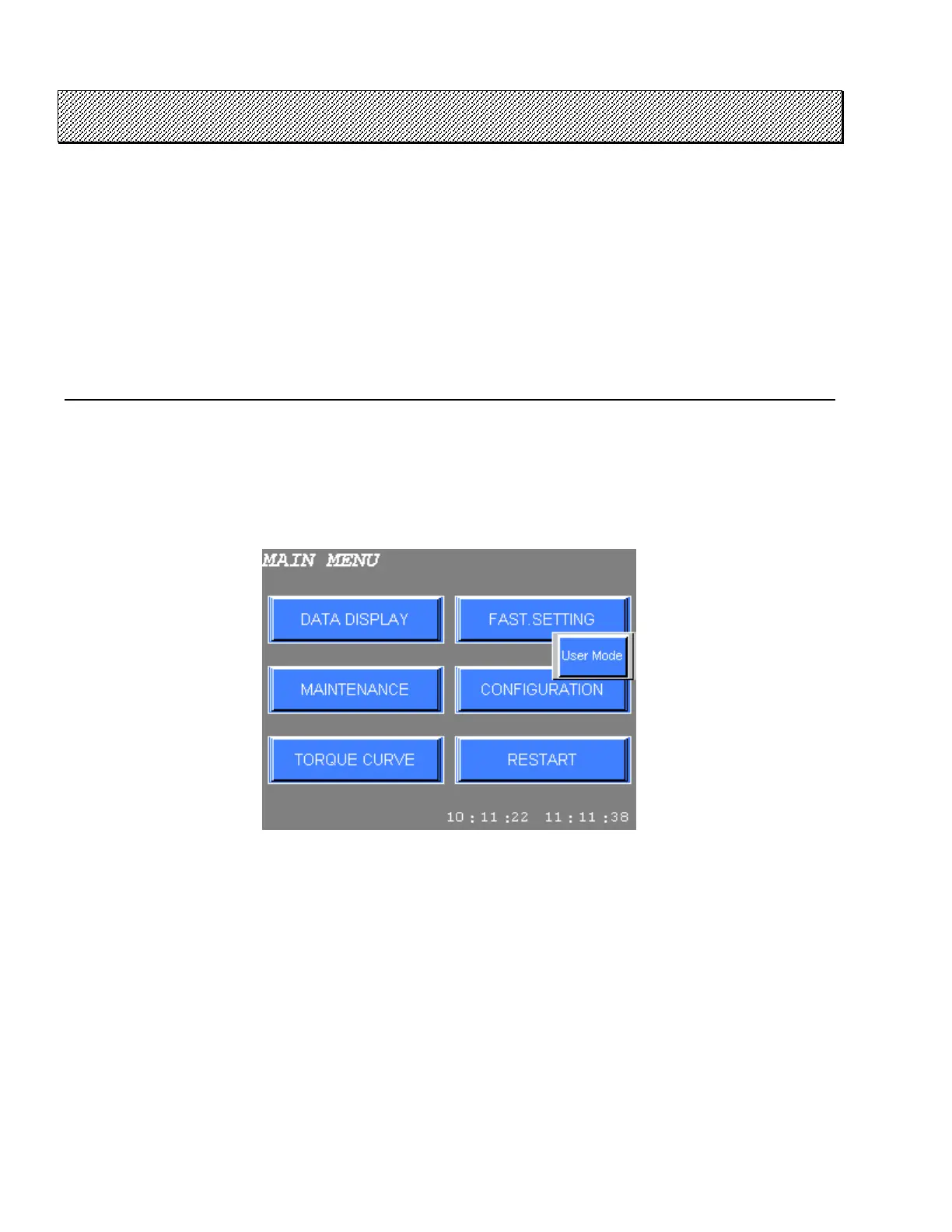
Specific screens that can change to User Mode are MAIN MENU, DATA DISPLAY MODE (except for DATA
ITEM SETTING).
Press Function Switch (F2) on specific screens to indicate User Mode change switch. Press this switch to
change screen No.1.
Figure 4.7-1 User Mode change switch



 To Next Page