5. FASTENING SETTING mode (Type S)
5-4
5.2 SYSTEM SETTING
The basic system settings for the SDNR NUTRUNNER are described in this section.
●SYSTEM SETTING menu selection
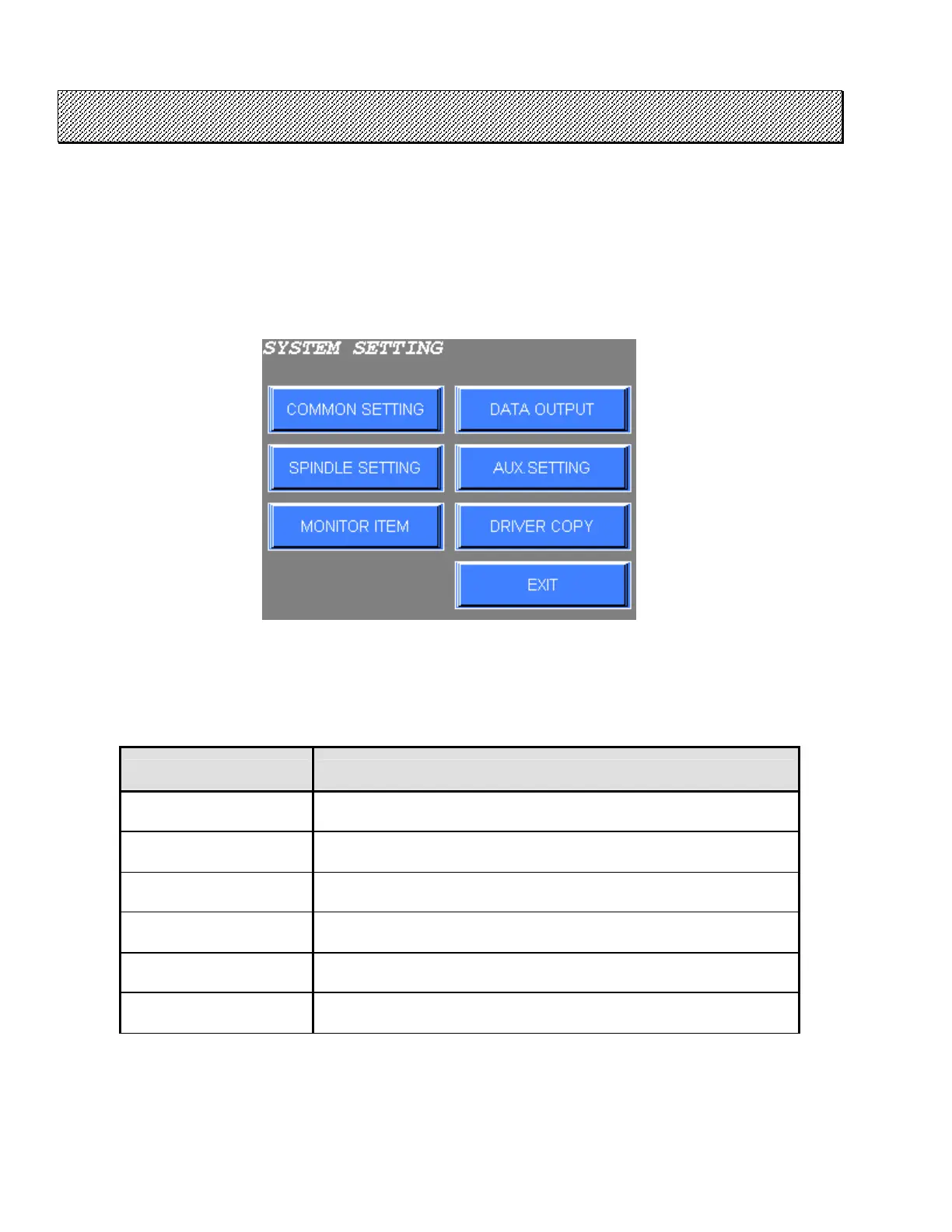
1) Select the SYSTEM SETTING from the FASTENING SETTING menu. The SYSTEM SETTING menu
will be displayed.
Figure 5.2-1 SYSTEM SETTING menu
2) Select the desired option using touch switches from the menu.
3) Press EXIT to return to the FASTENING SETTING menu.
Table 5.2-1 SYSTEM SETTING menu and its contents
SYSTEM SETTING menu
CONTENTS
COMMON SETTING It is common setting for all connected NUTRUNNERS.
SPINDLE SETTING
The type of connected NUTRUNNER is set. Custom setting such as
reduction gear ratio for non-standard spindles can be also performed.
MONITOR ITEM The monitor terminal of the DRIVER is set.
DATA OUTPUT The output item of the data of the DRIVER is set.
AUX. SETTING The auxiliary setting of connected NUTRUNNER is set.
DRIVER COPY System setting is copied between connected NUTRUNNERS.



 To Next Page