8. MAINTENANCE mode
8-18
8.7 FASTENING REPORT(Type S)
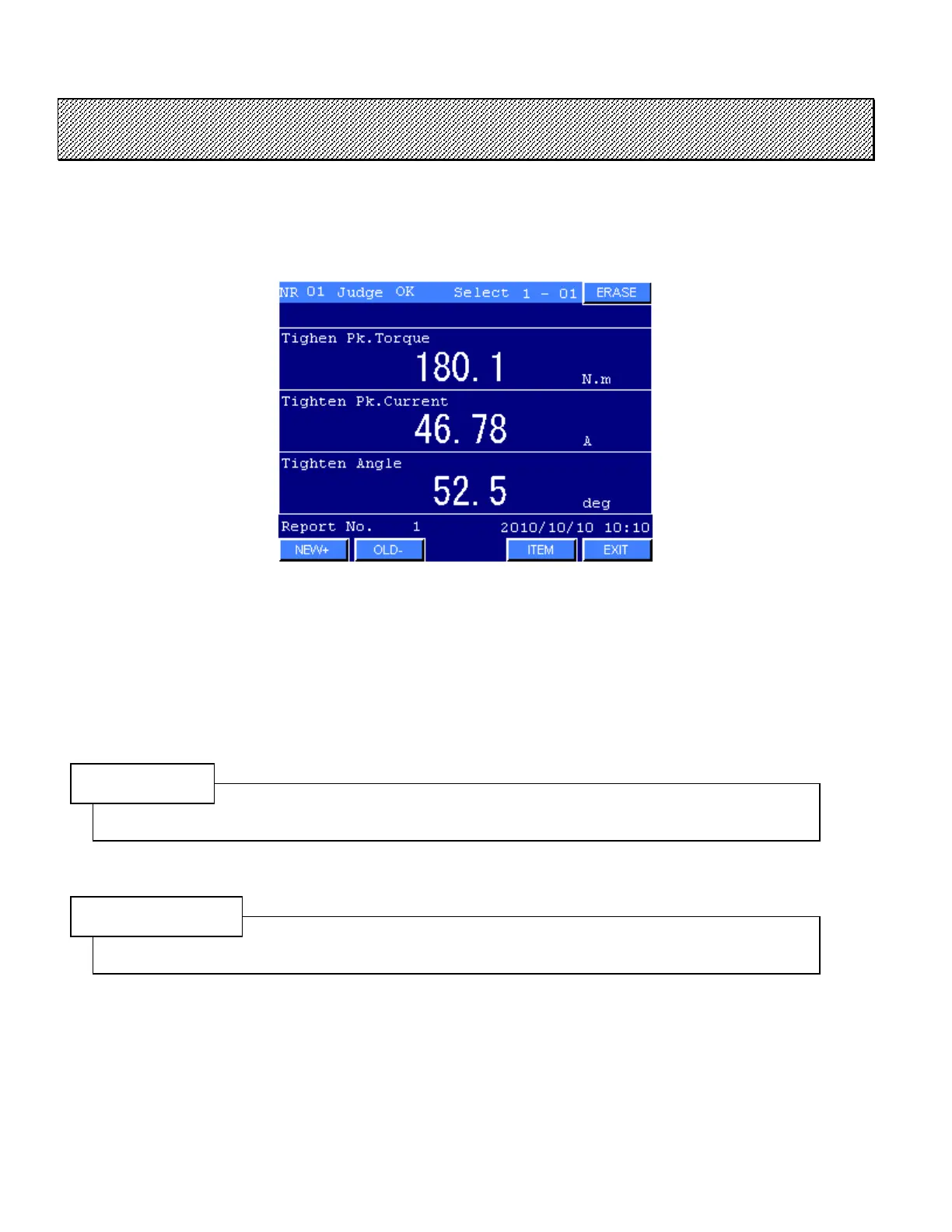
Data of the previous fastening operations by the NUTRUNNER are displayed. Up to 320 data can be stored
in the system. Once full, the oldest record is reset and a new one is added.
Press EXIT to return to the MAINTENANCE MENU.
Figure 8.7-1 FASTENING RECORD
Press ITEM to display the desired fastening data.
Press NEW or OLD keys to scroll the screen.
Press ERASE to delete all FASTENING RECORD data.
NOTE
Data of the previous fastening operations are stored in the memory of the Display panel.
CAUTION
These data are memorized in the DATA DISPLAY mode or the MAIN MENU.



 To Next Page