DISPLAY PANEL MANUAL
8-11
8.5.1 DR INPUT CHECK
The user can confirm the input signals of the DRIVER on the DR INPUT CHECK mode.
●DR INPUT CHECK
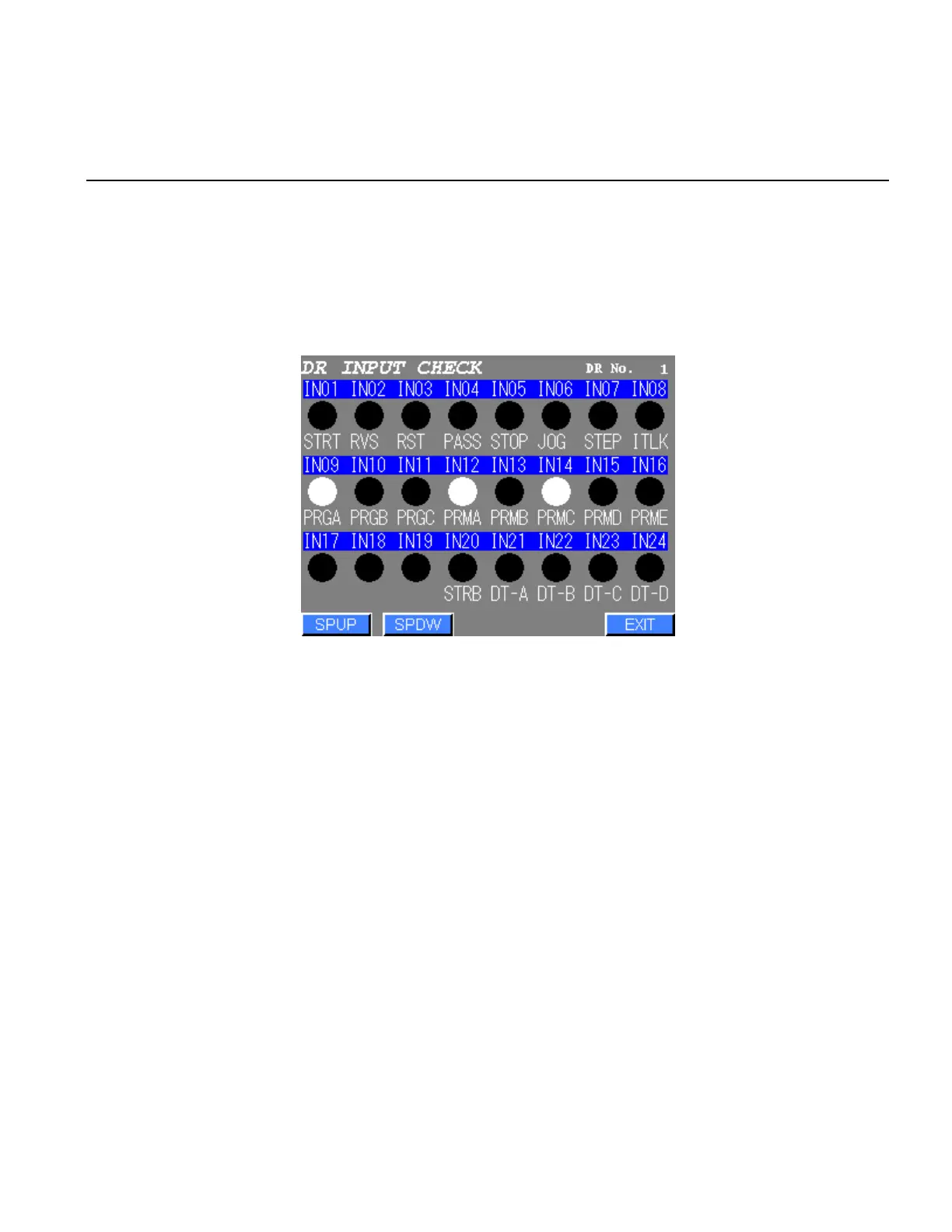
1) Select the DR INPUT CHECK from the I/O CHECK menu. The following screen will be displayed.
Figure 8.5-2 DR INPUT CHECK
2) The spindle to be displayed can be selected by [SPUP][SPDW] touch keys.
3) The lamps of which input signals are ON will turn on the lights.
The lamps of which input signals are OFF will turn off the lights.
4) Press EXIT to return to the I/O CHECK menu.



 To Next Page