5. FASTENING SETTING mode (Type S)
5-18
5.3 PROGRAM SETTING
Eight different fastening programs can be pre-programmed. A fastening program is comprised of individual
commands that sequence the NUTRUNNER. These commands are set up using program codes specific to each
command. The fastening program setting allows selection on a cycle by cycle basis of different fastening control
methods such as the Torque control, Torque Angle control or Torque-yield control and different fastening
sequences such as second tightening etc.
For more details, refer to the USER’S MANUAL.
● PROGRAM SETTING
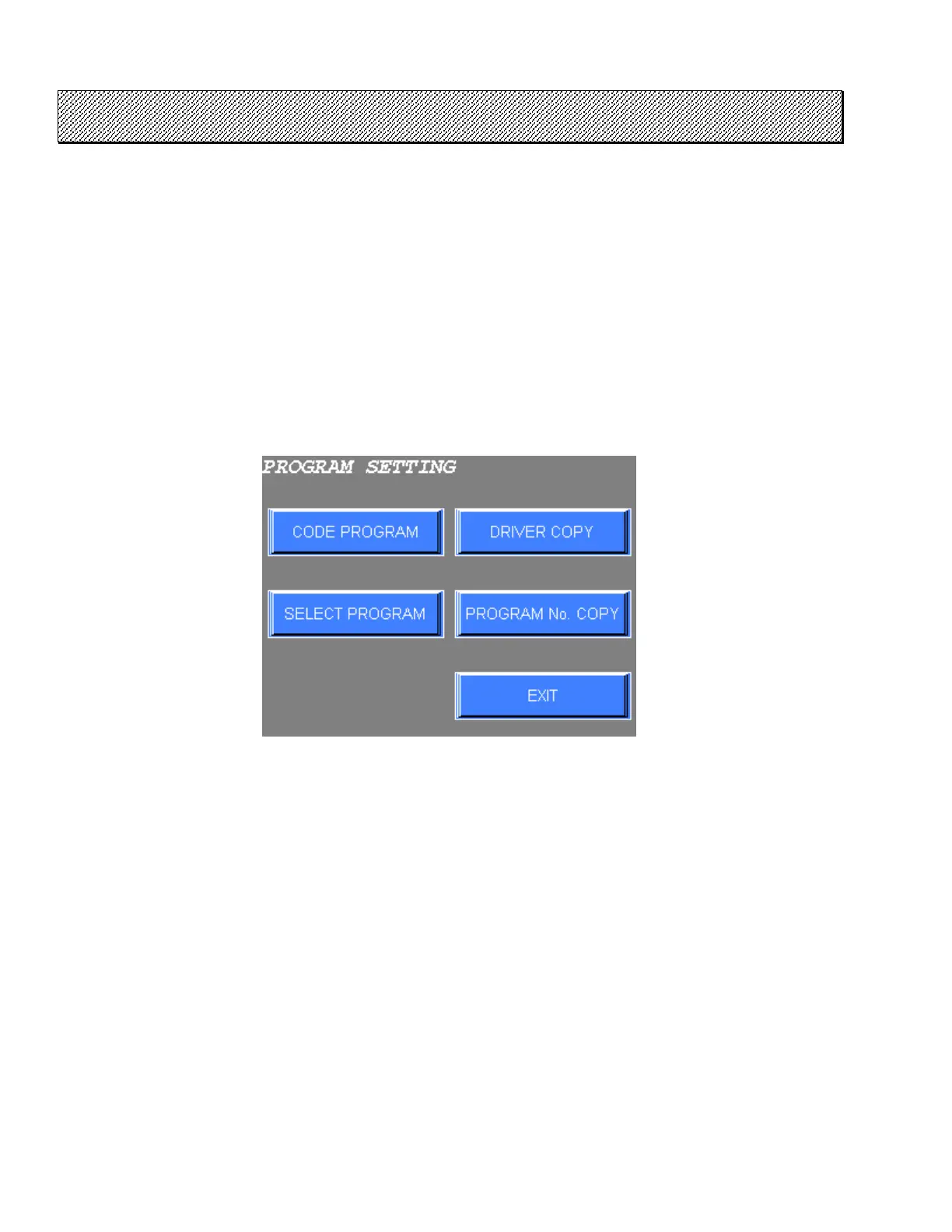
1) Select the PROGRAM SETTING from the FASTENING SETTING menu. The following screen will be
displayed.
Figure 5.3-1 PROGRAM SETTING menu
2) Choose the desired item using the touch keys.
3) Press EXIT to return to the FASTENING SETTING menu.



 To Next Page