DISPLAY PANEL MANUAL
5-5
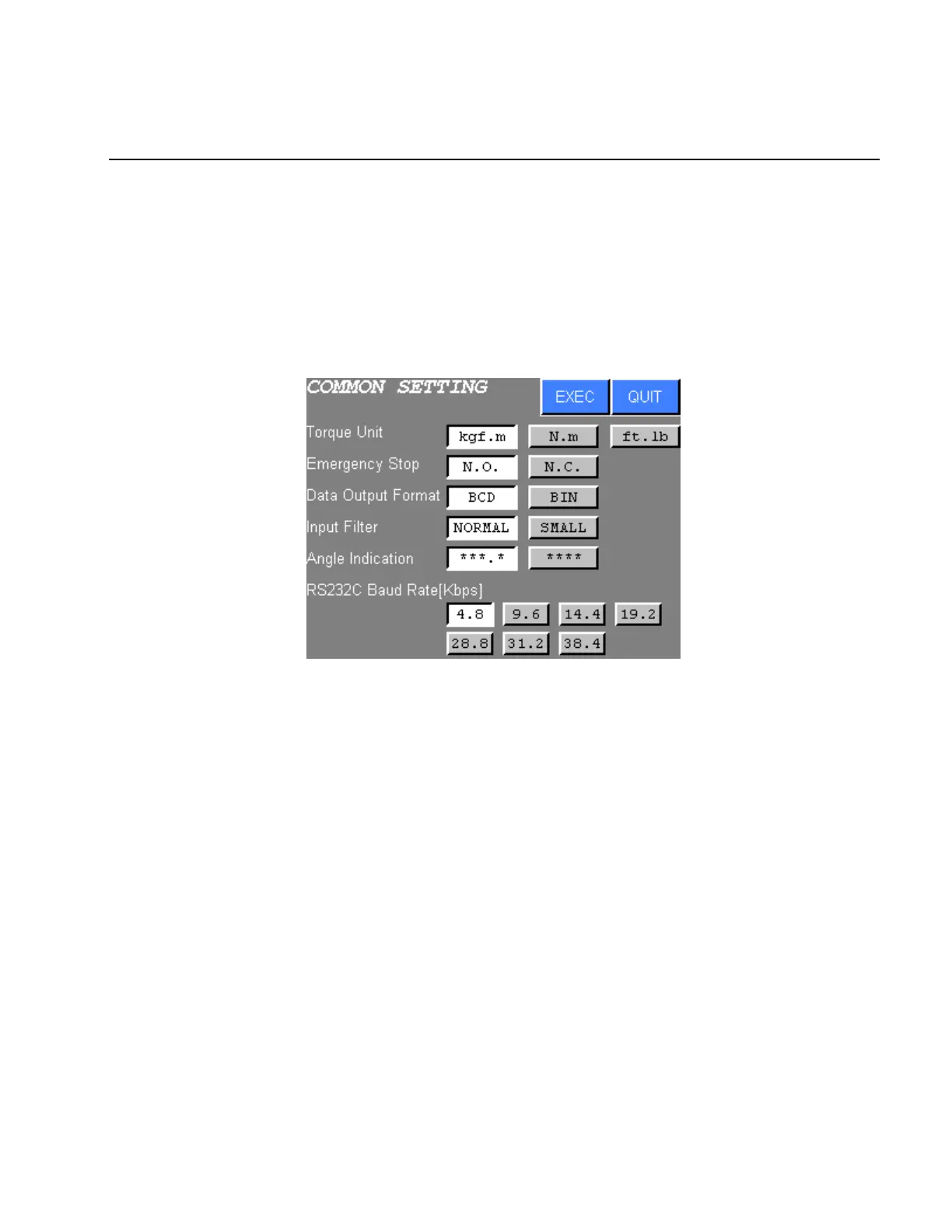
5.2.1 COMMON SETTING
The units of torque, emergency stop, data output format, input filter, angle indication, and RS232C communication
baud rate are set with COMMON SETTING.
●COMMON SETTING
1) The following screen will be displayed when COMMON SETTING is chosen from the SYSTEM
SETTING menu.
Figure 5.2-2 COMMON SETTING
2) Press touch switch of the desired setting item.
3) Press EXEC to write new settings to the NUTRUNNER.
Press QUIT to cancel all new settings and return to the SYSTEM SETTING menu.



 To Next Page