DISPLAY PANEL MANUAL
6-21
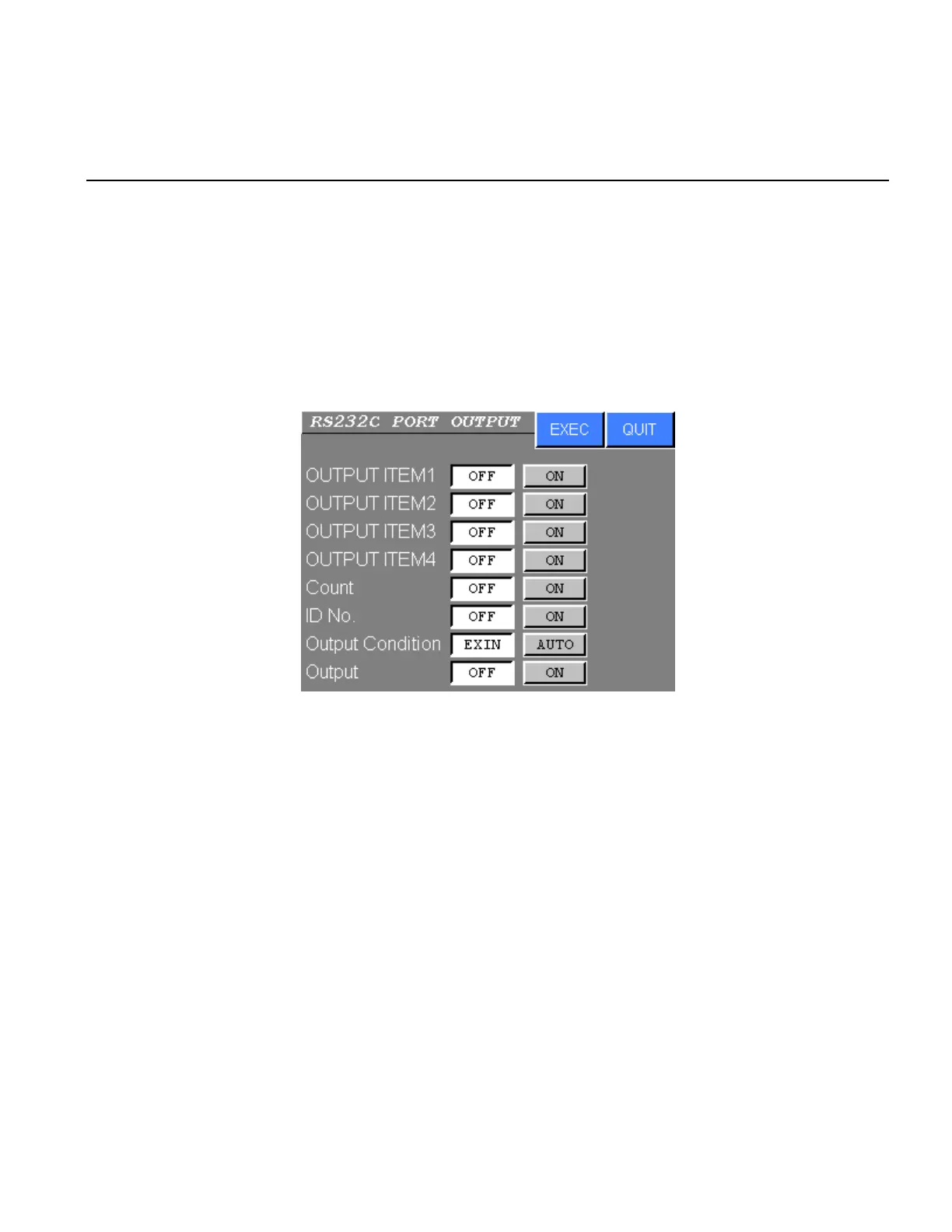
6.8.2 RS232C PORT OUTPUT SETTING
The item (from 1 to 4) of DATA OUTPUT ITEM, Count, SERIAL No., Output Condition and Output Setting are
set.
●RS232C PORT SETTING
1) Select the RS232C PORT OUTPUT SETTING from the RS232C SETTING menu. The following
screen will be displayed.
Figure 6.8-3 RS232C PORT OUTPUT SETTING
2) Press touch switch of the desired setting.
Press EXEC to write new settings to the NUTRUNNER.
Press QUIT to cancel all new settings and return to the RS232C SETTING menu.



 To Next Page