7. DATA DISPLAY mode
7-4
7.3 SINGLE DISPLAY mode
●SINGLE DISPLAY mode
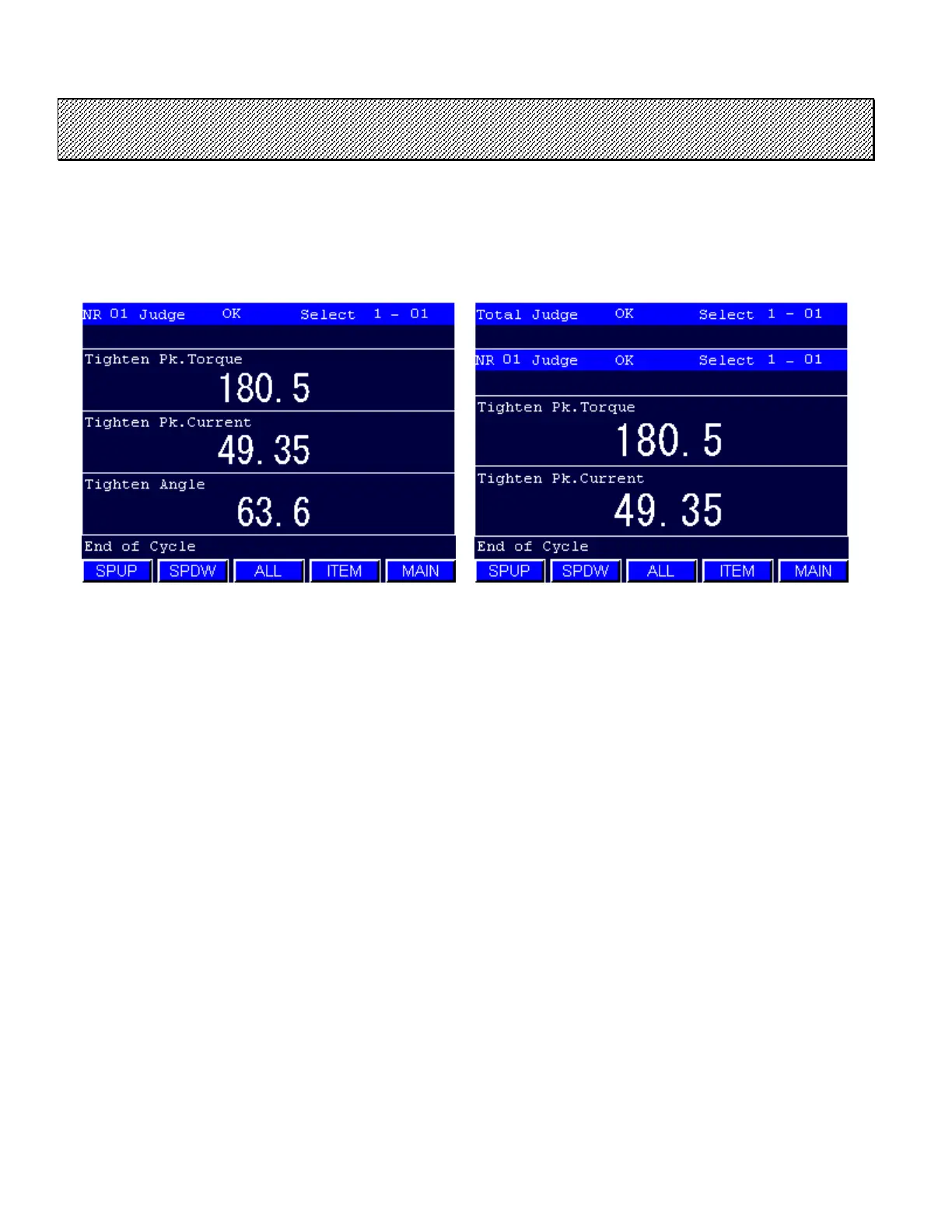
1) Select the SINGLE DISPLAY mode from the DATA DISPLAY mode. The following screen will be
displayed.
Type S Type M
Figure 7.3-1 SINGLE DISPLAY MODE
2) The judgment of the selected SPINDLE as well as the data of the selected items are displayed.
3) The spindle to be displayed can be selected by [SPUP] [SPDW] touch keys.
4) The MULTIPLE SPINDLE mode will be displayed when [ALL] touch key is selected.
Press [ITEM] to change the display item. The DISPLAY ITEM SETTING screen will be displayed.
Press EXIT to return to the MAIN menu.



 To Next Page