5. FASTENING SETTING mode (Type S)
5-36
5.4 PARAMETER SETTING
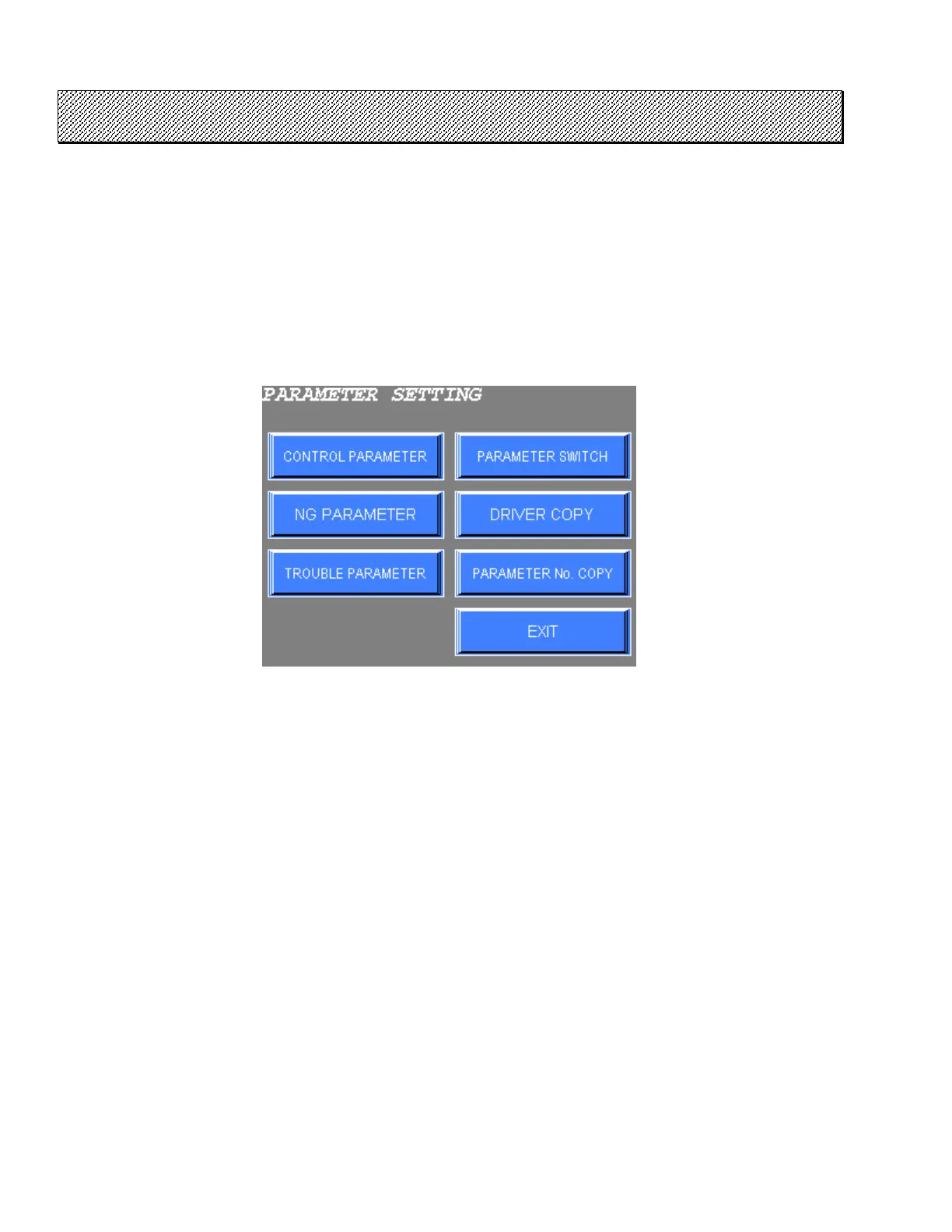
Thirty-two fastening parameters can be set up at the PARAMETER SETTING menu. A fastening parameter
consists of CONTROL PARAMETER, NG PARAMETER, and TROUBLE PARAMETER defined below.
Refer to the USER’S MANUAL for more details.
● PARAMETER SETTING
1) Select the PARAMETER SETTING from the FASTENING SETTING menu. The following screen will be
displayed.
Figure 5.4-1 PARAMETER setting
2) Select the desired option from the menu.
Press EXIT to return to the FASTENING SETTING menu.



 To Next Page