5. FASTENING SETTING mode (Type S)
5-2
5.1 The FASTENING SETTING mode
The FASTENING SETTING mode allows to program the fastening operation with the SDNR NUTRUNNER.
●Setting mode selection
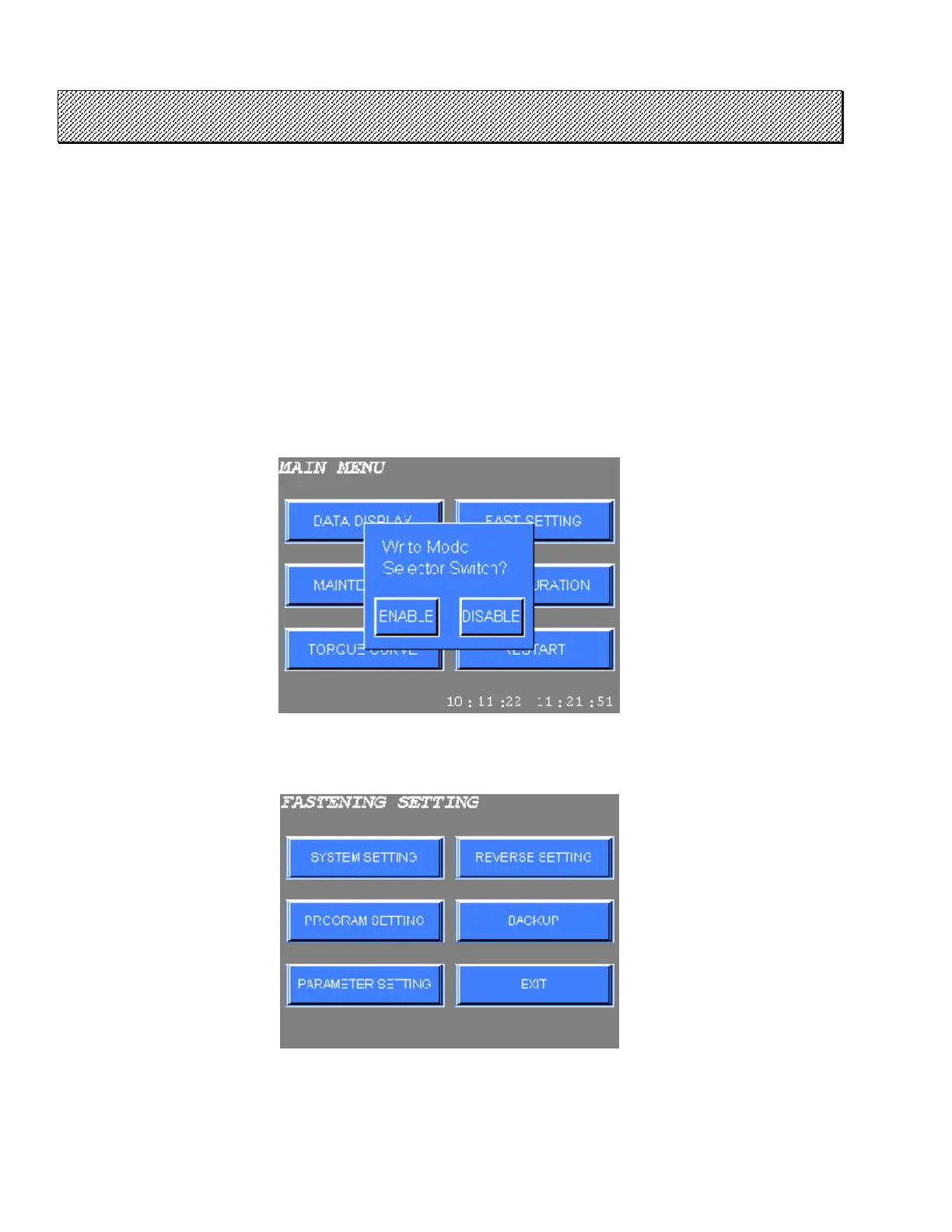
1) The following screen is displayed when the FASTENING SETTING is selected on the MAIN MENU.
Select either WRITE ENABLE or WRITE DISABLE.
WRITE ENABLE : When EXEC key is pressed, settings are written to the NUTRUNNER.
No input signals will be accepted to the NUTRUNNER until the fastening setting
is completed.
WRITE DISABLE : The settings will not be written to the NUTRUNNER even if EXEC key on each
setting screen is pressed.
Figure 5.1-1 Fastening settings NR Write selection
2) FASTENING SETTINGS menu will be displayed.
Figure 5.1-2 FASTENING SETTING menu
3) Select the desired option on the menu. Press EXIT to return to the MAIN MENU.



 To Next Page