DISPLAY PANEL MANUAL
7-9
7.5 Display item selection
●DISPLAY ITEM selection
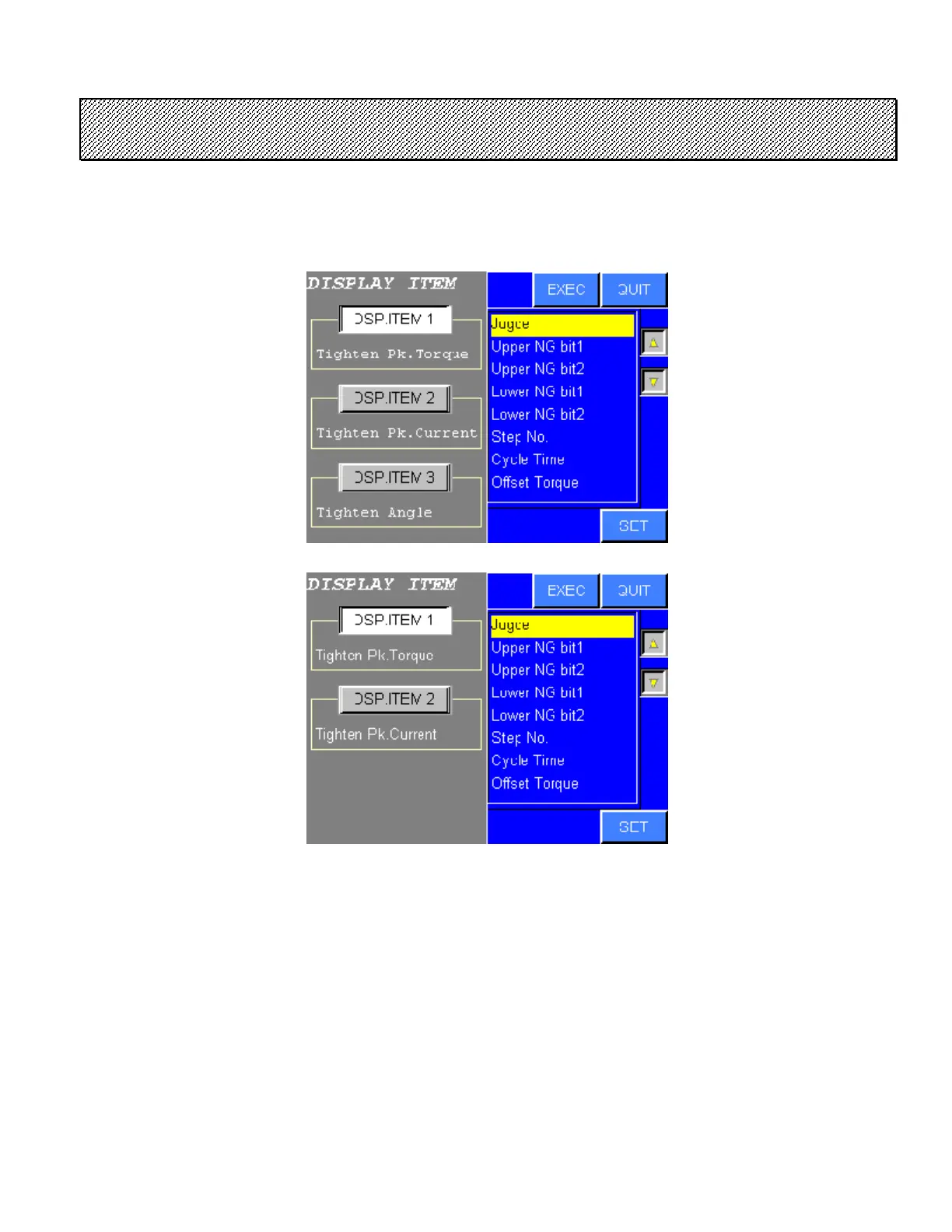
1) Select the ITEM from the DATA DISPLAY mode. The following screen will be displayed.
Type S
Type M
Figure 7.5-1 Display item setting
2) The cursor is indicated on [DISPLAY ITEM No.1].
Select the desired DISPLAY ITEM No.
3) The item to be displayed can be selected by [△][▽] and [ SET ] touch keys.
The selected ITEM will be displayed in the display item area.
4) Press EXEC to save changes and return to the DATA DISPLAY screen.
Press QUIT to cancel settings and return to the DATA DISPLAY screen.



 To Next Page