DISPLAY PANEL MANUAL
5-45
5.4.6 PARAMETER No. COPY
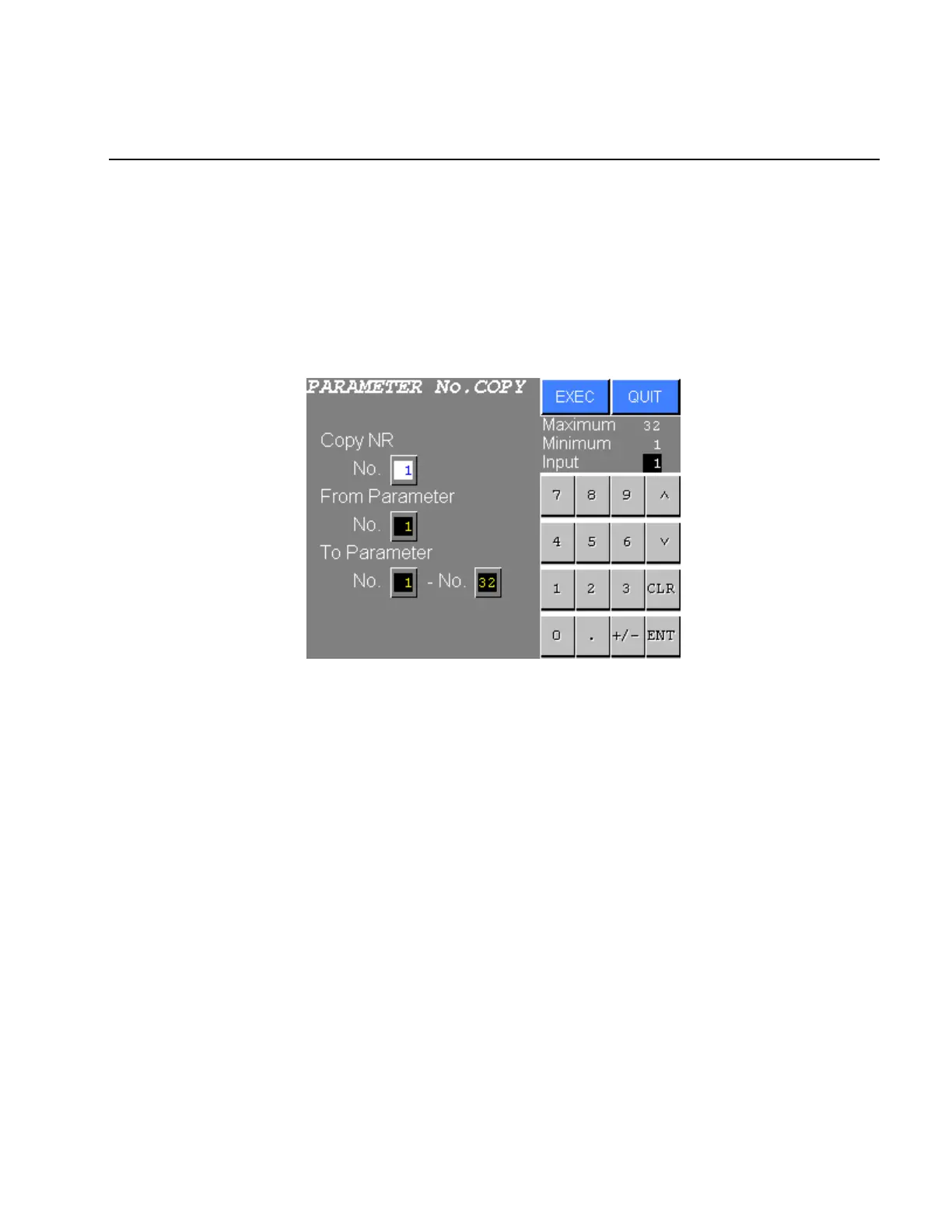
The PARAMETER No. COPY is the function that allows a fastening parameter to be copied in the same
DRIVER.
● PARAMETER No. COPY
1) Select the PARAMETER No. COPY from the PARAMETER SETTING menu. The following screen will
be displayed.
Figure 5.4-12 PARAMETER No. COPY
2) Input the “Copy NR. No.“, the “From PARAMETER No.“ and “To PARAMETER No.“.
Press EXEC to copy the selected parameter.
Press QUIT to abort copying and return to the PARAMETER SETTING menu.



 To Next Page