10. CONFIGURATION
10-2
10.1 CONFIGURATION
●The settings items of the CONFIGURATION setting
ITEM DESCRIPTION
COM.CONFIGURATION
The baud rate of the ARCNET and the type of the NUTRUNNER
(S or M) are set.
PASSWORD SETTING
Set to disable or enable the use of password to get access to the
Fastening setting mode and Configuration mode.
Four digits password is input.
LANGUAGE Display language is set either ENGLISH or JAPANESE.
RCV.DATA SETTING
The end of fastening data can be set to the I/O memory of the
DISPLAY PANEL.
6 items x 32 Drivers or 12 items x 16 Drivers can be set.
INIT MODE SETTING The initial mode at power ON is set.
Table 10.1-1 CONFIGURATION settings
●CONFIGURATION setting
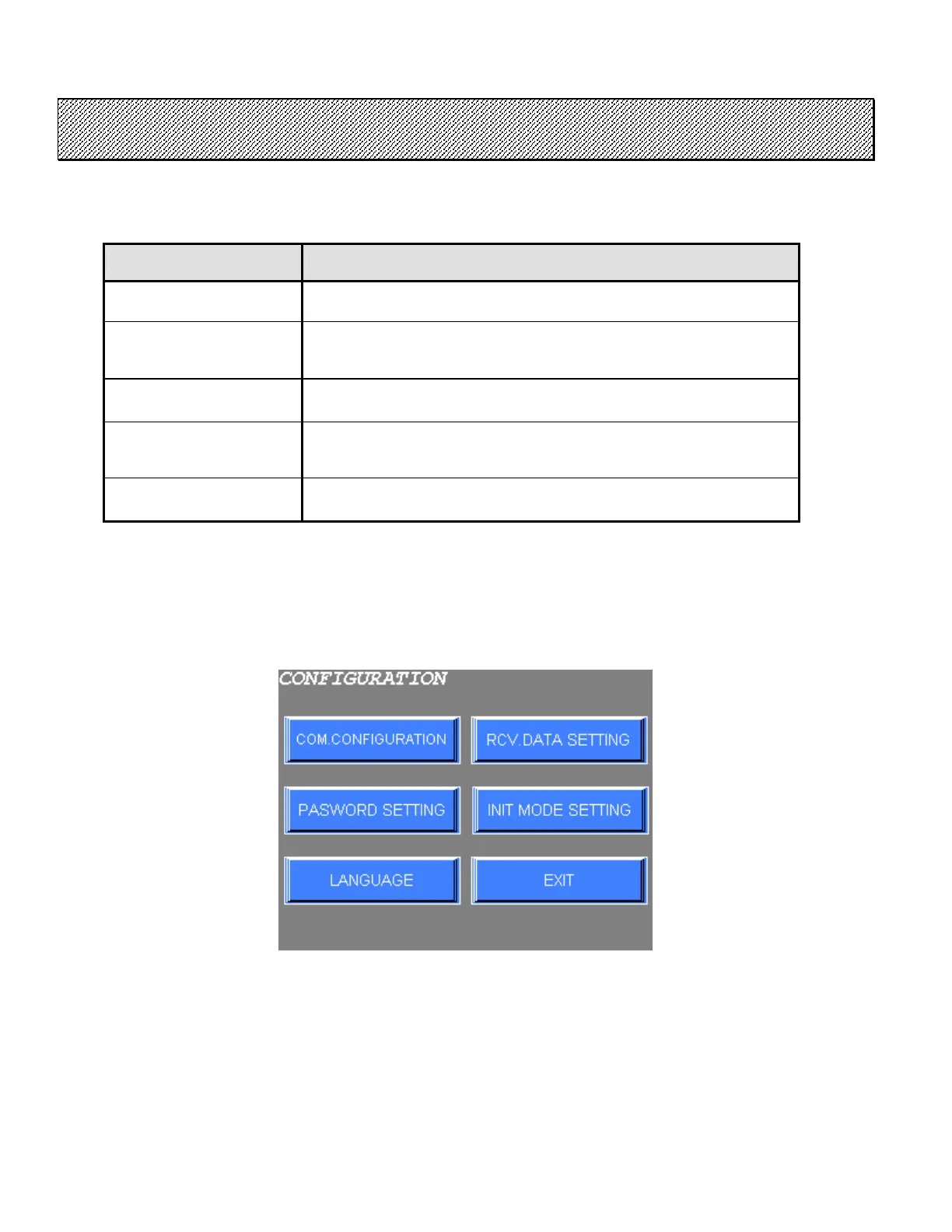
1) The following screen is displayed when the CONFIGURATION is selected from the MAIN MENU.
Figure 10.1-1 CONFIGURATION setting
2) Select the desired option from the menu on the screen.
Press EXIT to return to MAIN MENU.



 To Next Page