10. CONFIGURATION
10-6
10.5 RCV.DATA SETTING
Receive data from NUTRUNNER to the I/O memory of the DISPLAY PANEL can be selected in the RCV.
DATA SETTING. Refer to ‘16.3.2 I/O memory’ for detail of I/O memory. Refer to ‘Chapter 7 NR data receive
function’ for detail of NR data receive function.
MENU CONTENTS
RCV.ITEM SELECT
The end of fastening data can be set to the I/O memory of the
DISPLAY PANEL.
Password is invalid.
RCV.DATA.NUMBER 6 items x 32 Drivers or 12 items x 16 Drivers can be set.
Table 10.5-1 Receve Data Setting MENU
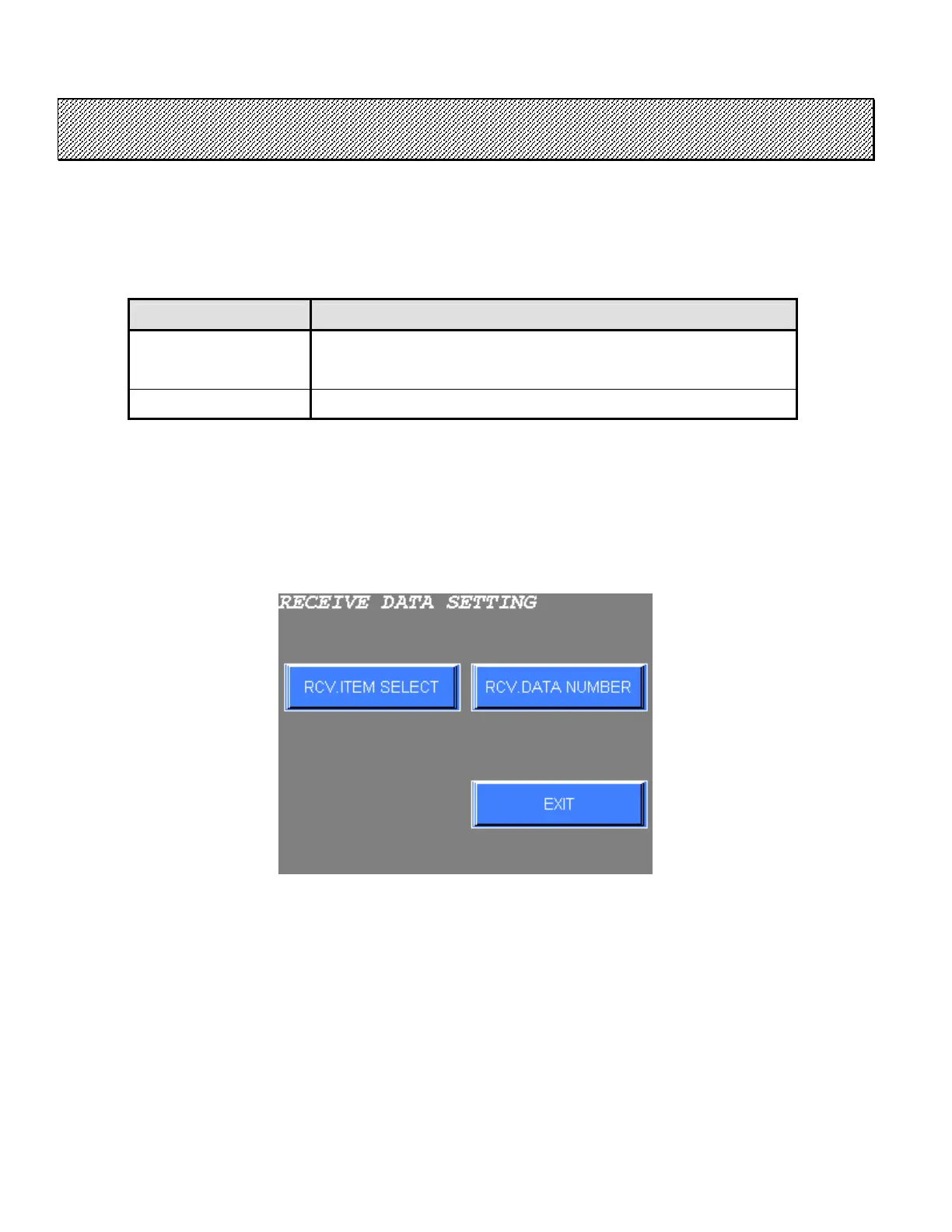
●Receive Data setting
1) Select the RCV.DATA SETTING from the CONFIGURATION menu. The following screen will be
displayed.
Figure 10.5-1 Receive data setting menu
2) Select the desired option from the menu on the screen.
Press EXIT to return to MAIN MENU.



 To Next Page