4. Operation outline
4-8
4.5 RESTART
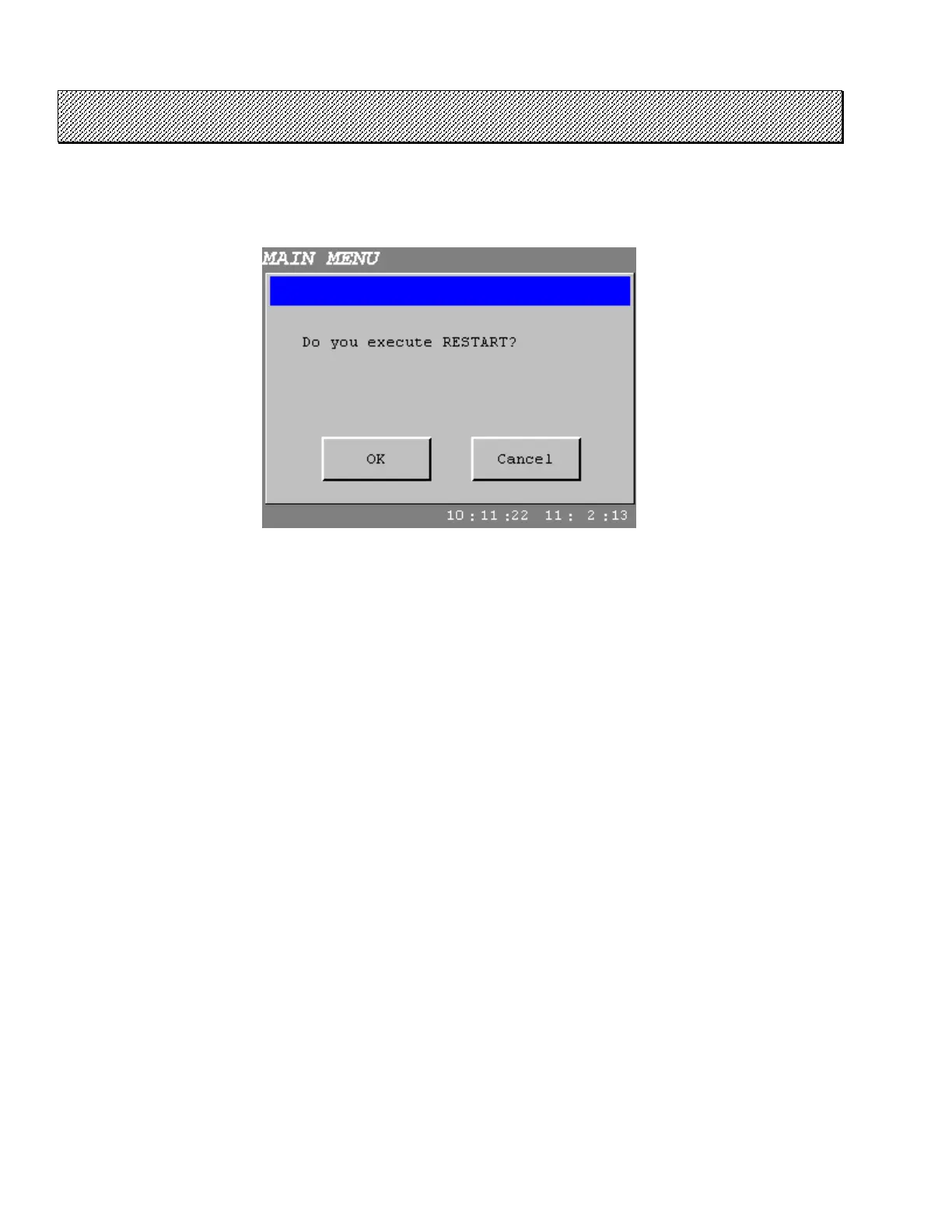
When press the RESTART touch key on the MAIN MENU screen, confirming window for executing RESTART
will open.
Follow the same procedure as in Start-up by pressing OK.
Figure 4.5-1 RESTART
●While the other setting unit such as the USER INTERFACE TERMINAL or the SMART TERMINAL
Do not execute RESTART in principle while the fastening settings are transferring or operations are doing on
MAINTENANCE mode by other setting unit.



 To Next Page