16.Connection with PLC or other Device
16-4
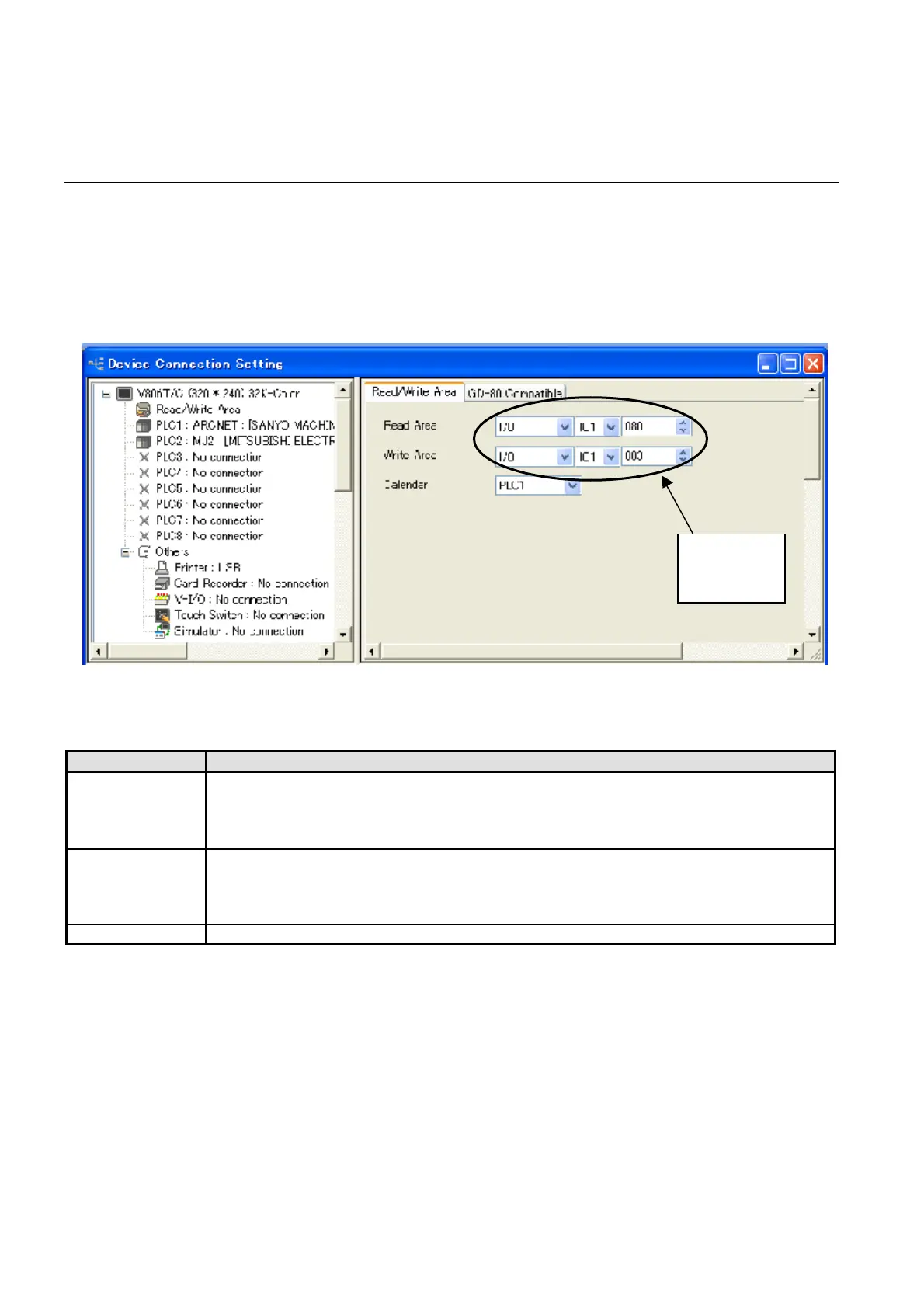
16.2.2 Read / Write Area(V-SFT)
You must reserve Read / Write Area when you design the screen data.
These area are occupied by NUTRUNNER. Do not change setting in this unit.
If you want to use Read / Write Area, access them indirectly by using the Device Memory Map.
Setting example of indirect access by using the Device Memory Map is shown in the next page.
Refer to the ‘V8 Series Connection Manual’ for details
Figure 16.2-2 Read / Write Area Setting
ITEM CONTENTS
Read Area Setting Value : I/O memory-IO1-080 Reserved memory : IO1-080 to 082
The read area is the area where the connecting device gives commands for display
or operation to the Touch Panel.
At least 3 words of consecutive memory addresses are secured.
Write Area Setting Value : I/O memory-IO1-083 Reserved memory : IO1-083 to 085
This is the area where data is written from [Read Area], such as the displayed screen
number, overlap display status, buzzer sounding status, etc. 3 words of consecutive
memory addresses are secured.
Calendar This setting is invalid because built-in clock is used.
Table 16.2-1 Read / Write Area Setting Contents
change



 To Next Page