DISPLAY PANEL MANUAL
5-37
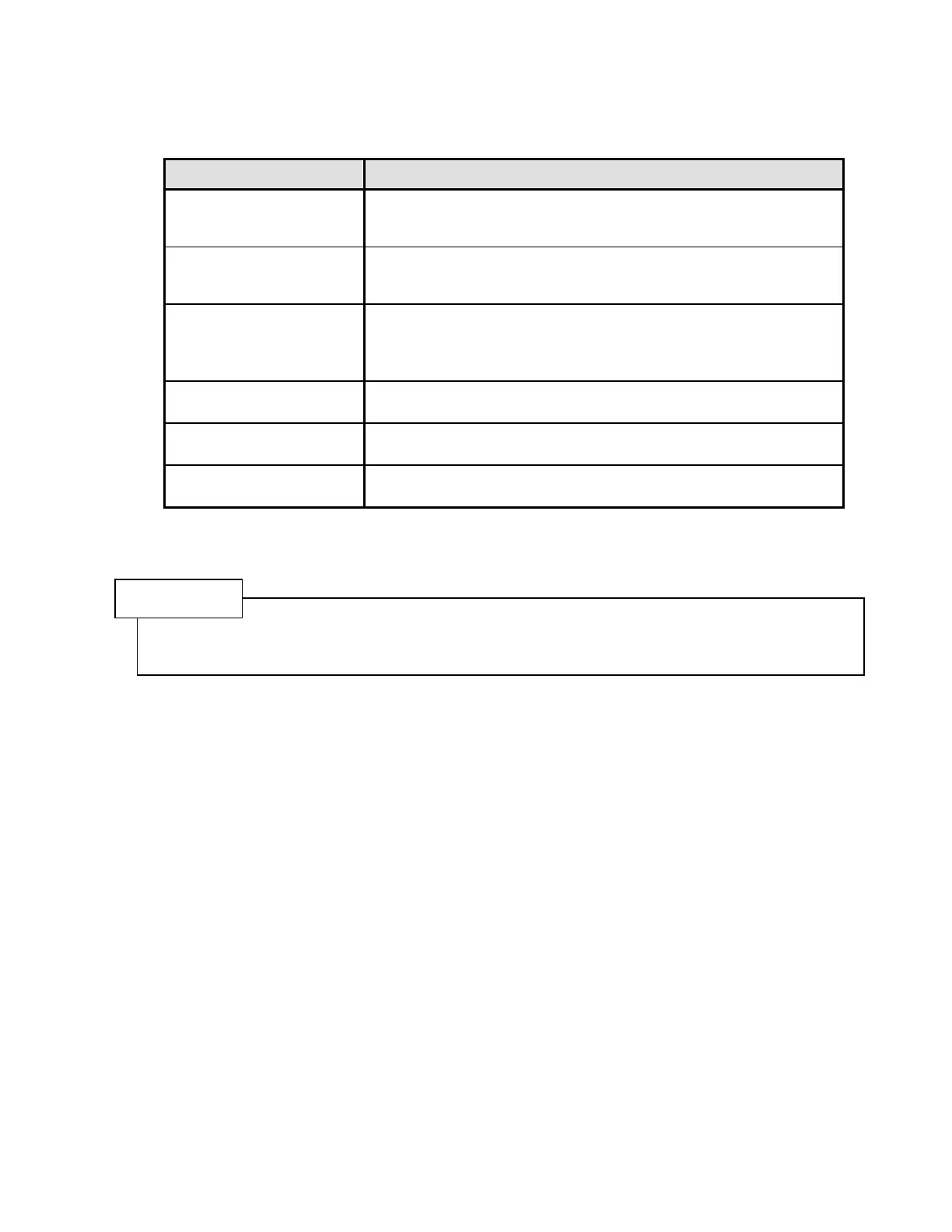
The parameter settings can be classified as follows.
PARAMETER SETTING CONTENTS
CONTROL PARAMETER
To set the control values such as the direction of rotation, seating
torque, control torque, control angle, etc. and the correction value for
the display of torque and angle.
NG PARAMETER
NG reference values are set. Upon completion of fastening if
measured parameters do not conform with their corresponding set
reference values, the fastening cycle is classified as rejected (NG).
TROUBLE PARAMETER
TROUBLE reference values are set. During fastening, if measured
parameters do not conform with their corresponding set reference
values, the fastening cycle is immediately classified as rejected
(TROUBLE).
PARAMETER SWITCH
The usage of parameters such as control values, NG reference value,
TROUBLE reference values is set up.
DRIVER COPY All parameters are copied between different DRIVERS.
PARAMETER No. COPY
A specified parameter is copied to another parameter in the same
DRIVER.
Table 5.4-1 Parameter setting menu and its contents
NOTE
The difference between an NG and a TROUBLE reject is that in the NG reject, all steps of the program
are completed and an NG occurs because one or more values do not match their NG reference value.
While in a TROUBLE reject, the cycle is stopped immediately.



 To Next Page