DISPLAY PANEL MANUAL
8-17
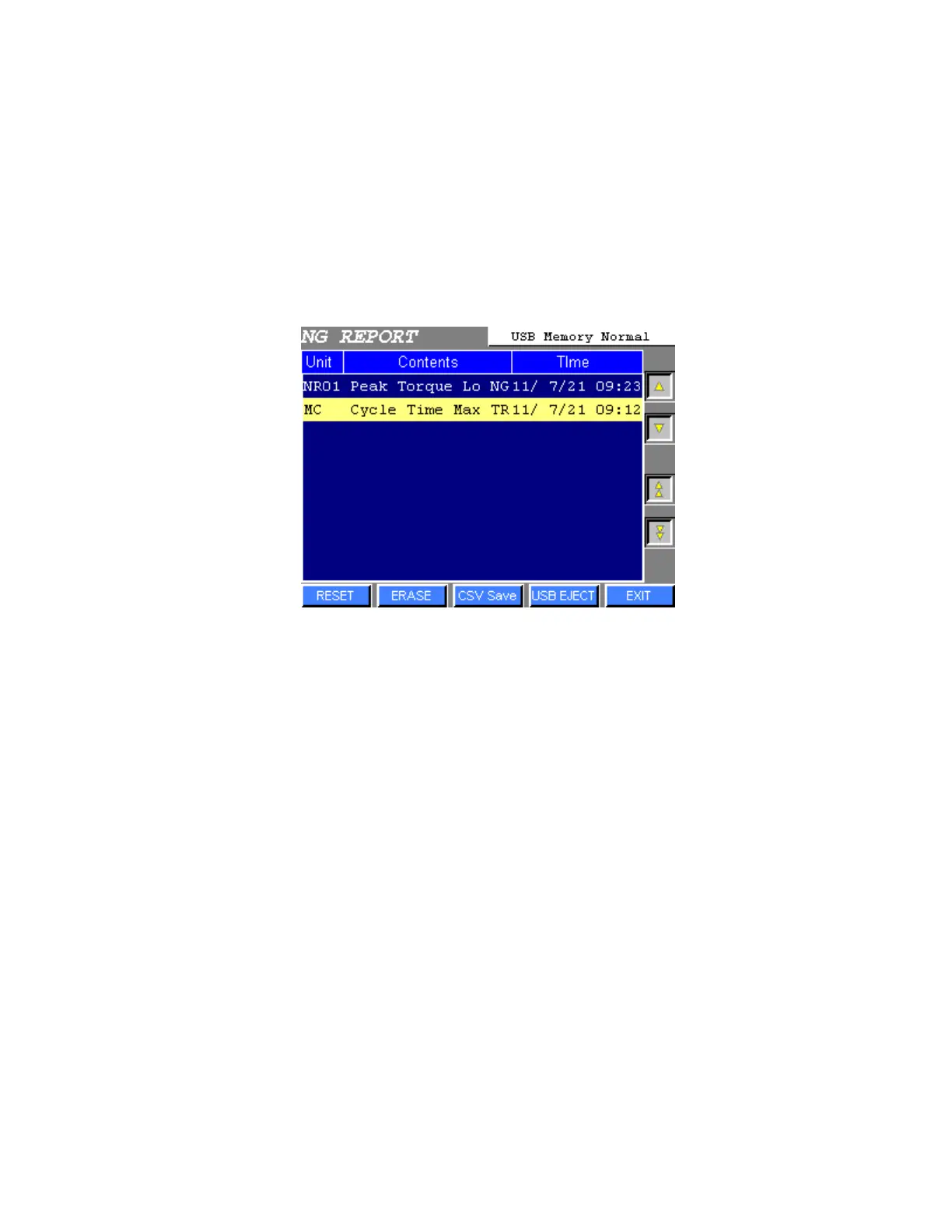
● CSV Save
NG REPORT data can be saved as the CSV format data from the USB-A (U-A) port of the Display panel.
CF card reader writer or USB memory can be used.
1) Insert the memory to the USB-A (U-A) port on the back of the Display Panel.
Press CSV Save to save NG REPORT data to the memory.
2) Press USB EJECT surely when eject the CF card, CF card reader writer or USB flash drive from the
U-A port.
3) Stored directory and file name are as below.
Stored directory : ¥DAT0000¥SAMPLE
File name : ¥SMP0008.csv



 To Next Page