8. MAINTENANCE mode
8-16
CAUTION
NG REPORT data are memorized in the DATA DISPLAY mode or the MAIN MENU.
In case of using user mode, they are memorized if NR mode is in the DATA DISPLAY mode or the
MAIN MENU. The screen No. of NR mode can be confirmed by referring the I/O7 0F1 of the I/O
memory. Refer to 16.3.2 I/O memory for detail of the I/O memory.
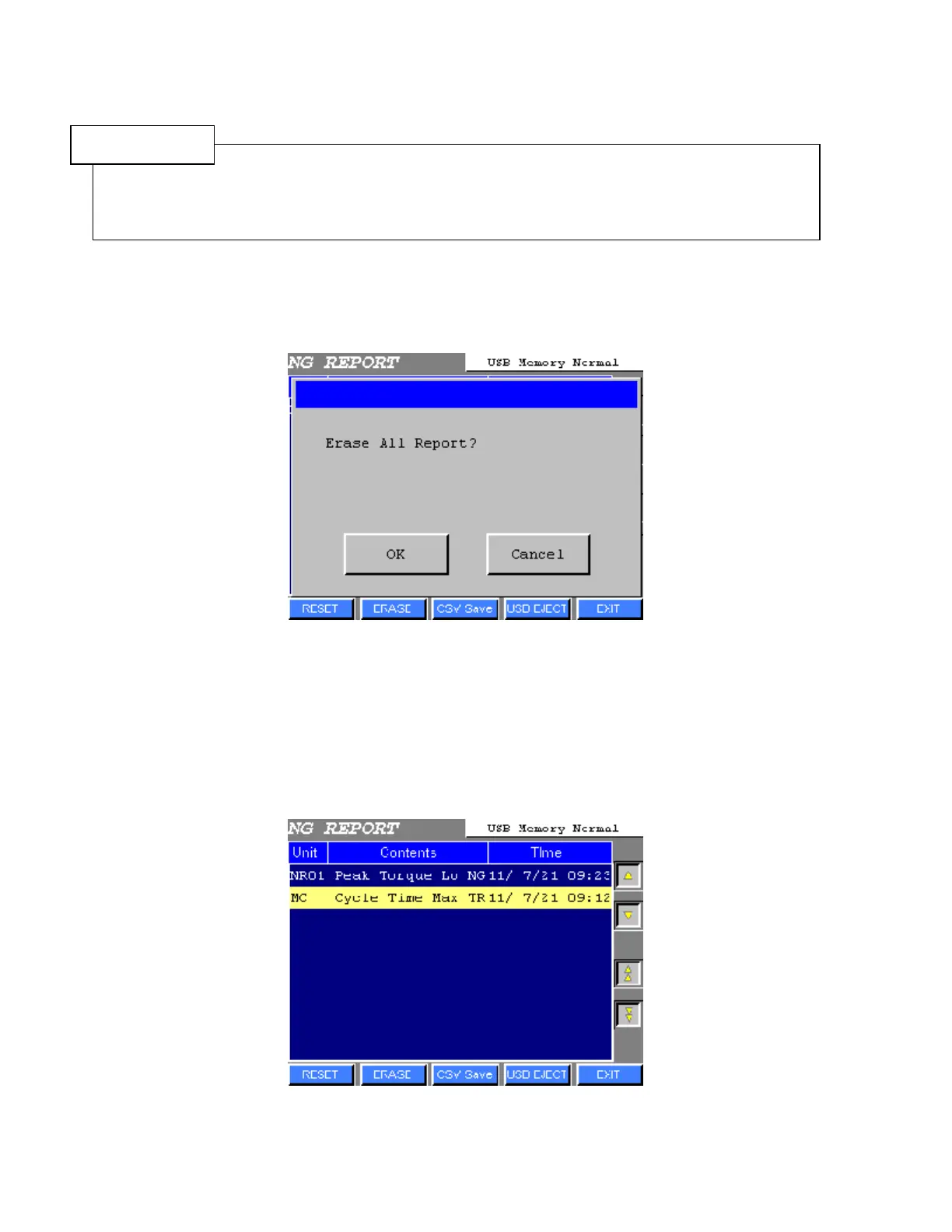
● RESET (All clear)
1) Press RESET. The following window will be displayed.
Figure 8.6-2 NG REPORT RESET
2) Press OK to erase all NG Report.
Press Cancel to return to NG REPORT screen.
● Delete select message
Press ERASE to delete selected message.
Figure 8.6-3 NG REPORT ERASE



 To Next Page