U.3.8
SEL-421 Relay User’s Guide Date Code 20090715
PC Software
Settings Database Management and Drivers
Create a New Database
Perform the following steps to create and copy an existing database of relays
to a new database:
Step 1. Select the File > Database Manager to access the Database
Manager dialog box.
Step 2. Select the Copy / Move Relays Between Databases tab in the
Database Manager dialog box.
ACSELERATOR QuickSet opens the last active database and
assigns it as Database A (see Figure 3.7).
Step 3. Click the Open B button.
ACSELERATOR QuickSet prompts you for a file location.
Step 4. Type a new database name, click the Open button, and answer
Yes.
The program creates a new empty database.
Step 5. Load relays into the new database as in Copy/Move Relays
Between Databases on page U.3.7.
Drivers
Relay settings folders in ACSELERATOR QuickSet are closely associated with
the
ACSELERATOR QuickSet relay driver that you used to create the settings.
The relay settings and the
ACSELERATOR QuickSet drivers must match.
Perform the following steps to ensure that the relay settings and
ACSELERATOR QuickSet drivers match:
Step 1. Use any of the following methods to view the relay FID
information:
➤ Enter the STATUS command.
➤ Click the Status button in the HMI tree view. See Checking
Relay Status on page U.4.10 for more information on viewing
relay status.
➤ At a terminal (<Ctrl+T> from ACSELERATOR QuickSet), type
ID <Enter>.
Step 2. View the
ACSELERATOR QuickSet settings driver information
at the bottom of the Relay Editor window (see Figure 3.14).
Step 3. Compare the
ACSELERATOR QuickSet driver number and the
relay FID number. The
ACSELERATOR QuickSet driver Z-
number and the corresponding part of the relay FID must
match.
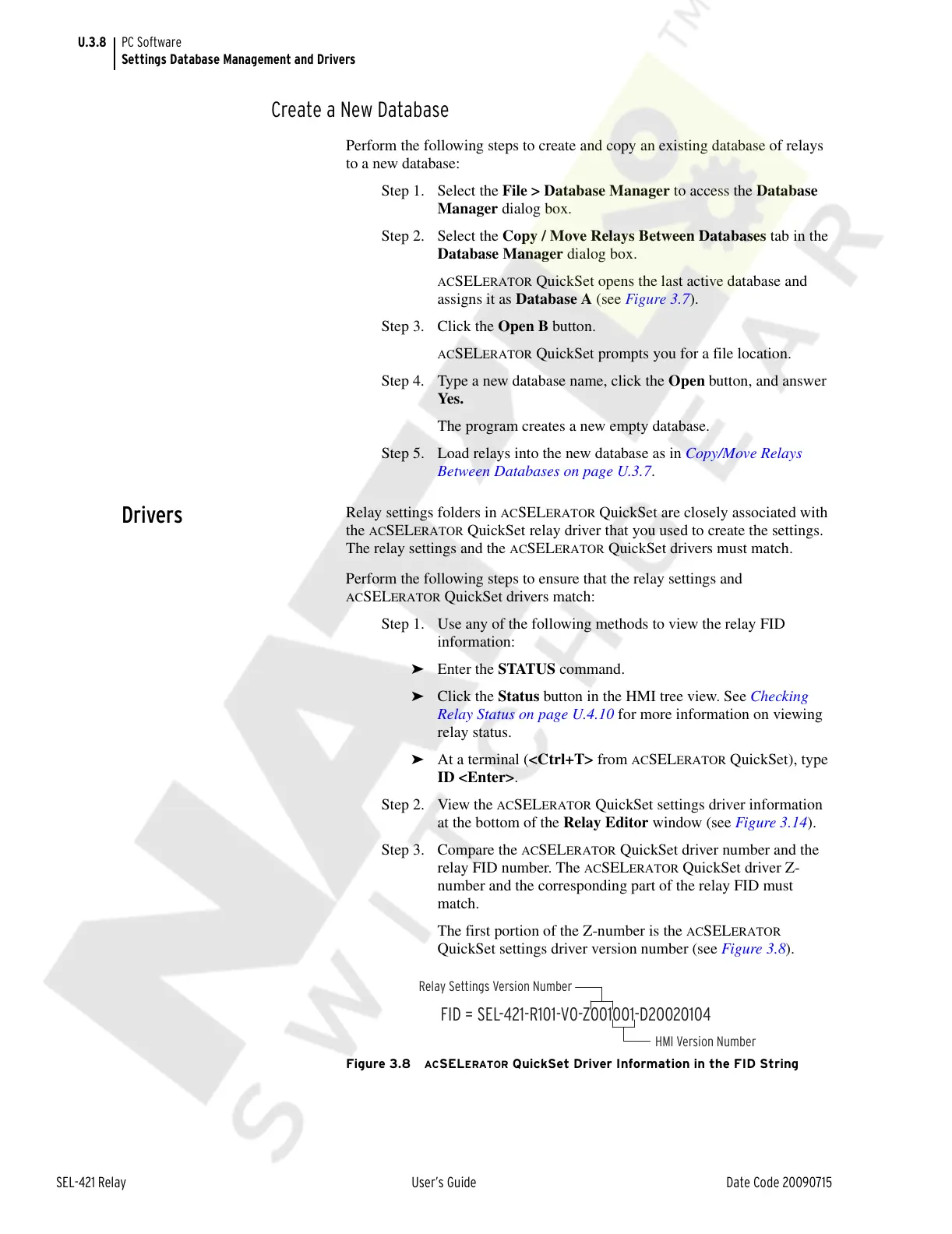
The first portion of the Z-number is the
ACSELERATOR
QuickSet settings driver version number (see Figure 3.8).
Figure 3.8 ACSELERATOR QuickSet Driver Information in the FID String
FID = SEL-421-R101-V0-Z001001-D20020104
HMI Version Number
Relay Settings Version Number
Courtesy of NationalSwitchgear.com



 To Next Page