Operation 4
Checks and tasks before daily use
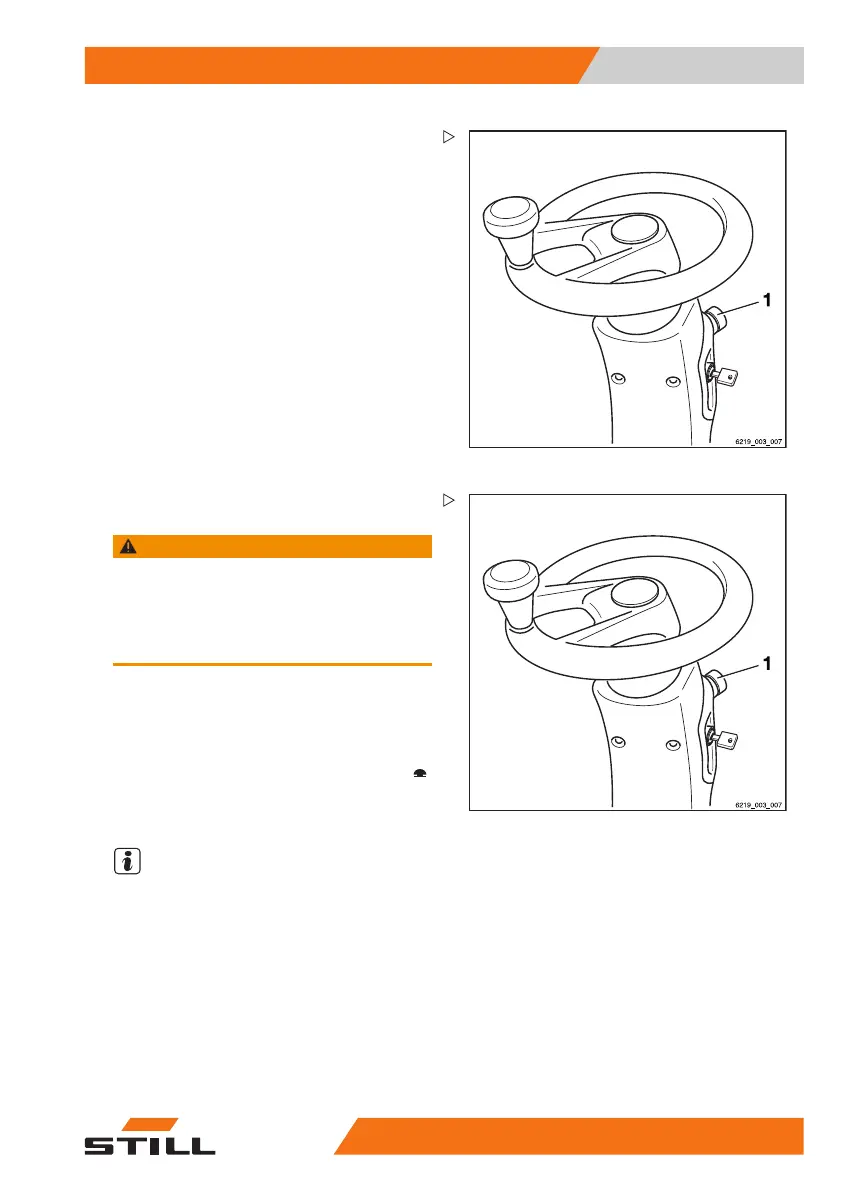
Unlock the emergency off swit
ch
– Turn the emergency off switch
(1) clockwise
until it pops out.
Checking the emergency off function
WARNING
No electric braking assistance is available when the
emergency off switch is actuated!
Actuating the emergency off switch disconnects the
drives from the power supply.
– To brake, actuate the service brake.
– Drive the truck forwards slowly.
– Push the emergency off switch (1).
The truck will coast to a stop.
The message
Emergency off active
appears on the display/operating unit.
– Stop the truck by actuating the brake pedal.
NOTE
In trucks with an electric parking brake, the
electric parking brake will be applied as soon
asthetruckcomestoastop.
– Turn the emergency off switch (1) clockwise
until it pops out.
The truck perfo
rms internal self testing. It is
then ready for o
peration again.
563
68011531 EN - 06/2019 - 02 107



 To Next Page