4 Operation
Traction
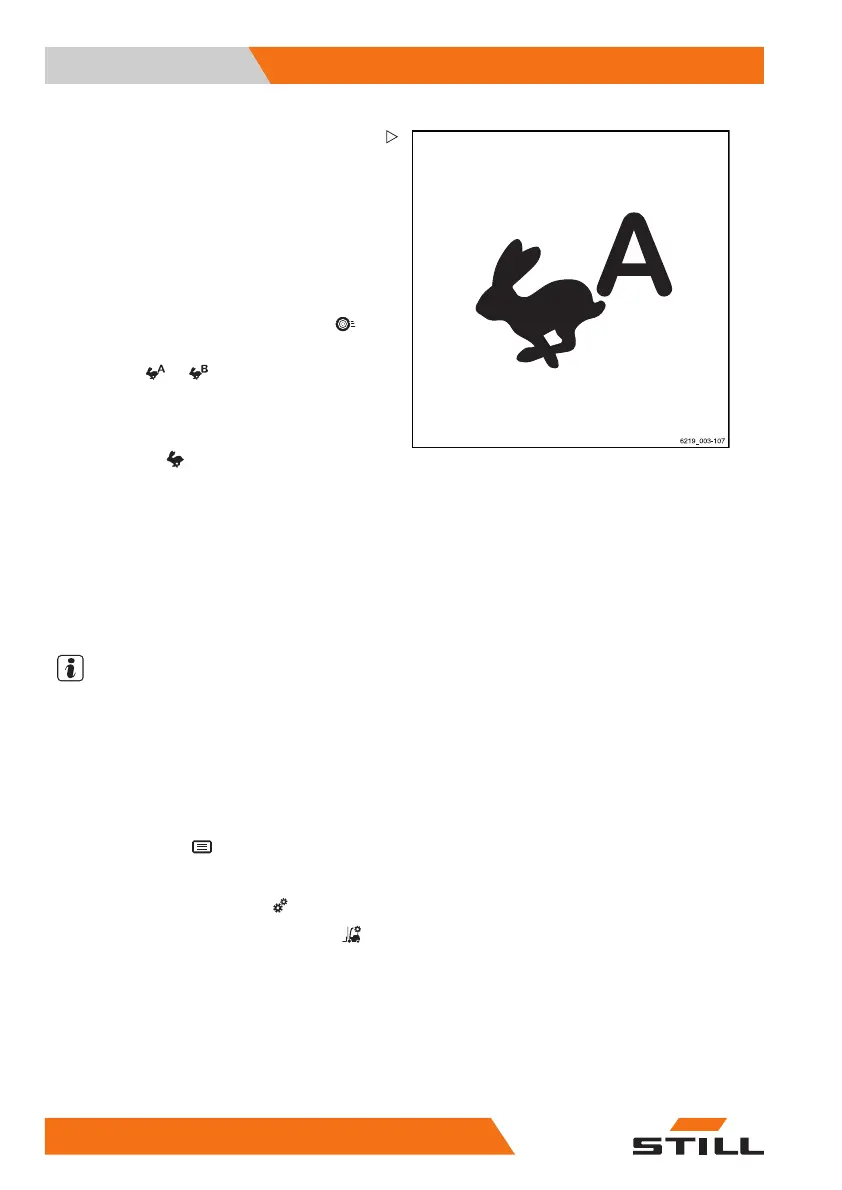
Selecting drive programme A o
rB
The truck has two drive progra
mmes with
different handling and braki
ng characteristics.
Unlike the fixed drive programmes "1 to 3", the
programs "A" and "B" can be configured. The
procedure for this is described in the following
section.
The drive programme is selected using the
display-operating unit under the "Drive"
menu item.
–Pressthe
or softkey to sel
ect the
desired drive programme.
– If the drive programmes are saved as a
favourite on a softkey, press the "Drive
programme"
Softkey until the letter of
the desired drive programme is shown on
the display.
Configuring drive programmes A and
B
The drive programmes can be configured by
the driver.
NOTE
Access to the settings menu is only available if
the truck is at a standstill and the parking brake
is applied. If the parking brake is released
prematurely, the settings menu will close.
– Stop the truck.
– Actuate the parking brake.
– Press the button
.
The first menu level appears.
– Press the "Settings" softkey
.
–Pressthe
Truck settings softkey .
–Pressthe
Drive programmes softkey.
The "drive programme" menu appears.
– Press the associated softkey for
drive
programme A
or drive programme B.
Configuring the drive programs using the
"drive programme A" is explained here.
140
56368011531 EN - 06/2019 - 02



 To Next Page