4 Operation
Replacing and transporting the bat
tery
The activation bar next to the selection lights
up.
– Press the Back button
.
–Pressthe
Capacity softkey.
– Press the corresponding softkey for the
battery capacity according to the nameplate
of the battery.
The activation bar next to the selection lights
up.
The main display button
tak
es you to the
main display.
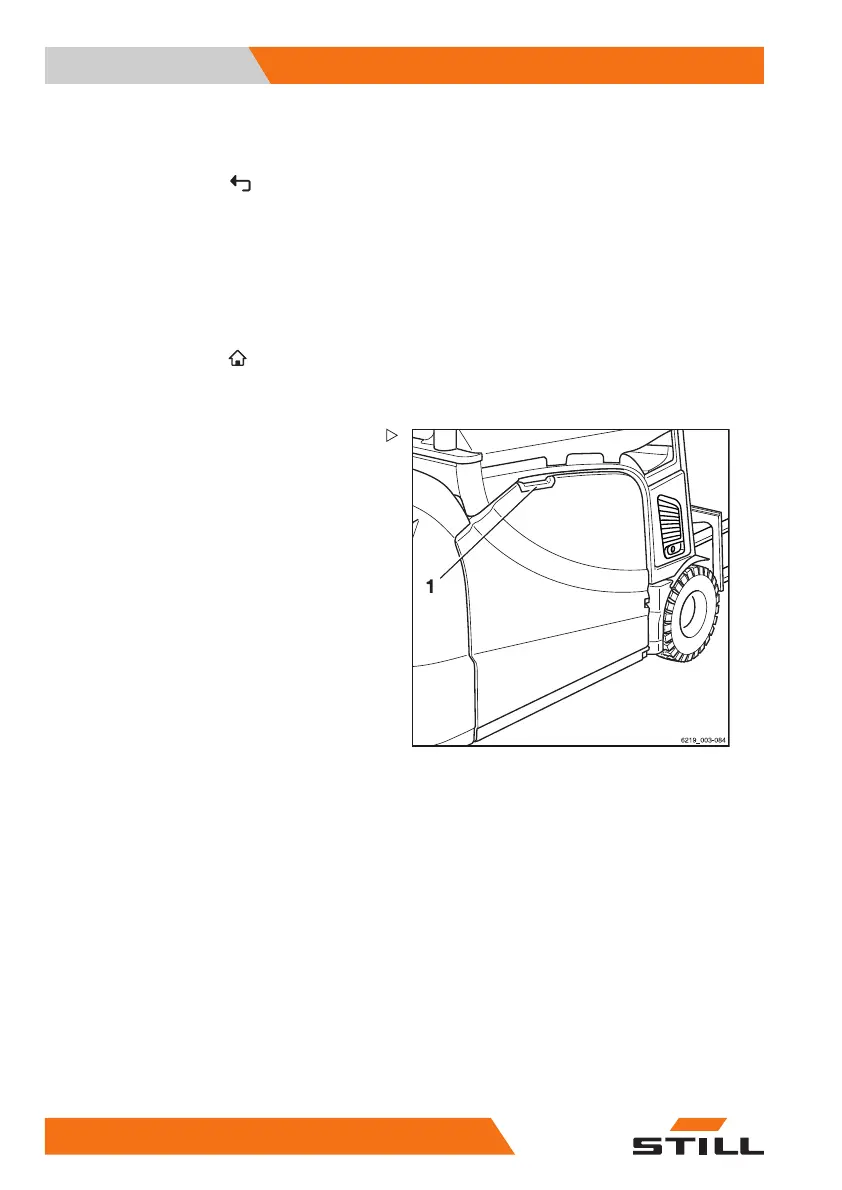
Opening/closing the bat
tery door
Opening the battery doo
r
– Take hold of the door handle (1) of the
battery door and open the battery door by
pulling it forwards.
The battery door locks into place automati-
cally.
326
56368011531 EN - 06/2019 - 02



 To Next Page