4 Operation
Lifting
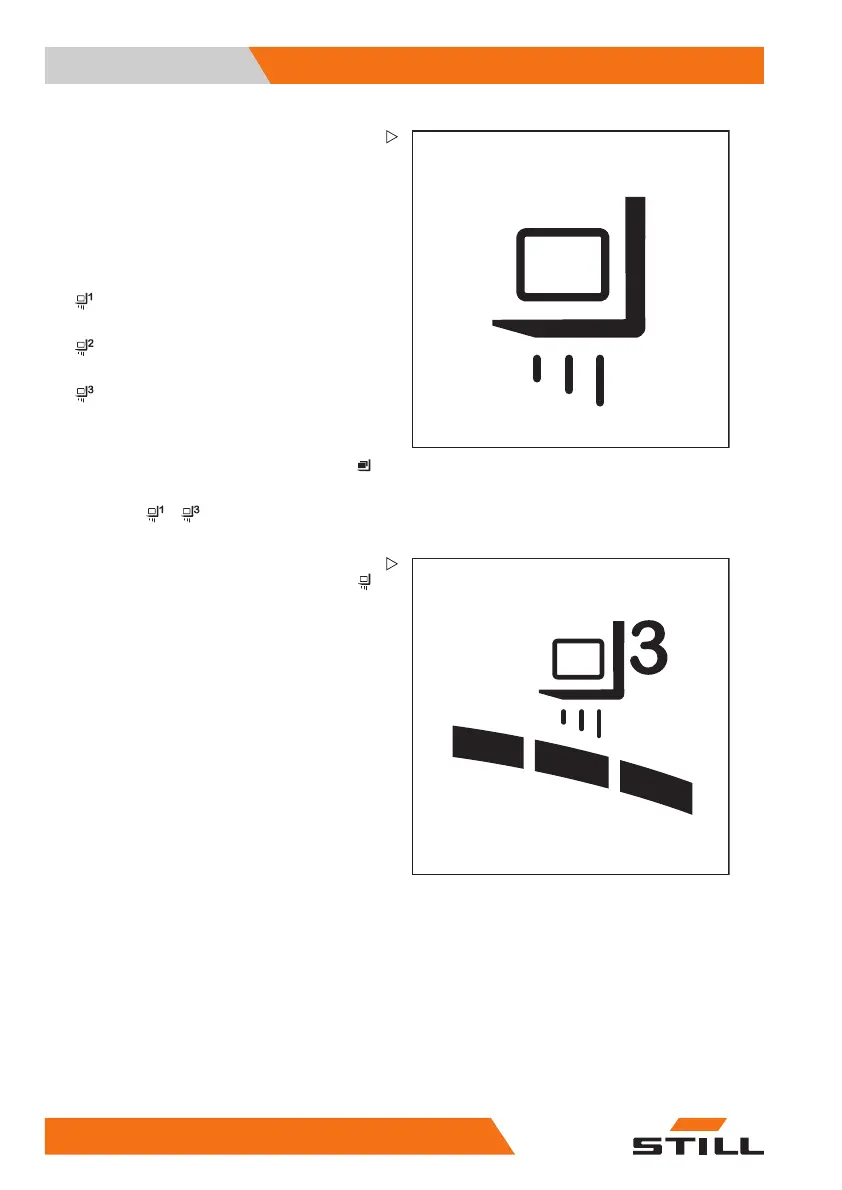
Selecting load programs 1 to 3
The truck has three load progr
ams for the
different lifting behaviour
softheforkcarriage
and the lift mast. The higher t
he number of the
load program selected, the gr
eater the load
dynamics.
Differences between the lo
ad programs
•
Load program 1:
66% lifting speed
•
Load program 2:
85% lifting speed
•
Load program 3:
100% lifting speed
The lifting behaviour of the truck is selected via
the display-operating unit under the "Load"
menu item.
–Pressthe
... softkey to select the
desired load program.
– If the load programs are saved as a favourite
on a softkey, press the "Load dynamics"
softkey until the number of the desired load
program is shown on the display.
The number of dynamic bar segments shows
the load dynamics of the selected load pro-
gram.
178
56368011531 EN - 06/2019 - 02



 To Next Page