Operation 4
Dynamic Load Control
0,0°
0,70
m
1,5 t
--,-- t
6219_003-225
1
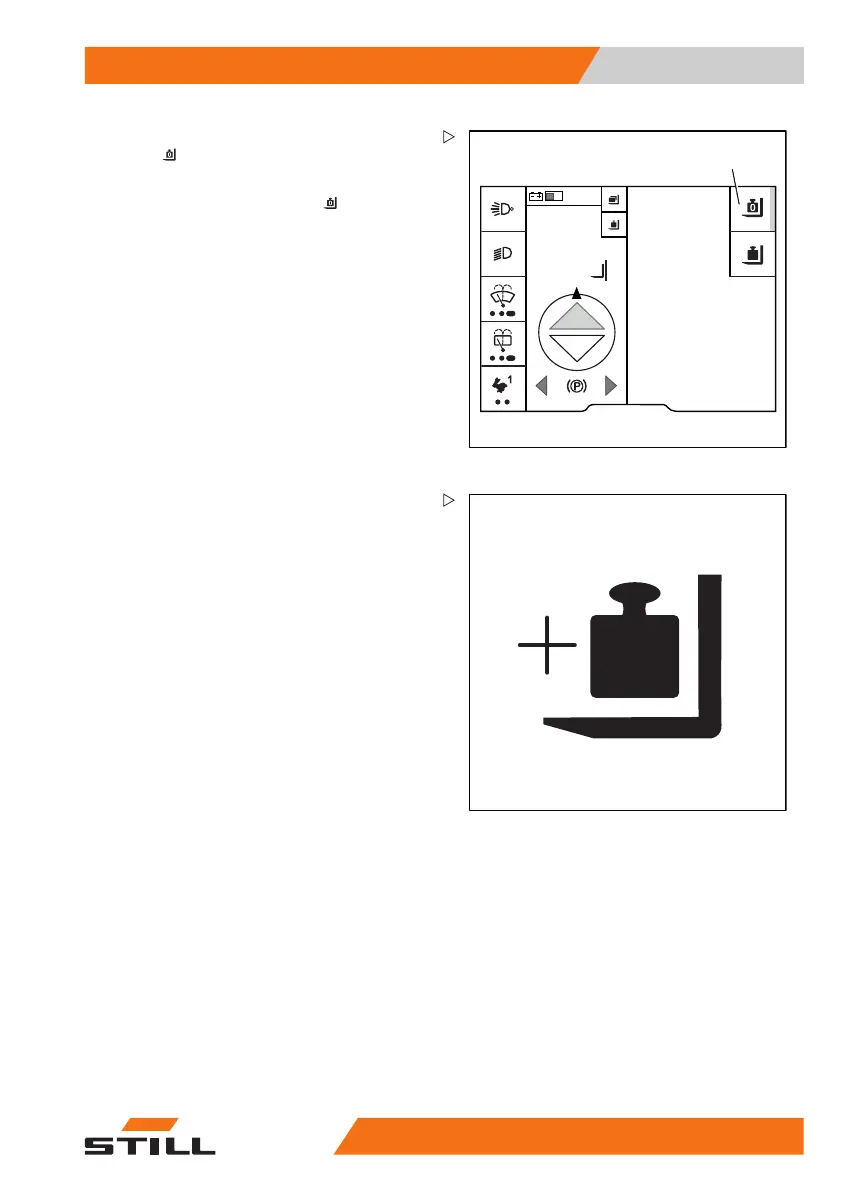
– To delete the tare weight, press the soft-
key
(1).
The tare weight is deleted. Th
e activation
bar next to the "Tare" symbol
g
oes out.
--.-- t is shown on the display
.
Total load (variant)
Use the "total load" variant to calculate the
total weight of multiple loads. The "total
load" is an additional function of the "load
measurement". It records the individual loads
and stores up to three total loads.
This allows, for example, three different
containers to be laden and their loading weight
to be determined. This function is helpful if, for
instance, a container has a limited payload
and you want to know when the permissible
load weight has been reached.
This function is us
eful for comparing the loads
indicated on deliv
ery documents to the actual
loads, for example
.
The procedure for ad
ding up the total load is
as follows:
1 Pick up the load and call up the load
menu,
2 Measure the load,
3 Add/subtract the load.
563
68011531 EN - 06/2019 - 02 217



 To Next Page