Operation 4
Lighting
Fleet manager
access authorisation
granted
6219_003-208
The Access authorisation fleet
manager granted
message appears.
– To confirm, push the Softkey
.
"Access authorisation for th
e fleet manager" is
activated. The display retur
ns to the settings
menu.
If the password entered was incorrect, the
message
Password incorrect is dis-
played.
– If this happens, enter the password again.
NOTE
While the "Access authorisation for the fleet
manager" is activated,
Fleet manager
is
displayed in an orange bar at the bottom of the
screen.
Lighting
Meaning of the symbols
Individual lighting devices are switched on and
off using the "Lighting" sub-menu.
– To access this sub-menu, push the but-
ton
.
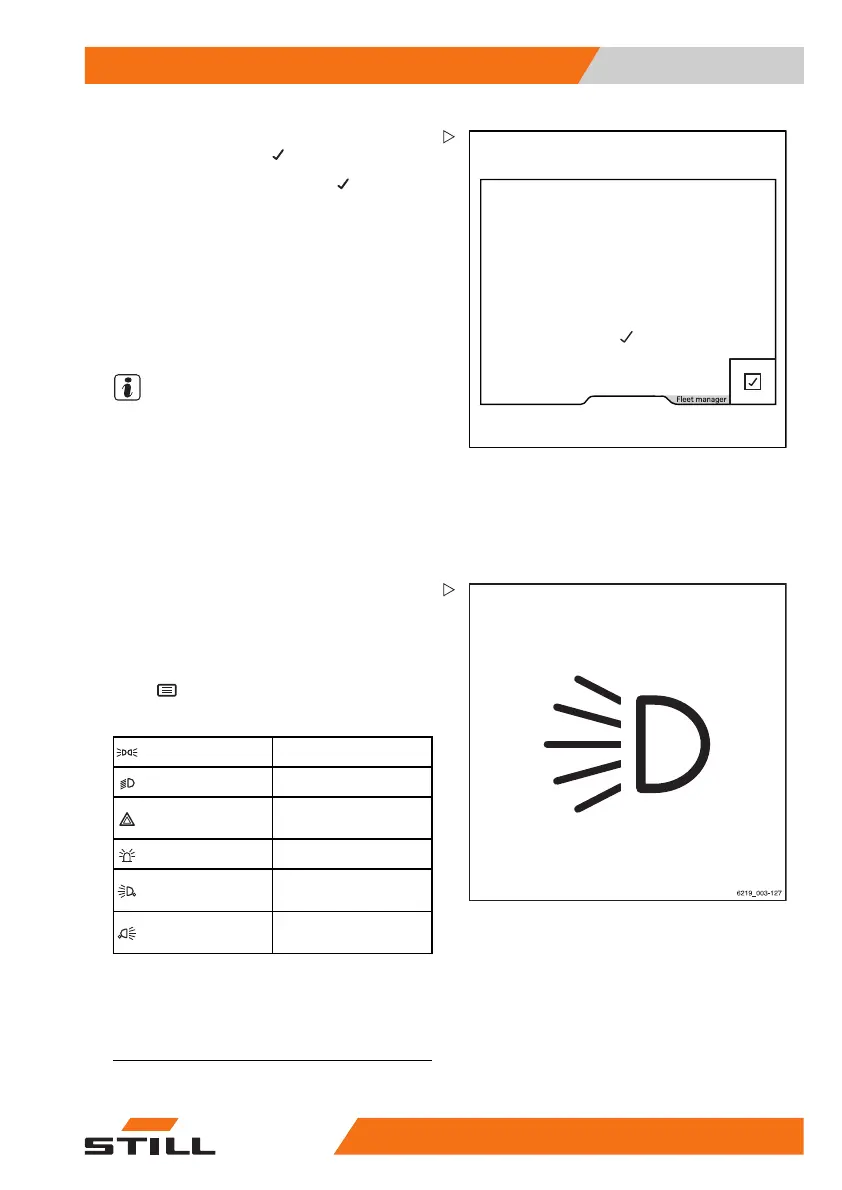
Symbols for the lighting and their meanings
Parking light
Headlights
Hazard warning
system
1
Rotating beacon
Front working
spotlights
Rear working
spotlight
Only the symbols of the lighting devices that
are installed in the truck can be selected.
When one of the lighting devices is switched
1
This function is not available if the truck is equipped with the "StVZO" (German Road Traffic Licensing Regu-
lations) variant. In this case, the hazard warning system is switched on and off via the hazard warning button
on the steering column. For more information, refer to the section entitled "Hazard warning system".
563
68011531 EN - 06/2019 - 02 121



 To Next Page