Operation 4
Efficiency and drive modes
Switching Blue-Q on and off
– To switch on Blue-Q efficiency mode, push
the associated softkey.
The Blue-Q symbol
appears on the dis-
play/operating unit and Blue-Q efficiency
mode is switched on.
– ToswitchoffBlue-Qefficien
cy mode, push
the associated softkey agai
n.
The Blue-Q symbol disappears and Blue-Q
efficiency mode is switched off.
STILL Classic and sprint mode
Drive modes influence the driving perfor-
mance and the lifting performance of the elec-
tric drive.
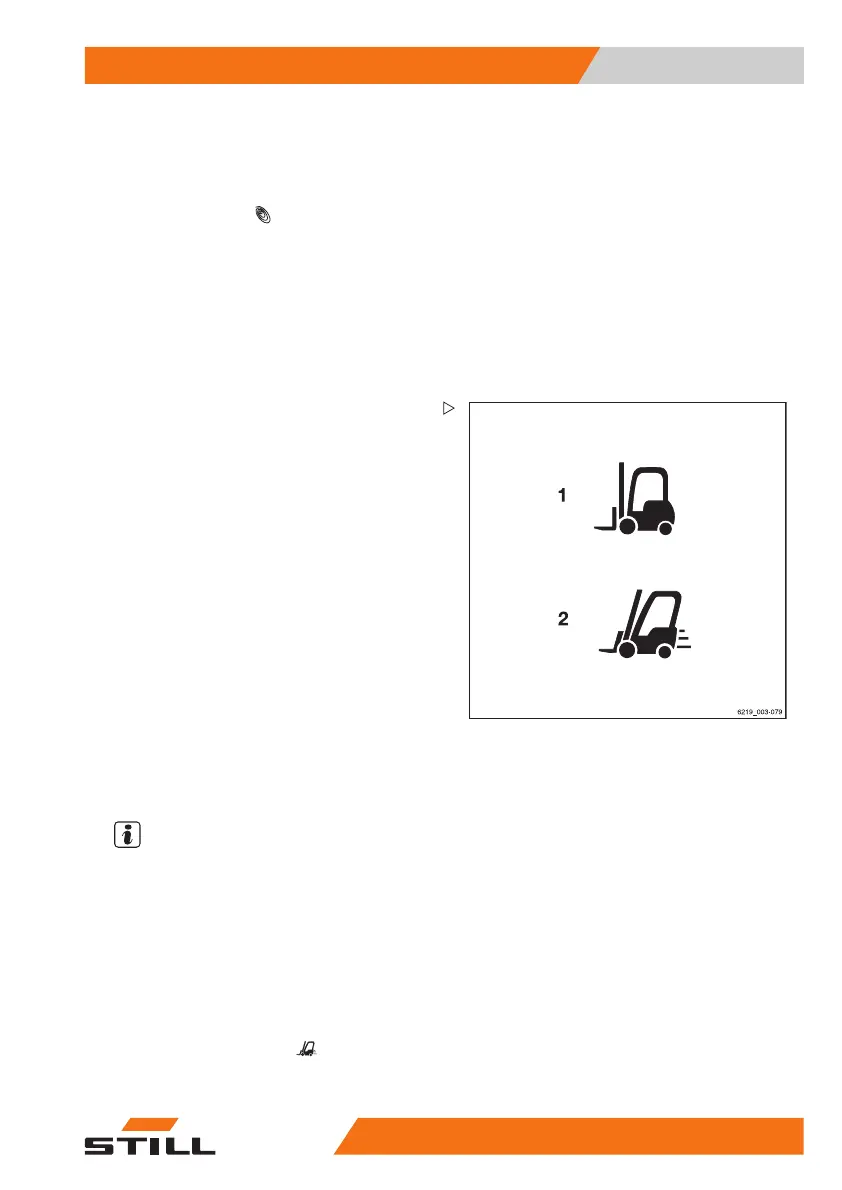
Two different drive modes are available:
1 STILL Classic
This mode is active afte
r the truck has
been switched on. This
mode is the
default setting and pr
ovides a balance
between hydraulic fun
ctions and driving
functions. The maximu
m speed is
20 km/h. No symbol is sh
ownonthe
display.
2 Sprint mode
In sprint mode, the truck accelerates
more quickly to a maximum speed of
20 km/h. This mode also increases the
lifting speed. Sprint mode is for driving on
clear and spacious terrain.
NOTE
If sprint mode is used, the truck's energy con-
sumption is higher. The battery is therefore
discharged more quickly. The drive units heat
up more quickly.
Switching sprint mode on and off
– To switch on sprint mode, push the associ-
ated softkey.
The "sprint mode" symbol
(2) appears on
the display of the display-operating unit. Sprint
mode is switched on.
563
68011531 EN - 06/2019 - 02 131



 To Next Page