4 Operation
Traction
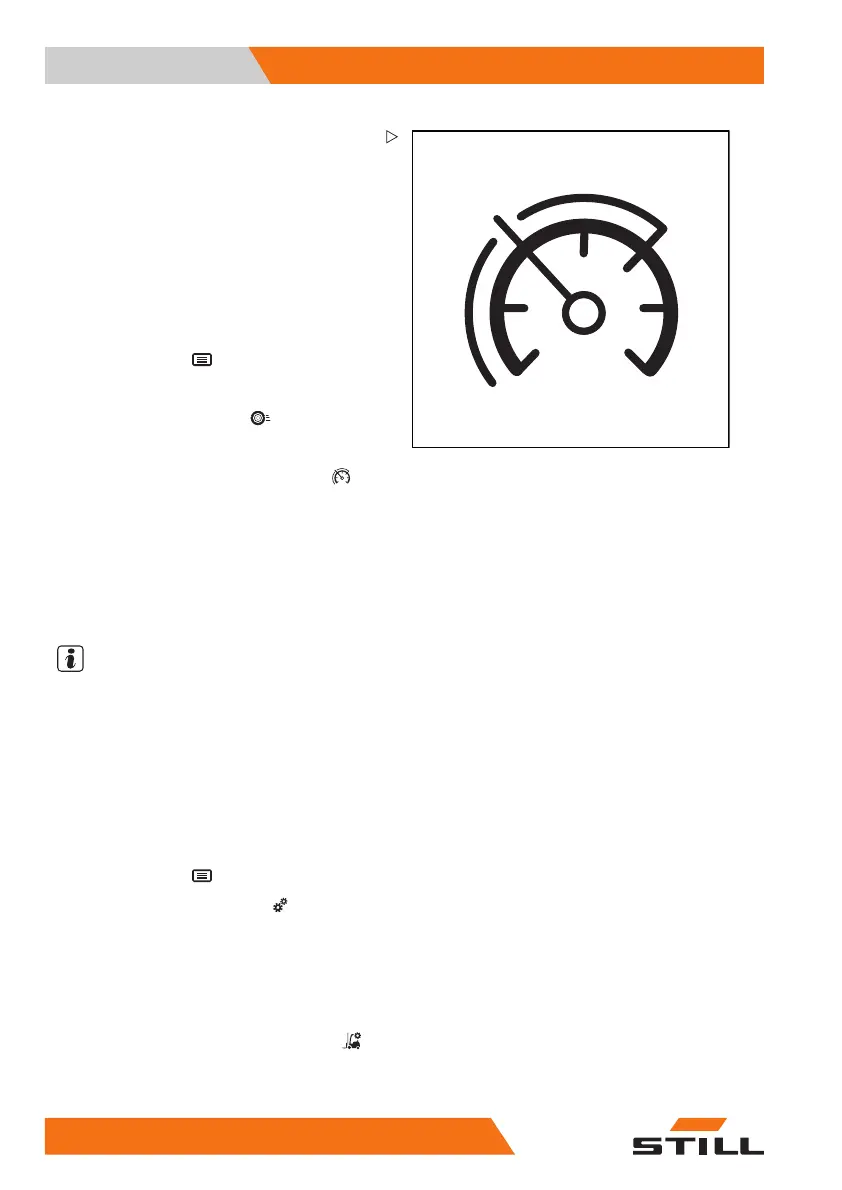
Speed restriction (variant)
The speed restriction (varia
nt) is a function
that can be configured by the fle
et manager.
It sets a maximum speed that ca
n either be
permanent or be called up by th
edriver.This
function helps the driver to c
omply with speed
restrictions, e.g. in stor
age areas or specific
areas.
Switching the speed restr
iction on and off
– Press the button .
The first menu level appears.
– Press the "Drive" softk
ey
.
The "Drive" menu appears.
– Press the "Speed restriction" softkey
.
The activation bar appe
ars next to the symbol.
The speed restriction i
s switched on.
– To switch off the speed restriction, press the
softkey again.
Configuring the speed restriction
NOTE
Access to the setti
ngs menu is only available if
the truck is at a stand
still and the parking brake
is applied. If the pa
rking brake is released
prematurely, the se
ttings menu will close.
Access is only granted
when the password is
entered by the fleet man
ager.
– Stop the truck.
– Actuate the parking brake.
– Press the button
.
– Press the "Settings" softkey
.
The first menu level appears.
– Activate the "Acces
s authorisation for the
fleet manager".
The "Settings menu" opens on the display.
–Pressthe
Truck settings softkey .
–Pressthe
Speed re
striction
softkey.
156
56368011531 EN - 06/2019 - 02



 To Next Page