User’s Manual
108 Software Configuration
Link (Looping)
The Link field indicates what cue will run next and can be used to change the order that cues run.
In addition to this you can specify the number of times that a loop will occur and also what cue will be executed when
the loop ends or the cue GO is executed.
For example a cue can loop back to a previous cue and loop a specific number of times and then execute a different
cue when finished. If the cue GO is pressed at any time though this loop then the exit cue will be run. If no loop count
is specified then the system will loop indefinitely however pressing the GO will exit the loop to the specified exit cue.
To set the loop information enter the details with the following syntax…
Cue number to loop to, Number of times to loop, Exit Cue Number
Example…
Notes
Use the cue notes to record any additional information about the cue that might be useful later. This is a free form
field that can hold almost any amount of data. You could for example use the notes field to store the script pages
associated with the cue.
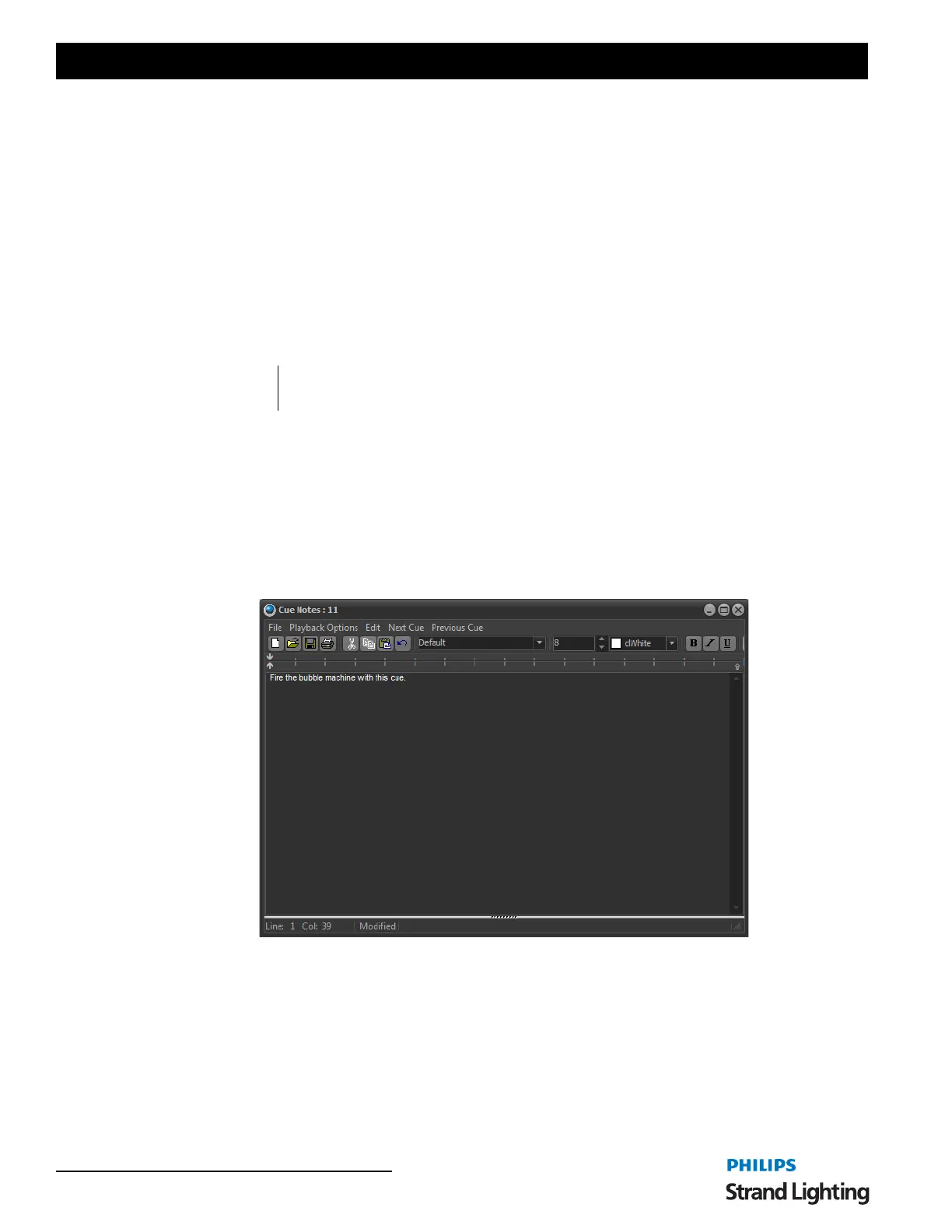
Double click on the notes field to open the "Cue Notes Editor". This form is a very simple text editor that will allow
you to change text fonts, set alignment, copy and paste.
In the top menu of the Cue notes editor are options to move to the next or previous cue. As you select these options
the cue notes will change to show the notes corresponding to the selected cue.
Playback Options
When a cue is executes NEO will display the cue notes in a non-editing window. The playback options at the top of
the window can be used to set other features during cue execution.
Send Notes to Telnet Sessions - If this option is on then when a cue executes the notes will be sent to all telnet clients
that are currently connected.
Read cue notes on execute - Using the build in speech engine of windows the software will read the text in a
computer voice out the standard audio port of your computer.
4,10,8 Loop to cue 4, 10 times and exit to cue 8
4,0,23 Loop to cue 4, loop indefinitely and exit to cue 23 when the GO button is pressed



 To Next Page