Control Panel 197
NEO Lighting Control Console
System
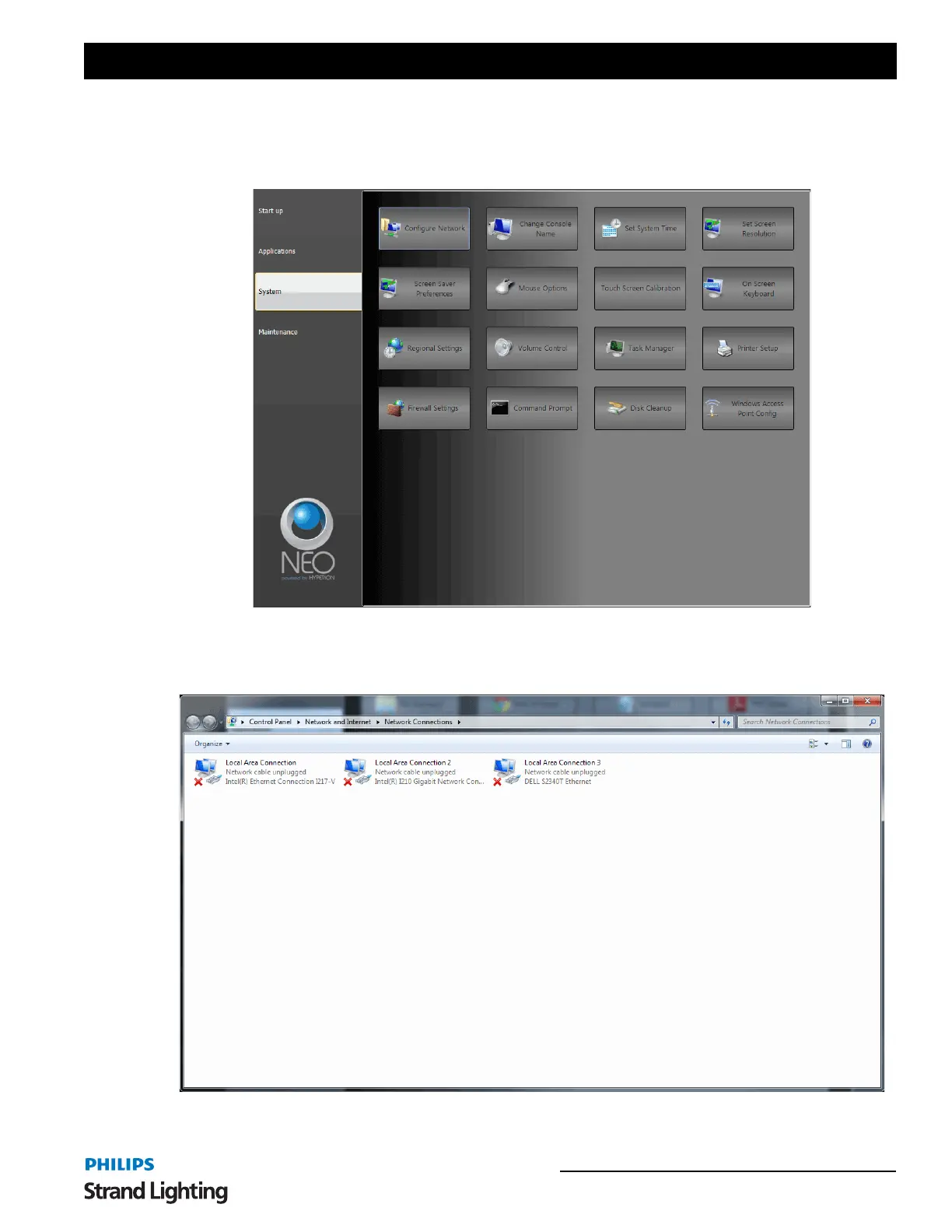
The NEO Control Panel: System gives you access to Windows PC system configuration items to help you configure
your NEO to your system.
Configure Network - launches the Windows Network Connections application. Here is where NEO's network can be
configured for your lighting network. Remember that NEO has 2 isolated network ports so make sure you are
configuring the correct one.
Select the correct Local Area Connection. Right click and select Properties.



 To Next Page