NEO Software License Registration 79
NEO Lighting Control Console
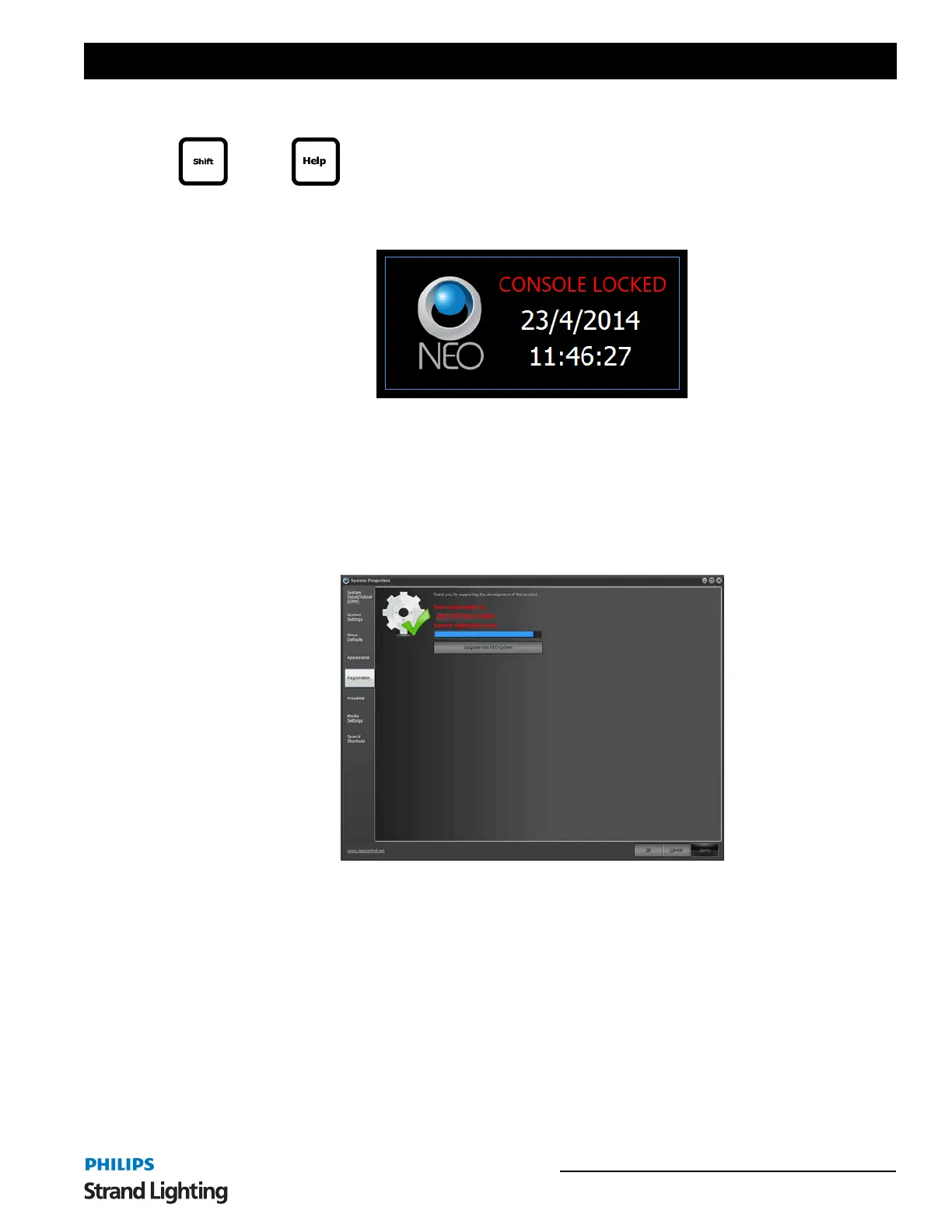
Lock System - locks the console faceplate. [SHIFT] + [HELP] is the Command Line solution for locking and
unlocking the NEO console.
Open NEO Manual - Opens the NEO console user’s manual (this document).
Open NEO Quick Start Guide - Opens the NEO console Quickstart reference guide.
9. NEO Software License Registration
NEO uses a software license to ensure that the product has been legally purchased. Without a valid registration code,
the software will still operate normally and no functionality will be restricted, however the software will not produce
any DMX output.
To enable the DMX hardware interface, a valid registration must be entered - whether at time of install, or through the
"Registration" tab in this window.
To change the registration code enter the details into the edit box provided at the top of this page. Registration of the
software is based on the "Serial Number" and the "Registration Code". Both of these number must match for a
registration to be valid.
Enter your registration details and click on the "Apply" to confirm that the details entered are correct. A dialog will
inform you if incorrect details have been entered.
+



 To Next Page