FX List (Effects Editor) 109
NEO Lighting Control Console
Clear display if cue notes are blank - If this option is off then the last notes displayed will remain on screen until the
next cue with valid notes is executes. With this option on the cue notes screen will be cleared.
Preview notes for the next cue on execute - With this option on the playback of cue notes will always be one cue
ahead of the current cue.
Testing a Show
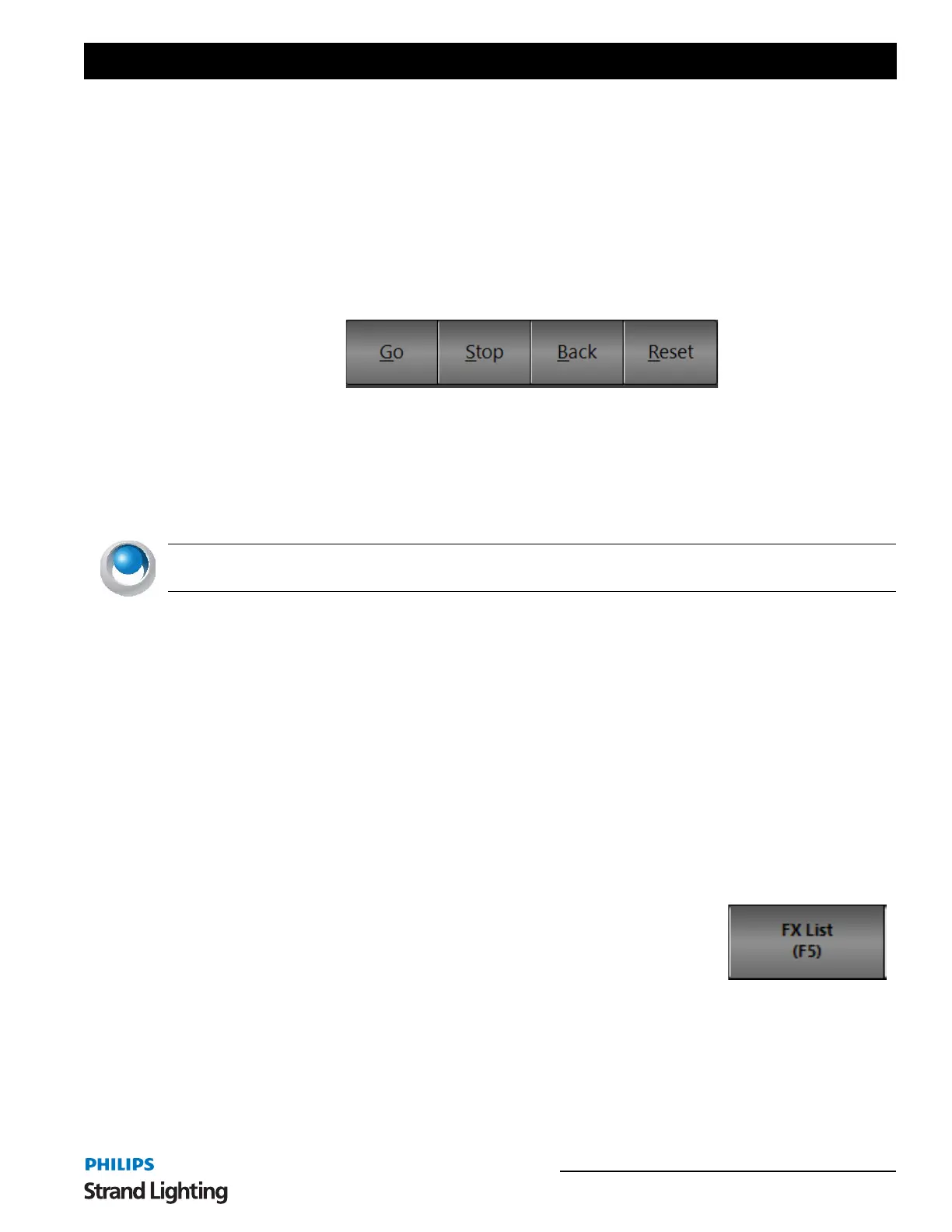
The "Cue List Editor" window provides convenient controls to allow you run and test a show. The four controls are
the same as each of the cue list playbacks and operate exactly the same way. If the show you are working on has only
one cue list there is no reason to use any of the additional playbacks and can run your entire show from the cue list
editor window. See “Cue Playbacks” on page 154 for more information.
Cue Go
This will execute the next cue in the active cue list. If there is no current cue active the "cue go" button will execute
the first cue in the list. As soon as this button is pressed, the cue will start and a cue progress will be displayed in the
status field of the cue
NEO NOTES & TIPS: If the cue is triggered by some external event, such as a timecode, then the "cue go" will
override this and execute the cue immediately.
Cue Stop
This will stop the execution of the cue immediately. Any fades or waits will terminate and the current lighting state
will be maintained. The will also stop the next cue from being executed regardless of its trigger.
Cue Back
The "cue back" button will execute the previous cue (the cue whose "next cue" value is the current cue) and terminate
the current cue.
Cue Reset
"Cue Reset" resets the entire cue list and sets the current cue to nothing. Pressing the "cue go" after a reset will cause
the first cue to start. Resetting the cue can be thought of as a "rewind to beginning" function. This will also release all
of the channel from cue control.
16. FX List (Effects Editor)
An effect sequence is an automated sequence of lighting states that typically runs
without user interaction. There are six types of effects supported in this version of
NEO.
Simple Chase - Simple chases, contains a number of lighting states and are similar to a
basic cues list.
Timeline - This effect contains a list of fixtures each assigned a number of timed segments. All effects have a default
length of time (in seconds) that they will run for.
Profile - This effect allows you to assign a profile path to specific attributes of the fixture. As the effect runs over a
set time the attribute follows the defined profile path.
Matrix - Specifically designed for use with LED or grid lighting this effect provides an easy way to deal with a large
number of lights.
Cue List Editor controls for testing a show


 To Next Page