User’s Manual
214 NEO Concepts and Terminology
Selection Shortcut - Setting a selection shortcut will allow you to select the channels in the group with a single
button press.
Toggle Shortcut - A toggle shortcut can be used to temporarily turn the channel group on and off. Pressing it once
will set the channel group to full and once in that state pressing a second time till set the group to 0.
Apply Shortcut - Pressing the button assigned to an apply shortcut will set all of the channels to the state recorded
into the group without changing the group value. The level will be "Applied".
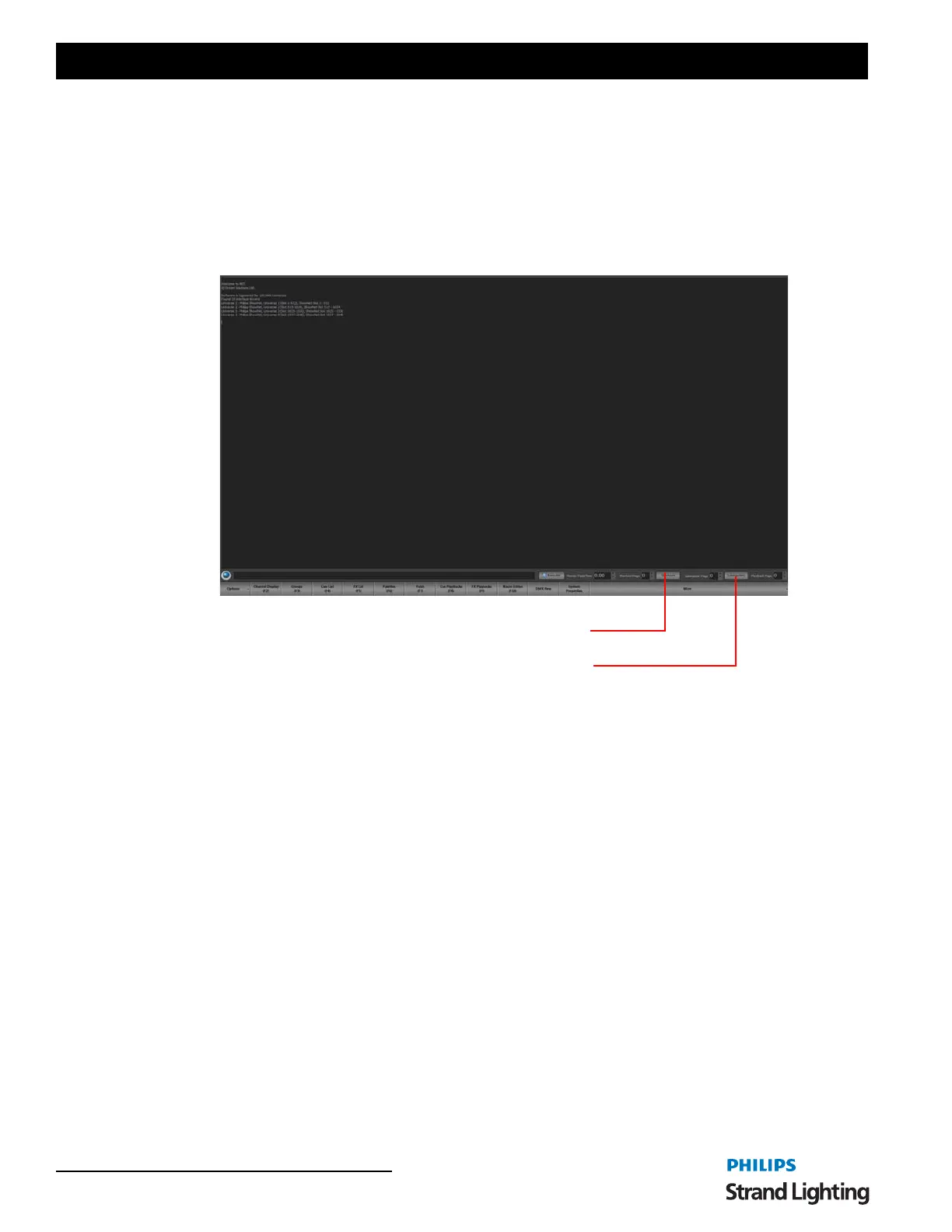
Submasters and shortcuts are both accessible via controls at the top of the Command Line interface.
3. Cues
A cue is an event in a production that is the signal for a specific action. The response may include any lighting change
that is required. Cues define how the lighting is set during the various parts of a performance. Using the NEO
console, cues can run automatically or be user-controlled.
A cue can contain a number of channels, and defines all their states for a particular part of a performance. One or
more effects can be included, as well as defining the fade times, dwell, and effect delays.
Cue can also trigger executing system shortcuts such as macro's and palettes.
Cues can be sub-grouped into "Cue Lists", enabling them to be easily identified and managed.
Cue Number
Each cue within a cue list has a unique number, known as a cue number. When a cue is created, it is automatically
assigned a number. NEO supports up to 7 whole number and 3 decimal places with each cue numbering allowing for
cues to be inserted in between other cues. When a cue is added to the end of the cue list it will always be given a
whole cue number. If a cue is inserted between two other cues then the new cue number will be half way between the
cues.
Blocking
Blocking is an override of the tracking behavior for a cue or a channel. A channel that is "Blocked" will always apply
the values set regardless of the previous cue state. Blocking is most commonly applied to an entire cue to create a
known or fixed lighting state in the show. The first cue should always be blocked and in NEO this will be done
automatically for you as a Smart Block.
Shortcuts
Submasters


 To Next Page